ToMoviee
Your All-in-One AI Creative Studio
ToMoviee enables seamless creation of videos, images, and audio, transforming text into stunning media effortlessly and instantly.
What is ToMoviee?
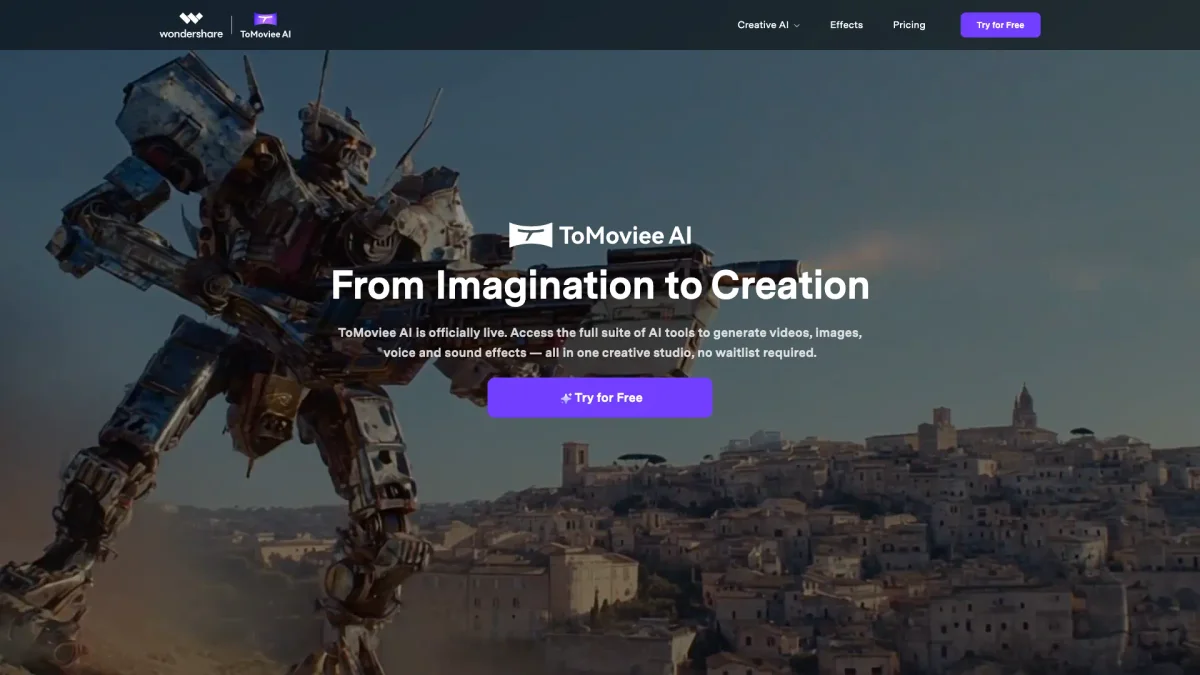
ToMoviee is a comprehensive AI creative studio that empowers users to transform text into videos, images, and audio with exceptional ease. It addresses the challenge of content creation by providing tools that allow for instant generation of lifelike visuals and sounds, enabling creators to bring their ideas to life without extensive waiting or technical barriers. The platform offers several key benefits, including high-speed rendering, fine-tuned control over creative elements, and realistic outputs that enhance storytelling. By streamlining the creative workflow, ToMoviee helps users—from individual creators to enterprise teams—unleash their full artistic potential and produce captivating content efficiently, making it an invaluable resource for modern content creators.
Key Features
- Text to Video generation
- Image to Video transformation
- AI-driven sound effects creation
- Customizable audio tracks
- Realistic voice generation
- Video extending capabilities
- Seamless integration across devices
Who is it for?
- Content creators and bloggers
- Digital marketing agencies
- Film and media professionals
- Social media influencers
- Corporate marketing teams
Use Cases
1. Social Media Video Creation
Utilize ToMoviee to quickly generate engaging videos from text scripts, perfect for social media platforms. This tool allows marketers to enhance their content strategy by producing visually stunning videos that capture audience attention.
2. Enhanced Brand Storytelling
Brands can leverage ToMoviee to create compelling narratives through videos and audio, effectively communicating their message. The tool's capabilities ensure that brands can produce high-quality content that resonates with their target audience.
3. Educational Content Development
Educators and trainers can use ToMoviee to transform lessons into interactive videos, enhancing learner engagement. This application of the tool makes complex concepts more accessible and memorable for students.
4. Podcast Production
Podcasters can utilize ToMoviee to create engaging audio content by generating sound effects and background music from text inputs. This capability streamlines the production process, making it easier to produce high-quality episodes.
Pricing Plans
Pricing information not available on website. Please visit the official website for current pricing.
Frequently Asked Questions
1. Does ToMoviee offer a free trial?
Yes, ToMoviee provides a free trial that allows users to explore the full suite of AI tools without any waitlist, enabling them to test the capabilities before committing to a subscription.
2. What types of media can I create with ToMoviee?
ToMoviee allows you to create videos, images, and audio content, including sound effects and background music, all generated from text inputs to enhance your creative projects.
3. Can I use ToMoviee on mobile devices?
Absolutely! ToMoviee is available on mobile platforms, making it easy to create and edit content on-the-go through its dedicated app, ensuring creativity is never limited by location.
4. How fast is the rendering process on ToMoviee?
ToMoviee boasts 8x faster AI rendering capabilities, allowing users to generate videos, images, and audio from text inputs almost instantly, streamlining the creative workflow significantly.
ToMoviee Reviews & Ratings
Real user feedback and ratings for ToMoviee. See what the community thinks about this AI tool.
No reviews yet
Be the first to share your experience with ToMoviee