
TomatAI
Automate data analysis with AI
TomatAI simplifies data analysis by automating processes for Excel and CSV files, enabling users to clean, transform, and analyze data effortlessly and efficiently.
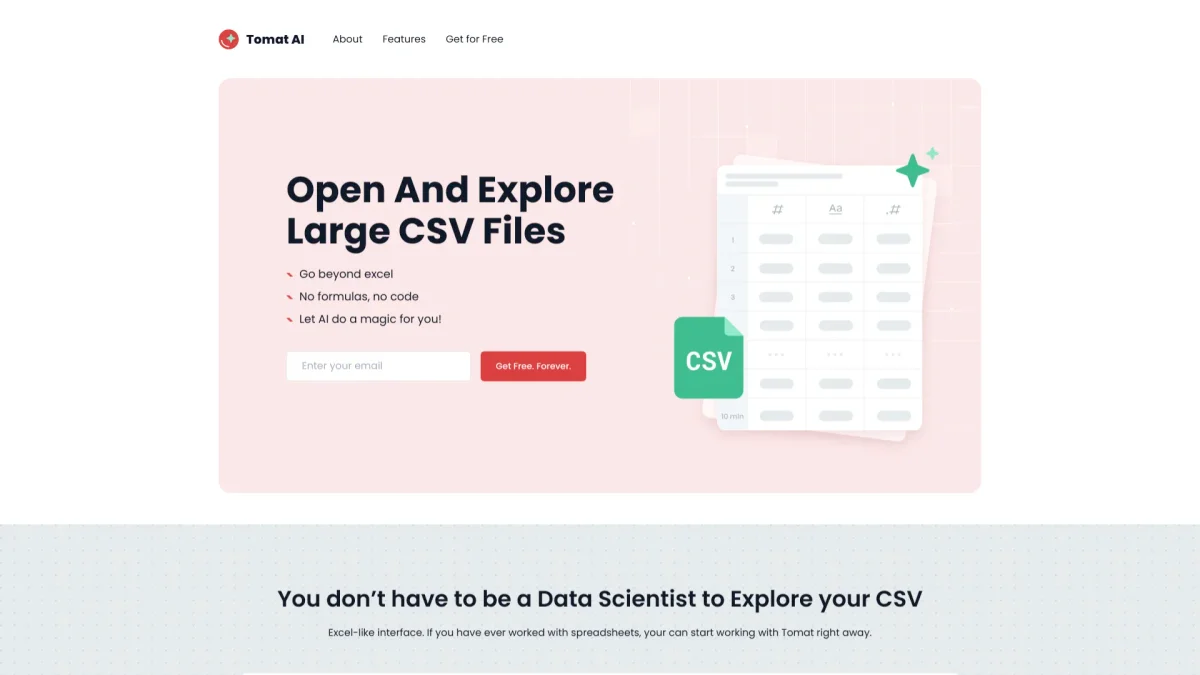
What is TomatAI?
TomatAI is a powerful tool designed to automate data analysis, particularly for Excel and CSV files. Its primary purpose is to streamline the process of cleaning, transforming, and enriching large datasets without requiring technical skills. By utilizing AI, users can efficiently handle massive amounts of data, reducing the time spent on manual tasks and enhancing productivity in data management. The key benefits of TomatAI include the ability to build reusable workflows, apply AI-driven web research, and generate instant reports. Users can filter, sort, and group data through an intuitive point-and-click interface, making complex data manipulation accessible to everyone. This tool is ideal for anyone looking to improve their data processing capabilities while maintaining full control and security over their datasets, as all processes occur locally on their machines.
Key Features
- Automate Excel and CSV data processing
- Create reusable visual workflows
- Apply AI web research at scale
- No need to upload large files
- Instant data quality insights
- Generate reports with charts
Who is it for?
- Data analysts and scientists
- Business intelligence professionals
- Marketing teams and researchers
- Small business owners
- Freelancers handling data
Use Cases
1. Streamlining Data Cleaning
TomatAI allows users to automate the cleaning of messy datasets from various sources. Simply upload your Excel or CSV files, and use AI to filter out errors and inconsistencies, saving countless hours that would otherwise be spent on manual corrections.
2. Bulk Web Research Automation
With TomatAI, users can conduct bulk web research efficiently. Enter a prompt once, and the AI applies it to every row in the dataset, enriching data with relevant information in seconds, perfect for market analysis or data enrichment tasks.
3. Creating Visual Data Workflows
Users can design complex data workflows visually without any coding. TomatAI's drag-and-drop functionality enables the merging, sorting, and restructuring of data effortlessly, allowing for a more intuitive approach to data management.
4. Generating Instant Reports
TomatAI facilitates the quick generation of reports by allowing users to add charts directly to their workflows. This feature is invaluable for presentations, as it enables users to export polished reports in PDF format swiftly.
Pricing Plans
Free: 30,000 trial credits with basic features, Solo: $5/month - Start with 500,000 AI credits, customizable plans available for additional credits.
Frequently Asked Questions
1. How does TomatAI handle large datasets?
TomatAI is capable of processing datasets of any size, from 1 to 1 million rows, without the need to upload large files to the Cloud, ensuring a seamless and efficient workflow.
2. What skills are needed to use TomatAI?
No special technical skills are required to use TomatAI. If you are familiar with Excel, you can easily navigate and utilize the tool's features for data analysis.
3. Can I purchase additional AI credits?
Yes, after the trial period, you can purchase additional AI credits by selecting the Solo plan and customizing the number of credits needed, starting from 500,000 credits for just $5.
4. Is my data safe when using TomatAI?
Absolutely. TomatAI operates entirely on your local machine, meaning your files never leave your laptop. This ensures complete control and ownership of your sensitive data.
TomatAI Reviews & Ratings
Real user feedback and ratings for TomatAI. See what the community thinks about this AI tool.
No reviews yet
Be the first to share your experience with TomatAI