
timeOS
Transform meetings into actionable insights
timeOS automates follow-ups, notes, and summaries, ensuring every meeting leads to meaningful actions without the hassle of manual note-taking.
What is timeOS?
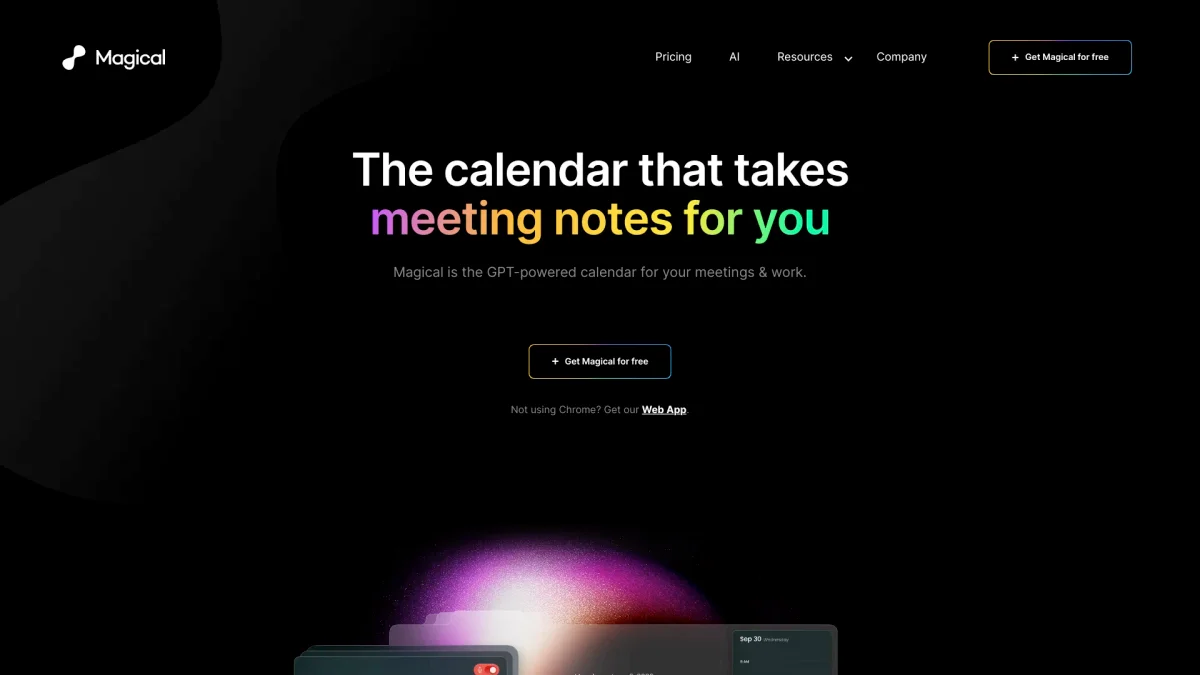
timeOS is an innovative AI tool designed to streamline the meeting process by automatically capturing notes, sending emails, and generating actionable items. Its primary purpose is to eliminate the tedious task of manual note-taking, allowing users to focus on the conversation and ensure no important details are overlooked. With features like automatic follow-ups and meeting summaries, timeOS addresses the common challenges faced during meetings, making them more productive and organized. The key benefits of using timeOS include significant time savings and enhanced productivity for users across various roles, including managers, marketers, and coaches. By automating routine tasks such as drafting emails and summarizing discussions, timeOS helps users maintain focus on their core responsibilities. This tool not only transforms how meetings are conducted but also improves collaboration and accountability, making it an essential asset for teams looking to optimize their workflow.
Key Features
- Automated meeting summaries
- Email drafting from meeting notes
- Integration with Notion and Google Drive
- Real-time transcription and analysis
- Customizable templates for workflows
- Automatic follow-up reminders
- Visual insights and data organization
Who is it for?
- Agencies and marketers
- Business founders and entrepreneurs
- Coaches and mentors
- Product managers and UX researchers
- Consultants and advisors
Use Cases
1. Seamless Meeting Summaries
Utilize timeOS to automatically generate concise summaries of meetings. By capturing key points and action items, users can share these summaries with team members, ensuring everyone is aligned and informed post-meeting.
2. Automated Email Follow-Ups
After meetings, timeOS can draft follow-up emails based on the discussions held. This feature allows users to quickly customize and send emails without missing important commitments or action items.
3. Content Planning from Discussions
Transform insights gathered from meetings into a structured content plan. timeOS helps users outline topics, generate social media posts, and plan video ideas based on the conversation's context.
4. User Insights for Product Development
Capture user feedback during calls and automatically categorize insights into actionable statements. This feature assists product managers in prioritizing feedback and addressing user needs effectively.
5. Integrated Workflow Management
Connect timeOS with tools like monday.com to create a streamlined workflow that updates automatically. This integration allows teams to manage tasks and projects efficiently, keeping everyone on track.
Pricing Plans
Pricing information not available on website. Please visit the official website for current pricing.
Frequently Asked Questions
1. What platforms does timeOS support?
timeOS is available for macOS and as a Chrome extension, allowing users to access its features directly in their browser and enhancing productivity without distractions.
2. How does timeOS ensure data security?
timeOS is designed with security in mind, compliant with SOC II Type II standards. All data is encrypted during transit and at rest, and users can request data deletion at any time.
3. Can I import templates from other tools?
Yes, timeOS allows users to import templates from Notion, enabling seamless workflow transitions and enhancing productivity by leveraging existing resources.
4. Is there a free version of timeOS?
The website does not specify a free version, but users can start for free. For detailed information, please check the official website for any available plans.
timeOS Reviews & Ratings
Real user feedback and ratings for timeOS. See what the community thinks about this AI tool.
No reviews yet
Be the first to share your experience with timeOS