TextGPT
Your AI Co-Pilot for Text Input
TextGPT enhances text editing with AI-driven suggestions in your browser, helping users create better content effortlessly while boosting productivity.
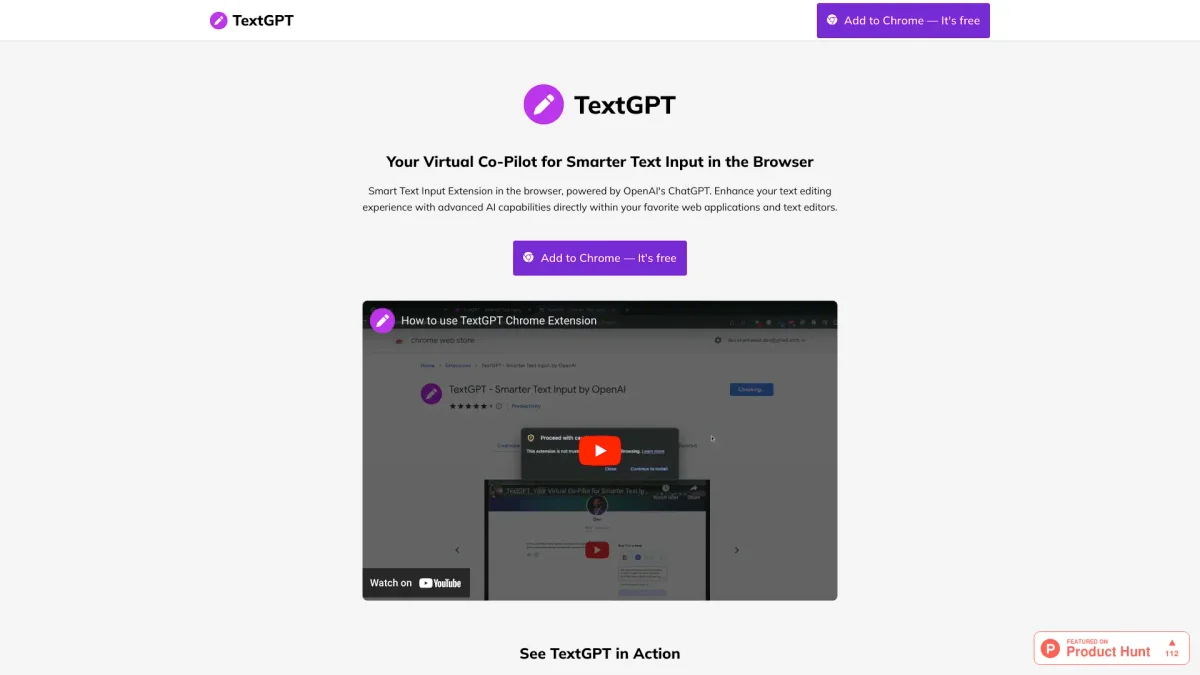
What is TextGPT?
TextGPT is a smart text input extension powered by OpenAI's ChatGPT, designed to enhance your writing experience directly within web applications and text editors. It helps users craft tailored content, such as job applications and social media posts, by providing intelligent, context-aware text suggestions. This tool addresses common writing challenges, making it easier for users to express their thoughts clearly and effectively. With TextGPT, users can significantly increase their productivity by up to 50%, allowing them to generate engaging content quickly and efficiently. It serves as a virtual co-pilot that enhances communication skills, saves time, and empowers users to create polished and professional content across various platforms. This tool is ideal for anyone looking to streamline their writing process and improve their overall text quality.
Key Features
- Leverages OpenAI's ChatGPT for suggestions
- Customizable keyword activation
- Seamless OpenAI API integration
- Hassle-free API key generation
- User-friendly settings customization
- Sync settings across devices
Who is it for?
- Job seekers and professionals
- Social media managers
- Content creators and bloggers
- Marketers and advertisers
Use Cases
1. Assisting with Job Applications
TextGPT helps users create tailored cover letters and resumes, enhancing their chances of landing interviews. The AI generates personalized content that aligns with specific job requirements, making applications stand out.
2. Crafting Engaging Tweets
With TextGPT, users can generate engaging and informative tweets that capture attention and grow their following. The AI suggests relevant content ideas, ensuring tweets resonate with the audience.
3. Professional LinkedIn Posts
TextGPT assists users in composing polished LinkedIn posts that make a positive impression on potential employers and clients. The tool helps articulate thoughts clearly and professionally, enhancing networking opportunities.
Pricing Plans
Pricing information not available on website. Please visit the official website for current pricing.
Frequently Asked Questions
1. How can I start using TextGPT?
To start using TextGPT, simply install the extension from the Chrome Web Store. You'll need to generate an OpenAI API key and enter it into the extension's settings for full functionality.
2. What types of content can TextGPT help me create?
TextGPT can assist in creating a variety of content, including job applications, social media posts, and professional communications for platforms like LinkedIn. It provides context-aware suggestions tailored to your needs.
3. Can I customize how TextGPT works?
Yes, TextGPT allows for customizable activation through a unique keyword and offers user-friendly settings to adjust its behavior and preferences, making it adaptable to individual writing styles.
4. Is my data secure while using TextGPT?
TextGPT prioritizes user data security by incorporating encryption and adhering to privacy regulations. This ensures that your information remains safe while using the extension.
TextGPT Reviews & Ratings
Real user feedback and ratings for TextGPT. See what the community thinks about this AI tool.
No reviews yet
Be the first to share your experience with TextGPT