

TextBehindPicture
Add Depth to Your Images Instantly
Create stunning images with text layered behind subjects in seconds, enhancing engagement and capturing attention for social media and content creators.
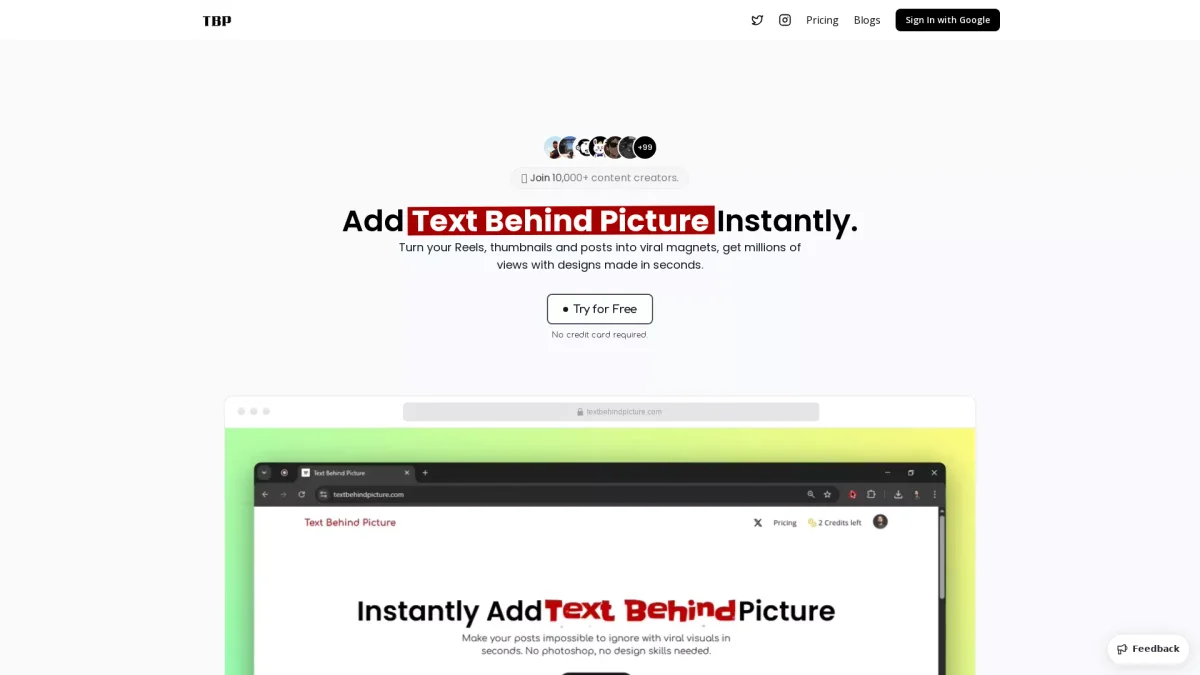
What is TextBehindPicture?
TextBehindPicture is a browser-based tool that allows users to create captivating text-behind-image effects effortlessly. By using AI-powered object detection, it solves the problem of flat images that fail to attract viewers, enabling content creators to enhance their visual appeal for platforms like YouTube, Instagram, and TikTok. Users can create stunning designs within seconds without needing advanced design skills or software like Photoshop. This tool offers a variety of customizable options, including over 250 fonts, color adjustments, and text positioning to create eye-catching visuals that stand out. By layering text behind images, users can increase click-through rates, viewer engagement, and overall content performance across social media platforms. Its ease of use and quick design capabilities make it an essential resource for creators looking to maximize their content's impact and longevity.
Key Features
- AI-powered object detection
- Supports multiple image formats
- Over 250 customizable fonts
- Instant design creation in under 60 seconds
- No design skills required
- High-quality image exports
Who is it for?
- Social media marketers
- Content creators and bloggers
- YouTube video producers
- Instagram influencers
- TikTok content creators
Use Cases
1. YouTube Thumbnails
Design eye-catching thumbnails for YouTube videos. By layering text behind the main subject, creators can enhance visibility and attract more viewers, increasing click-through rates.
2. Instagram Reel Covers
Create stunning covers for Instagram Reels with layered typography. This unique design approach helps content stand out in user feeds, boosting engagement and follower interaction.
3. Attention-Grabbing TikTok Visuals
Utilize the text-behind image effect for TikTok videos to create visuals that capture attention quickly. Engaging thumbnails can lead to higher watch times and increased shares.
4. Social Media Graphics
Generate compelling social media graphics that draw the viewer's eye. The layered text effect adds depth and style, making posts more appealing and shareable across platforms.
5. Pinterest Pins
Design high-quality Pinterest pins that stand out in crowded feeds. Unique visuals with layered text can drive long-term engagement and traffic, enhancing the visibility of posts.
Pricing Plans
Free: Basic features with limited credits, Pro: $9/year - Includes 1,000 credits, premium fonts, and watermark-free exports, Enterprise: Custom pricing - Tailored solutions for teams.
Frequently Asked Questions
1. Is TextBehindPicture free to use?
Yes, TextBehindPicture offers core features completely free with limited credits. Users can upload images, add text, and download designs without any cost.
2. How does TextBehindPicture work?
TextBehindPicture operates in three simple steps: upload a photo, let the tool detect the subject using AI, and then add and position your text for a layered effect.
3. What file formats does TextBehindPicture support?
TextBehindPicture supports JPG, PNG, and WebP file formats, allowing users to upload images up to 10MB in size for editing.
4. Do I need advanced design skills to use TextBehindPicture?
No, TextBehindPicture is designed for users of all skill levels. Its intuitive interface and automated features make it easy to create professional-looking designs without prior design experience.
TextBehindPicture Reviews & Ratings
Real user feedback and ratings for TextBehindPicture. See what the community thinks about this AI tool.
No reviews yet
Be the first to share your experience with TextBehindPicture









