
Tether
Streamline product feedback and bug reporting
Tether simplifies collecting feedback and reporting bugs, helping teams collaborate efficiently and enhance product quality in real-time.
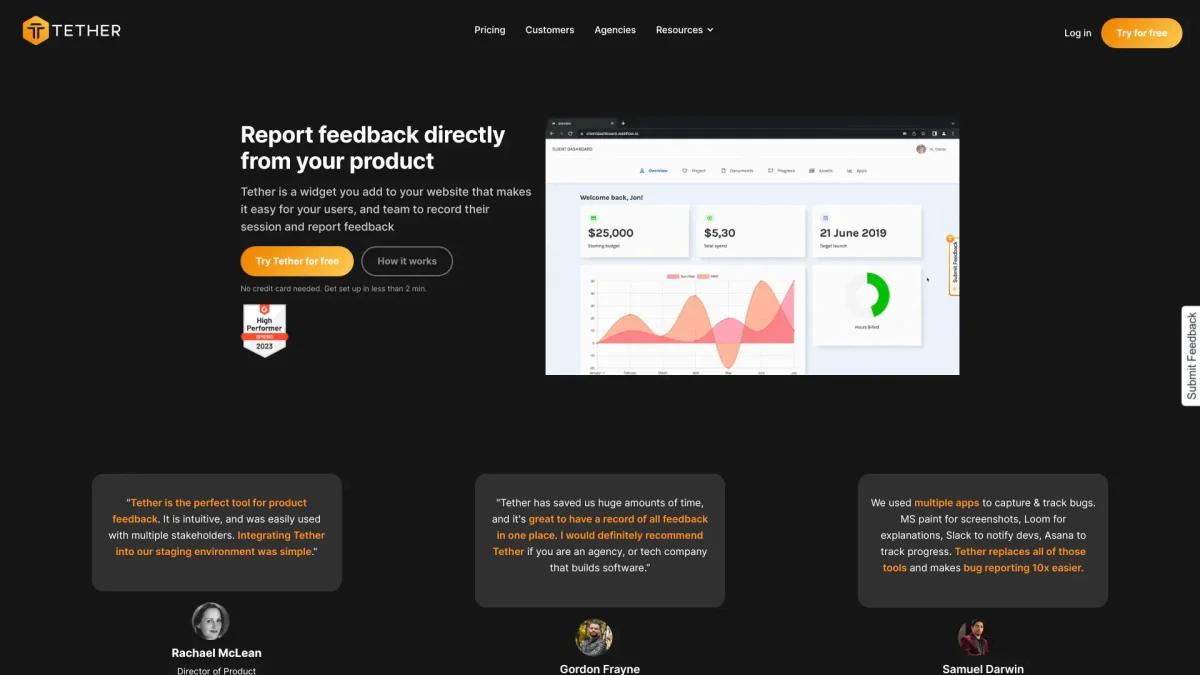
What is Tether?
Tether is an intuitive widget designed to facilitate product feedback and bug reporting directly from your website. It allows users and team members to easily record their sessions and provide clear feedback, eliminating the need for multiple tools and reducing the complexity of the feedback process. Tether aims to enhance communication between stakeholders and streamline the identification and resolution of issues. Key benefits of Tether include its easy installation, automatic data collection for bug reports, and integration with existing tools like Slack and Notion. It provides a centralized platform for all feedback, ensuring nothing gets lost in lengthy email threads or Slack messages. By simplifying the feedback loop, Tether enables teams to focus on product improvements, increasing overall efficiency and user satisfaction.
Key Features
- In-app screen capture functionality
- Loom-style screen recording
- Automatic technical data collection
- Seamless integration with existing tools
- Organized feedback management
- Guest account collaboration
- Chrome extension for quick setup
Who is it for?
- Product development teams
- Agencies and consultancies
- Tech companies building software
- Operations and support managers
- Quality assurance teams
Use Cases
1. Bug Reporting for Web Apps
Use Tether to capture and report bugs directly from your web application. Users can record their sessions and provide detailed feedback, including screen captures, which simplifies the troubleshooting process for development teams.
2. Client Feedback Collection
Agencies can leverage Tether to gather feedback from clients during project development. Clients can easily report issues and suggestions, ensuring that their voices are heard throughout the process.
3. Streamlined QA Testing
Quality assurance teams can use Tether to document testing results efficiently. The tool automatically collects technical data, making it easier to identify issues and track resolutions in one organized location.
4. User Experience Improvement
Collect user feedback on your product's usability with Tether. Users can provide insights directly, enabling teams to make informed decisions on enhancements and new features based on real user experiences.
Pricing Plans
Pricing information not available on website. Please visit the official website for current pricing.
Frequently Asked Questions
1. Does Tether offer a free trial?
Yes, Tether allows users to try the tool for free without requiring a credit card. This enables you to experience its features before committing to a paid plan.
2. How quickly can I set up Tether?
Tether can be set up in less than 2 minutes. You can install it directly or via Google Tag Manager without needing any developer assistance.
3. What kind of feedback can I collect with Tether?
Tether enables you to collect various types of feedback, including bug reports, feature suggestions, and general user experience insights, all organized in one platform.
4. Can Tether integrate with other tools?
Absolutely! Tether supports seamless integrations with tools like Slack and Notion, allowing you to keep your team updated and manage tasks efficiently.
Tether Reviews & Ratings
Real user feedback and ratings for Tether. See what the community thinks about this AI tool.
No reviews yet
Be the first to share your experience with Tether