
Submagic
Create viral shorts in seconds with AI
Submagic automates video editing workflows, enabling users to produce engaging short-form content quickly and efficiently for various platforms.
What is Submagic?
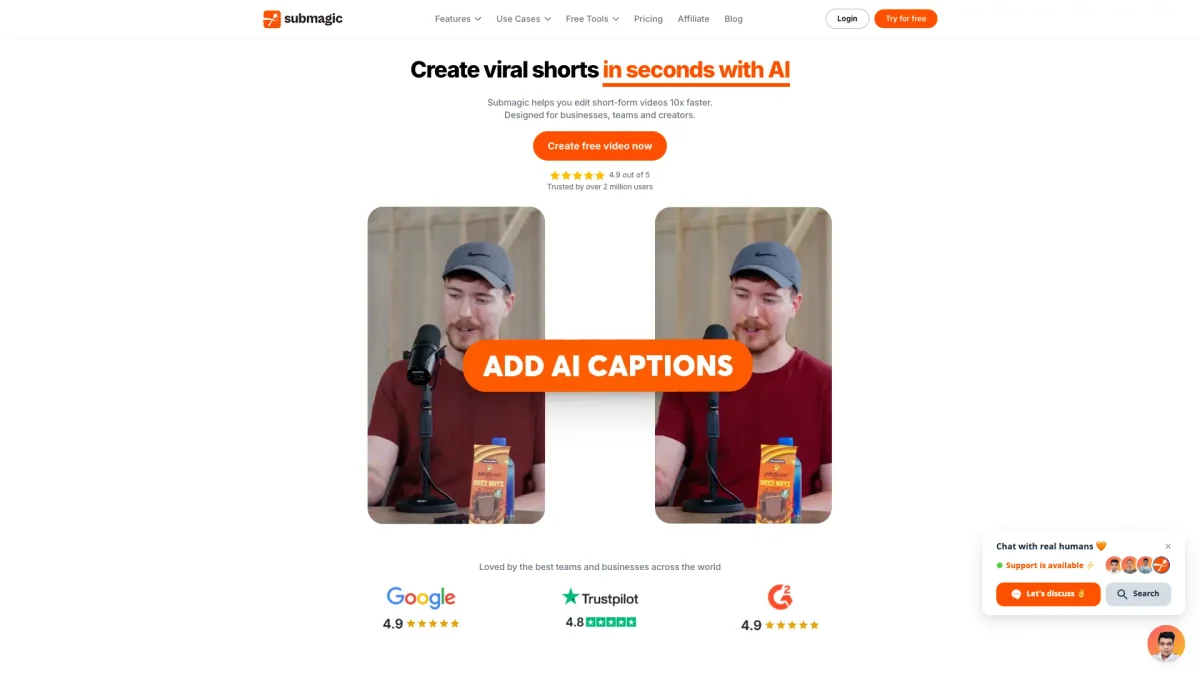
Submagic is an innovative AI-driven video editing tool designed to streamline the creation of viral shorts. Its primary purpose is to eliminate the tedious manual tasks associated with video editing, allowing users to transform raw footage into engaging short videos in just one click. By automating the editing process, Submagic solves the problem of time-consuming video production, making it accessible for everyone from marketers to content creators. Users benefit from Submagic's powerful features, such as AI captions, auto-editing, and publishing automation, which collectively enhance productivity and content quality. The tool is particularly valuable for businesses, media companies, and content creators looking to produce high-performing video content at scale. With Submagic, users can easily create and publish captivating shorts across multiple platforms, ensuring they stay relevant in the fast-paced digital landscape.
Key Features
- AI Captions in 48 languages
- One-click video editing
- Magic Clips for repurposing
- AI avatars for cost-effective content
- Automated scheduling and publishing
- B-roll and sound effects integration
- Collaborative workspace for teams
Who is it for?
- Content creators and influencers
- Digital marketing agencies
- Media companies and publishers
- E-commerce businesses
- Advertisers and marketers
Use Cases
1. Social Media Video Production
Use Submagic to create attention-grabbing videos for platforms like TikTok and Instagram Reels. The AI-driven tool automates editing, making it easy to maintain a consistent posting schedule and engage with your audience.
2. Repurposing Long-Form Content
Transform podcasts or long YouTube videos into multiple short clips using Magic Clips. Submagic extracts key moments and edits them automatically, making it easy to share bite-sized content across different channels.
3. Marketing Campaigns with Video
Leverage Submagic to produce high-impact marketing videos that drive conversions. Create scroll-stopping product shorts that showcase your offerings and increase customer engagement effortlessly.
4. Team Collaboration on Video Projects
Submagic allows teams to collaborate in one workspace, reviewing and editing videos together. This ensures that all content stays on-brand and meets quality standards while speeding up the production process.
Pricing Plans
Pricing information not available on website. Please visit the official website for current pricing.
Frequently Asked Questions
1. Does Submagic offer a free trial?
Yes, Submagic provides a free trial, allowing users to explore its features without any financial commitment. This enables potential customers to assess the tool's capabilities before subscribing.
2. How does Submagic help with video editing?
Submagic automates several aspects of video editing, including adding captions, trimming clips, and inserting B-roll. This significantly speeds up the editing process, allowing users to focus on content creation.
3. Can I publish videos directly from Submagic?
Absolutely! Submagic allows users to schedule and publish videos directly across multiple social media platforms, ensuring timely and efficient content distribution.
4. What types of content can I create with Submagic?
Submagic is versatile and can be used to create various types of video content, including TikTok videos, YouTube Shorts, Instagram Reels, and more, making it suitable for diverse content strategies.
Submagic Reviews & Ratings
Real user feedback and ratings for Submagic. See what the community thinks about this AI tool.
No reviews yet
Be the first to share your experience with Submagic