Steve
Create Stunning Videos Effortlessly with AI
Steve AI empowers creators to transform ideas into professional 4K videos through an intuitive AI video generator, simplifying the video-making process for everyone.
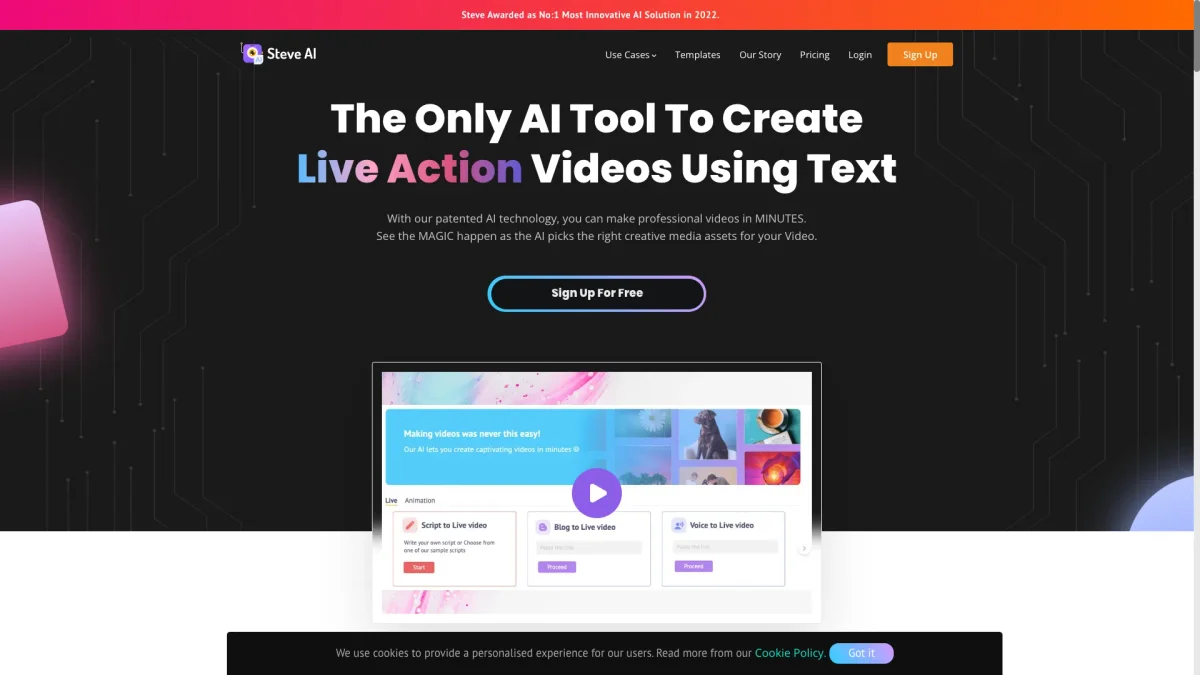
What is Steve?
Steve is a powerful AI video generator designed to help both professionals and beginners create high-quality videos from simple ideas. Its main purpose is to streamline the video production process by automatically generating scripts, scenes, visuals, voiceovers, subtitles, and music, all in one seamless workflow. This eliminates common hurdles such as creative blocks and the need for extensive editing skills, making video creation accessible to everyone. By utilizing Steve, users can quickly produce engaging videos tailored for various niches, including advertising, educational content, and social media promotion. The tool offers unique features like multiple voice options and motion effects, ensuring that creators can deliver captivating content that resonates with their audience. With Steve, users can enhance their online presence, grow their channels, and achieve professional results without the need for extensive resources or experience.
Key Features
- 4K quality video generation
- AI-powered script and scene creation
- Multi-voice storytelling capabilities
- Supports various video output styles
- User-friendly interface for beginners
- Free AI motion effects integration
- Compatible with multiple niches
Who is it for?
- Content creators and marketers
- YouTube channel owners
- Educators and trainers
- Small business owners
- Social media influencers
Use Cases
1. Advertising Campaigns
Generate high-quality promotional videos for your products or services. Steve AI simplifies the creation process, allowing businesses to produce engaging ads that capture audience attention and drive conversions.
2. Educational Video Content
Create informative training videos for online courses or workshops. With Steve AI, educators can turn complex topics into engaging visual content, enhancing learning experiences for students.
3. Social Media Engagement
Produce eye-catching videos for social media platforms. Steve AI helps users create dynamic content quickly, increasing engagement and visibility across various channels.
4. YouTube Video Production
Streamline the video creation process for your YouTube channel. Steve AI allows creators to generate scripts, visuals, and audio, enabling them to focus on content quality and publishing frequency.
5. UGC Style Videos
Create authentic testimonial-style videos using AI avatars or digital clones. This feature enables brands to produce user-generated content without needing actual customer involvement.
Pricing Plans
Free: 1200 seconds AI videos and 200 credits for AI & stock video generation, Pro: $29/month - 300 mins AI videos, 2400 AI images, and 2K video resolution, Enterprise: Custom pricing - tailored solutions for large teams.
Frequently Asked Questions
1. Does Steve offer a free trial?
Yes, Steve provides a free plan that includes 1200 seconds of AI video creation and 200 credits for generating AI and stock videos, allowing users to explore its features without any commitment.
2. What video formats does Steve support?
Steve supports various video output styles, including animations, generative AI videos, and live action, enabling users to create content in multiple formats suitable for different platforms.
3. Can I use Steve for commercial purposes?
Absolutely! Steve's AI video generator is designed for commercial use, allowing businesses and creators to produce high-quality videos for advertising, training, and other professional applications.
4. Is there a mobile app for Steve?
Yes, Steve offers a mobile app designed for busy creators who need to work on-the-go. The app allows users to create and publish videos instantly from their mobile devices.
Steve Reviews & Ratings
Real user feedback and ratings for Steve. See what the community thinks about this AI tool.
No reviews yet
Be the first to share your experience with Steve