Smart Calendars AI
Effortless scheduling with AI assistance
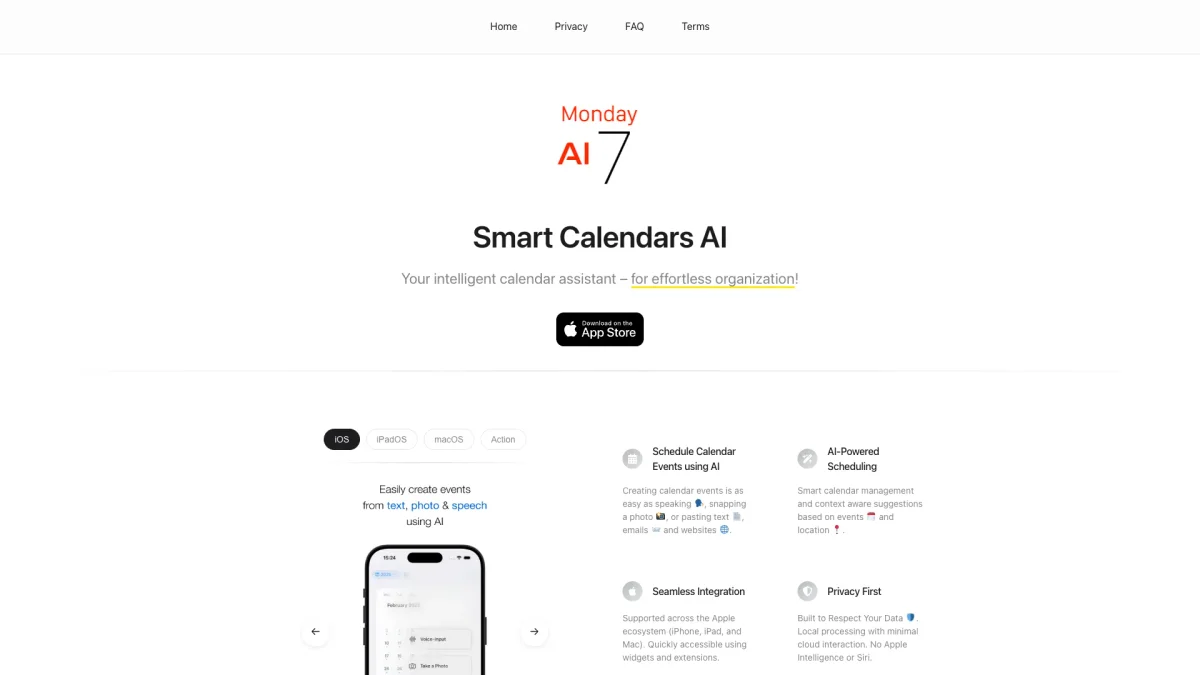
Smart Calendars AI simplifies your scheduling by allowing you to create events using voice, photos, or text, ensuring you manage your time effortlessly.
What is Smart Calendars AI?
Smart Calendars AI is an innovative calendar application that leverages artificial intelligence to streamline scheduling processes. Its main purpose is to help users manage their calendars intuitively and efficiently by allowing them to create events and reminders using natural language, images, and text. This tool solves the common problem of time-consuming manual scheduling, making it easier to organize daily tasks and appointments effortlessly. The key benefits of Smart Calendars AI include significant time savings and enhanced productivity. By utilizing voice commands, photos, and intelligent automation, users can quickly create multiple events and reminders without hassle. The platform also supports over 80 languages and integrates seamlessly with popular calendar services like Apple Calendar, Google Calendar, and Microsoft Calendar, making it a versatile tool for diverse users seeking an efficient scheduling solution.
Key Features
- Create events using voice commands
- Extract events from photos and PDFs
- Multilingual support with over 80 languages
- AI-powered reminders and task management
- Integration with major calendar services
- Real-time conflict detection and scheduling
Who is it for?
- Busy professionals
- Students managing coursework
- Event planners and organizers
- Families coordinating schedules
- Freelancers managing multiple clients
Use Cases
1. Scheduling Family Events
Easily coordinate family gatherings by creating events using voice commands or images of invitations. Smart Calendars AI ensures everyone is reminded and available, reducing scheduling conflicts.
2. Managing Work Meetings
Streamline work schedules by quickly finding available slots for meetings with colleagues. Use voice commands to adjust timings and receive reminders about upcoming meetings and deadlines.
3. Planning Academic Activities
Students can manage their coursework and extracurricular activities by creating events from class schedules or syllabi. The AI helps avoid conflicts and reminds them of important deadlines.
4. Event Planning for Professionals
Event planners can instantly create and manage multiple events by uploading documents or using voice commands. The AI efficiently tracks RSVPs and sends reminders to attendees.
Pricing Plans
Pricing information not available on website. Please visit the official website for current pricing.
Frequently Asked Questions
1. How does Smart Calendars AI help with scheduling?
Smart Calendars AI allows users to manage their schedules by utilizing voice commands, photos, and text inputs to create events and reminders effortlessly, saving time in daily planning.
2. What platforms does Smart Calendars AI support?
Smart Calendars AI is available on iPhone, iPad, and macOS, and it integrates with various calendar services including Apple Calendar, Google Calendar, and Microsoft Calendar.
3. Is my data safe with Smart Calendars AI?
Yes, Smart Calendars AI prioritizes user privacy by encrypting data in transit and temporarily storing it only for processing, in compliance with GDPR regulations.
4. Can I create events from images or documents?
Absolutely! Smart Calendars AI can extract events and reminders from photos of posters, tickets, and PDF documents, making scheduling even more convenient.
Smart Calendars AI Reviews & Ratings
Real user feedback and ratings for Smart Calendars AI. See what the community thinks about this AI tool.
No reviews yet
Be the first to share your experience with Smart Calendars AI