Saima
Personalize your video watching experience
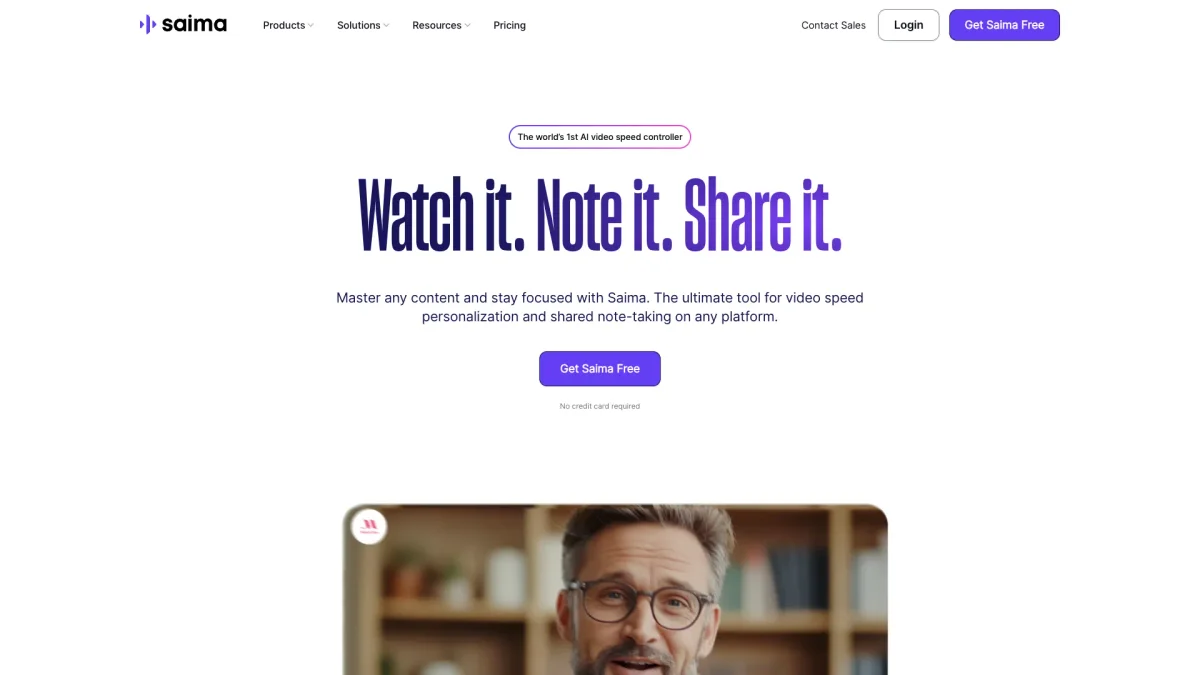
Saima is the world's first AI video speed controller that enhances comprehension through personalized video playback speed and collaborative note-taking features.
What is Saima?
Saima is an innovative AI-driven tool designed to enhance video comprehension and engagement by allowing users to adjust playback speed according to their understanding. It addresses the common challenge of maintaining focus and retention while consuming video content across various platforms. By personalizing the viewing experience, Saima empowers users to master content more efficiently. The key benefits of Saima include improved comprehension, enhanced memory retention, and time-saving features that transform passive video watching into active learning. Users can take notes, skip silences, and share insights with peers, fostering collaboration and deeper understanding. Saima is suitable for anyone looking to optimize their learning process, from students to professionals, ensuring they get the most out of their video content.
Key Features
- AI-based video speed controller
- Skip awkward silences
- Voice booster for clarity
- Collaborative note-taking
- Organized workspace for teams
- Customizable video engagement
- Interactive sharing and discussions
Who is it for?
- Students and learners
- Educators and instructors
- Corporate training teams
- Content creators and marketers
- Individuals with ADHD
Use Cases
1. Enhancing Online Learning
Saima can significantly improve online learning experiences by allowing students to adjust video speeds to their comprehension levels, promoting better understanding and retention of educational material.
2. Corporate Training Sessions
Utilize Saima in corporate training to enhance onboarding processes. Employees can control video speeds for better comprehension, while collaborative note-taking fosters teamwork and discussion among peers.
3. Content Creation for YouTube
Content creators can use Saima to review and analyze their videos at personalized speeds, making it easier to identify areas for improvement while also engaging with viewer feedback through shared notes.
4. Mastering Professional Development Courses
Professionals can leverage Saima to enhance their skills through online courses. By adjusting video playback speeds, they can absorb information more effectively and take actionable notes for future reference.
Pricing Plans
Free: Basic features with no credit card required, Pro: Pricing information not available on website. Please visit the official website for current pricing.
Frequently Asked Questions
1. Does Saima offer a free trial?
Yes, Saima provides a free version that includes basic features without requiring a credit card. This allows users to explore the tool before deciding on a paid plan.
2. Can I share notes with others using Saima?
Absolutely! Saima allows users to take collaborative notes on videos, enabling sharing and discussion among peers, which enhances learning and engagement.
3. Is Saima suitable for non-native English speakers?
Yes, Saima was developed with non-native English speakers in mind, making it an excellent tool for anyone looking to enhance their understanding of video content regardless of language proficiency.
4. What platforms does Saima support?
Saima is compatible with various platforms including YouTube, Coursera, Udemy, and more. It can be integrated into multiple web browsers and is available for desktop use.
Saima Reviews & Ratings
Real user feedback and ratings for Saima. See what the community thinks about this AI tool.
No reviews yet
Be the first to share your experience with Saima