
Robomonkey
Build Chrome Extensions Effortlessly with AI
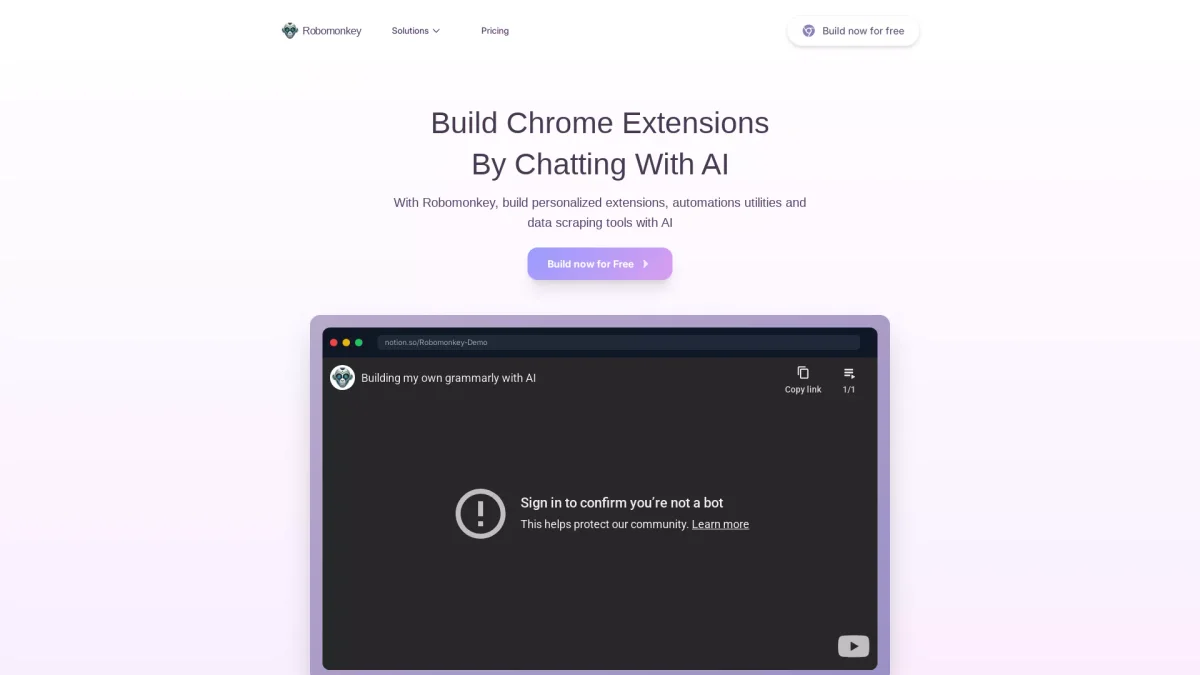
Robomonkey allows users to create personalized browser extensions, automation utilities, and data scraping tools effortlessly by simply chatting with AI.
What is Robomonkey?
Robomonkey is an innovative platform designed to empower users to build Chrome extensions without any coding knowledge. Its primary purpose is to streamline the development process of personalized browser extensions, automation utilities, and data scraping tools, transforming complex tasks into simple conversations with AI. This tool addresses the common challenges of extension development, making it accessible for everyone, from beginners to seasoned developers. By leveraging the power of artificial intelligence, Robomonkey enables users to rapidly prototype ideas, automate workflows, and create customized experiences without the need for programming skills. This flexibility not only enhances productivity but also fosters creativity, allowing users to experiment with new ideas and functionalities. Whether you are a product manager, designer, or analyst, Robomonkey provides essential tools to enhance your web experience and operational efficiency.
Key Features
- Chat-based extension creation
- Rapid prototyping and iteration
- Custom userscripts for any website
- Automation of complex workflows
- Data extraction tools development
- User-friendly interface for all levels
- No coding required for building extensions
Who is it for?
- Product managers
- Extension builders
- Userscript enthusiasts
- Superusers and power users
- Designers experimenting with ideas
- Data analysts and researchers
Use Cases
1. Prototyping Features for Products
Product managers can utilize Robomonkey to quickly prototype and iterate on new features for their products. By chatting with AI, they can test ideas in real-time, enhancing the product discovery process.
2. Creating Custom Userscripts
Userscript lovers can leverage Robomonkey to create and share custom userscripts tailored to their favorite websites. This allows them to enhance their web experience with personalized functionalities.
3. Automating Complex Workflows
Superusers can automate intricate workflows using Robomonkey's AI capabilities. This not only saves time but also enhances their browsing experience by customizing how they interact with various web applications.
4. Design Experimentation on Live Apps
Designers can experiment with their ideas directly on live applications without altering the underlying code. Robomonkey allows for immediate feedback and iterations on design concepts.
5. Building Data Extraction Tools
Analysts can construct powerful data extraction tools using Robomonkey. This enables them to gather vital information efficiently for research and analysis, streamlining their data collection processes.
Pricing Plans
Pricing information not available on website. Please visit the official website for current pricing.
Frequently Asked Questions
1. Can I build extensions for free?
Yes, Robomonkey allows users to build extensions at no cost, providing essential features to get started without any hidden fees.
2. What types of extensions can I build with Robomonkey?
With Robomonkey, you can create personalized browser extensions, automation utilities, and data scraping tools, catering to various needs and functionalities.
3. How does Robomonkey support different professionals?
Robomonkey empowers various professionals, including product managers, designers, and analysts, by providing tools that help them prototype, automate, and customize their web experiences.
4. What happens if I spend all my credits?
If you run out of credits on Robomonkey, you will need to upgrade your plan or purchase additional credits to continue using the service without interruptions.
Robomonkey Reviews & Ratings
Real user feedback and ratings for Robomonkey. See what the community thinks about this AI tool.
No reviews yet
Be the first to share your experience with Robomonkey