
RemoveText
Effortlessly erase text from images
RemoveText uses advanced AI to remove unwanted text, watermarks, and logos from images, providing clean and professional results in seconds.
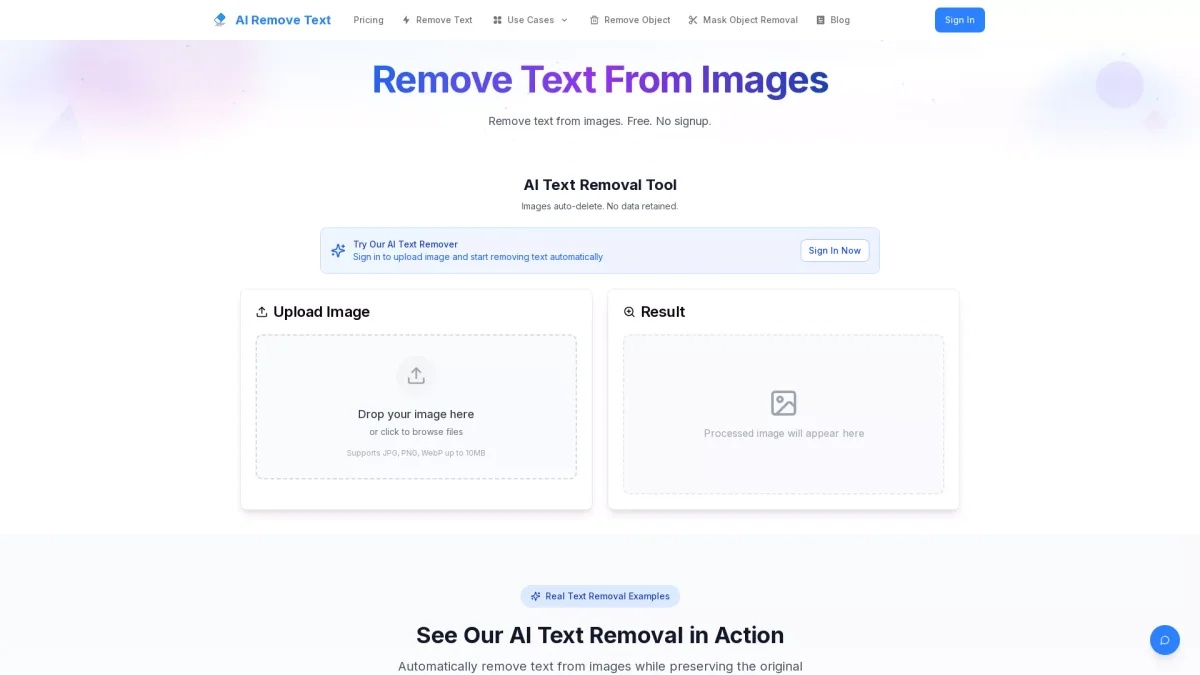
What is RemoveText?
RemoveText is an advanced AI-powered tool designed to remove unwanted text from images, including watermarks, captions, and logos. Its primary purpose is to enhance images by eliminating distracting text elements while seamlessly reconstructing the background. This tool serves photographers, designers, and content creators who need quick and efficient text removal solutions for their visual content. With a focus on delivering professional-grade results, RemoveText offers features such as automatic text detection, high-resolution processing, and batch processing capabilities. Users benefit from its fast processing time, achieving clean images in seconds, making it ideal for social media, marketing, and design projects. By utilizing this tool, users can save time and maintain the quality of their images without the hassle of manual editing.
Key Features
- Advanced AI text detection
- Seamless background filling
- High-resolution processing up to 4K
- Batch processing for multiple images
- Supports various text types
Who is it for?
- Photographers and designers
- Content creators and marketers
- Ecommerce product managers
- Social media managers
Use Cases
1. Ecommerce Image Cleanup
RemoveText can be used to clean product images by removing watermarks and text overlays, ensuring that the focus remains on the product itself for a more appealing presentation on online stores.
2. Manga and Comic Editing
Artists and editors can use RemoveText to eliminate text from manga panels, allowing for easier localization or personal edits without altering the original artwork significantly.
3. Social Media Content Creation
Content creators can quickly remove unwanted text from images intended for social media posts, enabling them to maintain a clean aesthetic and enhance engagement with their audience.
4. Document Preparation
When preparing documents for presentations or publications, users can remove unwanted captions and logos from images, ensuring a professional look and consistency in their materials.
Pricing Plans
Free: Basic text removal features with no credit card required, Pro: Pay-as-you-go pricing - Instant access to advanced features without subscription, Enterprise: Custom pricing - Tailored solutions for large teams and businesses.
Frequently Asked Questions
1. How does RemoveText ensure image quality after text removal?
RemoveText utilizes advanced AI technology to intelligently fill removed text areas with matching background patterns, ensuring that the final image looks natural and maintains high quality.
2. Can I use images processed by RemoveText for my business?
Absolutely! RemoveText provides a full commercial license for all images processed, allowing you to use them for marketing materials, product photos, and social media content.
3. What file formats does RemoveText support?
RemoveText supports all common image formats, including JPG, PNG, and WEBP, making it easy to upload and process images from various sources.
4. How quickly can I expect results from RemoveText?
The AI text removal tool processes images in approximately 30 seconds, providing users with fast and efficient results without compromising quality.
RemoveText Reviews & Ratings
Real user feedback and ratings for RemoveText. See what the community thinks about this AI tool.
No reviews yet
Be the first to share your experience with RemoveText








