
RemoveBgVideo
Instantly remove video backgrounds with AI
RemoveBgVideo is the top online tool for effortlessly removing video backgrounds using advanced AI technology, providing professional results without the need for a green screen.
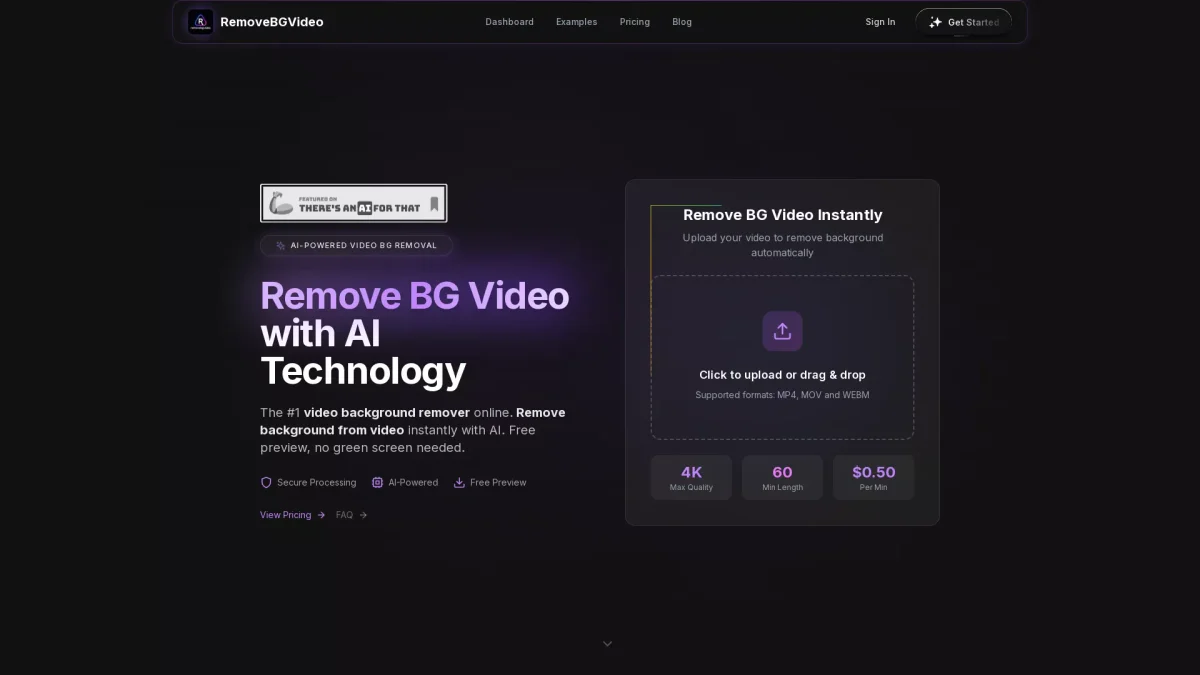
What is RemoveBgVideo?
RemoveBgVideo is an innovative online tool that utilizes artificial intelligence to automatically remove backgrounds from videos. Its primary purpose is to simplify the video editing process for creators, enabling them to enhance their content without the technical challenges associated with traditional methods like green screens. This solution is particularly valuable for users looking to elevate their video quality quickly and efficiently. By leveraging cutting-edge AI technology, RemoveBgVideo provides numerous benefits, including fast processing times and support for various video formats. Users can expect professional-grade output without prior experience in video editing. The platform allows for customization of backgrounds, letting users select transparent or solid color options, making it an ideal choice for content creators, marketers, and anyone looking to produce high-quality videos effortlessly.
Key Features
- AI-powered background detection
- Supports MP4, MOV, and WEBM formats
- Processes videos up to 60 minutes long
- Export in full HD and 4K quality
- Custom background options available
- Fast processing under 5 minutes
- Free preview before purchase
Who is it for?
- Content creators and influencers
- Digital marketers and advertisers
- E-commerce product videographers
- Social media managers
- Video editors and animators
Use Cases
1. Social Media Content Creation
Easily create professional videos for platforms like Instagram and TikTok by removing distracting backgrounds. This tool allows users to focus on the subject matter and engage their audience effectively.
2. Product Promotion Videos
Record product demonstrations at your desk and remove backgrounds to enhance the professional look of the videos. This can significantly reduce production costs while improving visual appeal.
3. Personal Branding Videos
Build a strong personal brand with polished videos that feature clear subjects against customized backgrounds. This helps to maintain a professional image without the need for expensive studio setups.
4. Educational Tutorials
Create informative tutorial videos by removing backgrounds, allowing for a focused presentation that enhances viewer learning and retention. Ideal for educators and trainers looking to improve video quality.
Pricing Plans
Free: Basic video uploads with limited features, Pro: $0.50/min - High-quality video processing with no subscription fees, Enterprise: Custom pricing - Tailored solutions for larger projects.
Frequently Asked Questions
1. What video formats does RemoveBgVideo support?
RemoveBgVideo supports popular formats such as MP4, MOV, and WEBM, ensuring compatibility with a wide range of video files for seamless processing.
2. Is there a limit on video length for processing?
Yes, RemoveBgVideo allows users to upload videos up to 60 minutes in length for background removal, making it suitable for longer projects.
3. Can I preview my video before purchasing?
Absolutely! RemoveBgVideo offers a free preview feature that lets you see the background removal results before making a purchase, ensuring satisfaction with the output.
4. How fast is the video background removal process?
The processing is lightning-fast, with most videos being processed in under 5 minutes thanks to optimized GPU technology, allowing for quick turnaround times.
RemoveBgVideo Reviews & Ratings
Real user feedback and ratings for RemoveBgVideo. See what the community thinks about this AI tool.
No reviews yet
Be the first to share your experience with RemoveBgVideo