

RemovalAI
Instant Background Removal Made Easy
Remove backgrounds from images effortlessly with RemovalAI's automated tool, perfect for designers, marketers, and eCommerce businesses looking to enhance visual content.
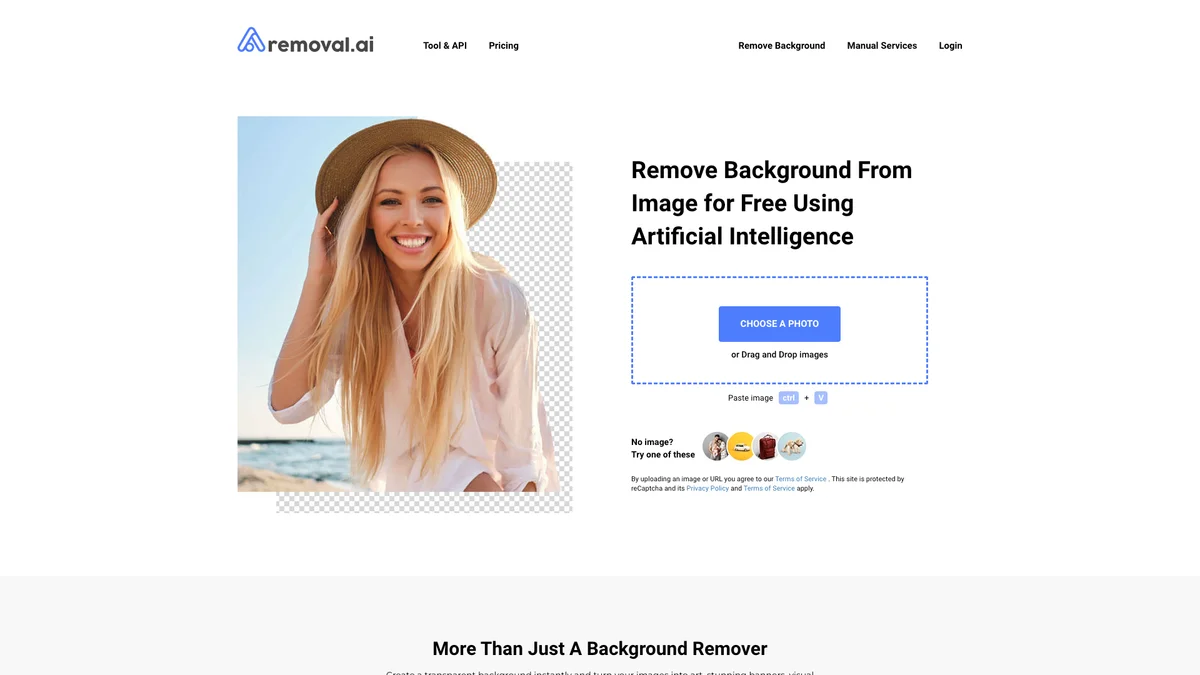
What is RemovalAI?
RemovalAI is an automated image background remover designed to simplify the process of editing and enhancing visual content. Its primary purpose is to allow users to quickly and efficiently remove backgrounds from images, resulting in clean and professional-looking graphics. This tool is particularly beneficial for individuals and businesses that require high-quality images for marketing, eCommerce, or social media without the need for complex software or extensive editing skills. Users of RemovalAI enjoy a range of key benefits, including instant background removal, customizable backgrounds, and the ability to process over 1,000 images in a single upload. Whether you are a photographer, marketer, or graphic designer, this tool helps streamline your workflow and enhances your creative projects by providing clear, smooth cutout edges. With its easy integration and user-friendly features, RemovalAI is the ideal solution for anyone looking to elevate their visual content quickly and efficiently.
Key Features
- Fully automated background removal
- High-quality transparent images
- Replace backgrounds with ease
- Supports multiple image formats
- Processes thousands of images at once
- User-friendly online photo editor
- Easy API integration for developers
Who is it for?
- Ecommerce store owners
- Graphic designers
- Digital marketers
- Professional photographers
- Content creators
Use Cases
1. Ecommerce Product Images
Utilize RemovalAI to create clean, professional images for your product listings. By removing distracting backgrounds, your products can stand out, enhancing customer engagement and boosting sales.
2. Social Media Graphics
Design stunning social media posts with RemovalAI. Remove backgrounds from images to create eye-catching visuals that enhance your brand's presence and attract more followers on various platforms.
3. Marketing Campaigns
Enhance your marketing materials by using RemovalAI to quickly remove backgrounds from images. This allows for the creation of compelling graphics that improve engagement and convey your message effectively.
4. Custom Presentations
Create visually appealing presentations by using RemovalAI to remove backgrounds from images. This enables you to integrate clear visuals that maintain your audience's attention and elevate your content.
Pricing Plans
Free: Basic background removal tools, Pro: Pricing information not available on website. Please visit the official website for current pricing., Enterprise: Custom pricing - Tailored solutions for large organizations.
Frequently Asked Questions
1. What types of images can I upload to RemovalAI?
RemovalAI accepts images in .jpg or .jpeg formats. Ensure your images are clear and of good quality for the best results in background removal.
2. Is RemovalAI suitable for high-volume image processing?
Yes, RemovalAI can process over 1,000 images in a single upload, making it ideal for users who need to handle large volumes of photos efficiently.
3. Can I edit images after removing backgrounds?
Absolutely! RemovalAI offers an online photo editor that allows you to add texts and effects, as well as manually adjust the foreground using the background eraser tool.
4. How can I integrate RemovalAI into my existing workflow?
RemovalAI provides easy API integration, allowing developers to incorporate its background removal capabilities into their applications with just a few lines of code.
RemovalAI Reviews & Ratings
Real user feedback and ratings for RemovalAI. See what the community thinks about this AI tool.
No reviews yet
Be the first to share your experience with RemovalAI









