Rebump
Effortless email writing with AI
Generate clear and concise emails in seconds using AI. Hiwriter makes email communication simple and stress-free for everyone.
What is Rebump?
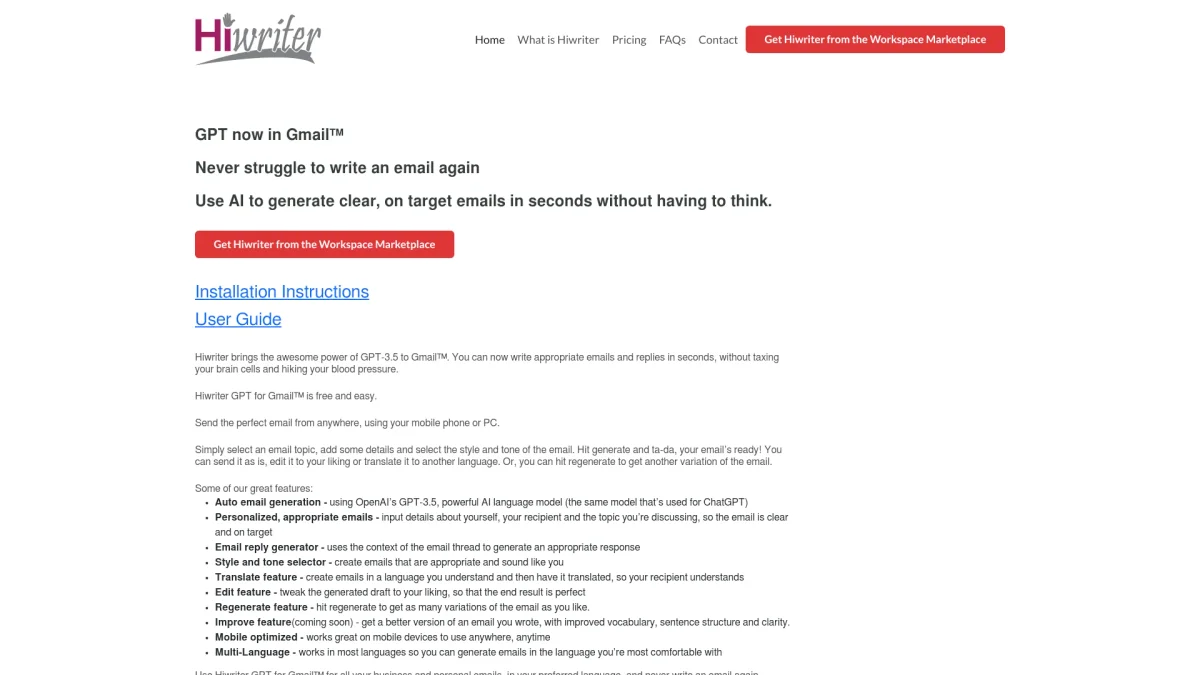
Rebump, through its tool Hiwriter, leverages the capabilities of OpenAI’s GPT-3.5 to assist users in creating emails quickly and efficiently. It aims to relieve the stress associated with email composition, allowing users to generate personalized, clear, and context-appropriate emails in seconds. By simply providing details about the topic, recipient, and preferred tone, users can produce polished emails without excessive mental strain. The key benefits of Hiwriter include its auto-generation of emails, personalized responses based on context, and the ability to edit or translate messages as needed. Users can select various styles and tones to ensure their emails reflect their voice. With its mobile optimization and multi-language support, Hiwriter is a versatile solution for both personal and professional communication, making email writing a breeze for anyone.
Key Features
- Auto email generation using AI
- Personalized email responses
- Style and tone selector
- Email translation feature
- Mobile optimization for all devices
- Regenerate for new variations
- Editing capabilities for drafts
Who is it for?
- Busy professionals
- Small business owners
- Freelancers
- Students
- Customer support teams
Use Cases
1. Quick Business Communication
Generate professional emails for business inquiries or responses. Simply input the necessary details and Hiwriter crafts an appropriate message, saving time and ensuring clarity in communication.
2. Personal Email Drafting
Easily compose personal emails for friends or family. Hiwriter helps you express your thoughts clearly and in your preferred tone, making personal communication effortless.
3. Multilingual Email Creation
Use Hiwriter's translation feature to create emails in different languages. This is particularly useful for international communication, allowing you to reach recipients in their preferred language.
4. Response to Email Threads
Quickly generate replies to ongoing email conversations. Hiwriter analyzes the context of the thread and provides appropriate responses, ensuring timely communication without hassle.
Pricing Plans
Pricing information not available on website. Please visit the official website for current pricing.
Frequently Asked Questions
1. Is Hiwriter free to use?
Yes, Hiwriter is free and easy to access. You can start generating emails without any cost, making it a convenient tool for all users.
2. What platforms does Hiwriter support?
Hiwriter is designed for Gmail™ and works seamlessly on both mobile devices and PCs, allowing users to generate emails from anywhere.
3. Can I edit the emails generated by Hiwriter?
Absolutely! Hiwriter allows users to edit the generated drafts to ensure that the final email meets their expectations before sending.
4. How does the style and tone selector work?
The style and tone selector in Hiwriter enables users to choose how formal or casual their email should sound, ensuring that the communication matches their personal voice.
Rebump Reviews & Ratings
Real user feedback and ratings for Rebump. See what the community thinks about this AI tool.
No reviews yet
Be the first to share your experience with Rebump