Reart
Seamless artwork creation and management
Reart simplifies the process of creating and managing digital art, enabling users to focus on their creativity while handling the technical aspects effortlessly.
What is Reart?
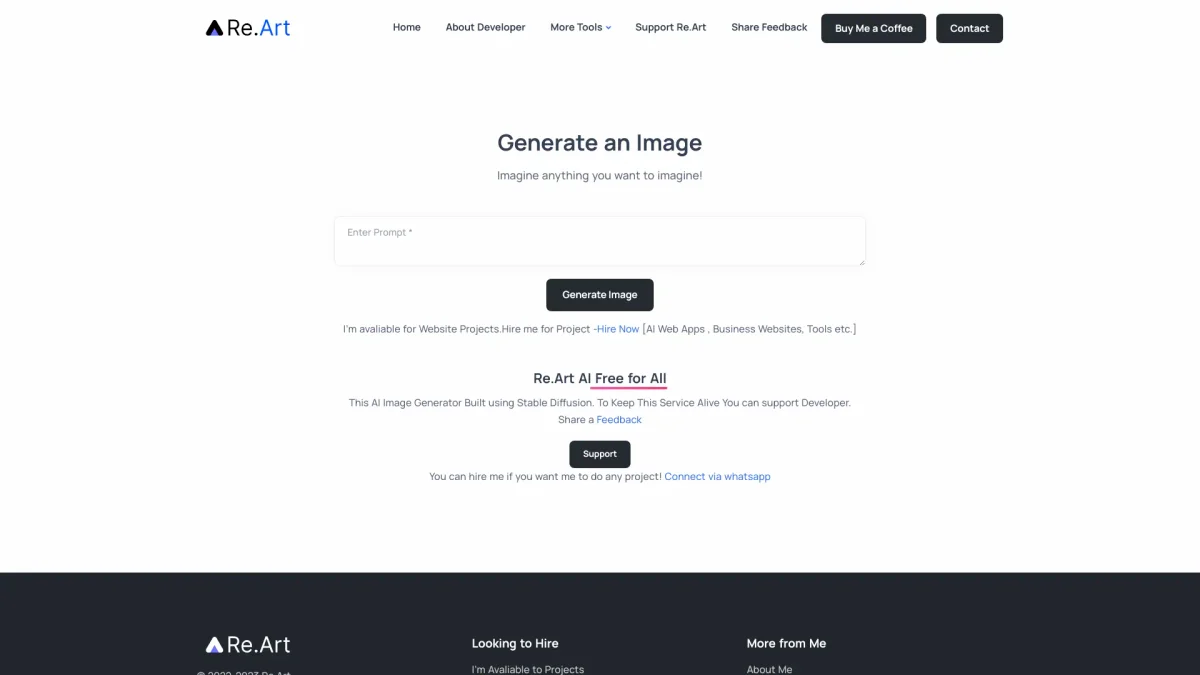
Reart is a digital art creation tool designed to streamline the process of generating and managing artistic projects. Its main purpose is to eliminate the common complexities associated with digital art production, allowing users to concentrate on creativity rather than technical hurdles. By providing an intuitive interface and powerful features, Reart transforms the way artists work, making it accessible for both beginners and seasoned professionals alike. The key benefits of Reart include enhanced productivity and user-friendly design. Artists can quickly create, edit, and manage their artworks without extensive technical knowledge, saving time and reducing frustration. Reart is particularly advantageous for artists looking to enhance their workflow, as it integrates various functionalities into one platform, fostering a more efficient creative process and enabling users to produce high-quality art with ease.
Key Features
- Intuitive interface for easy navigation
- Advanced tools for digital artwork creation
- Efficient project management capabilities
- Support for various file formats
- Collaboration features for team projects
Who is it for?
- Digital artists and illustrators
- Graphic designers
- Art students and educators
- Creative agencies
Use Cases
1. Digital Art Creation
Use Reart to create stunning digital illustrations and designs. The tool offers a variety of brushes and editing features that help artists bring their ideas to life, ensuring high-quality results.
2. Project Management for Artists
Manage multiple art projects effortlessly with Reart's project management features. Users can organize their artworks, track progress, and collaborate with others, enhancing productivity and creativity.
3. Collaborative Art Projects
Reart allows teams to work together on art projects in real-time. Share files, provide feedback, and make changes collaboratively, streamlining the creative process and improving outcomes.
Pricing Plans
Pricing information not available on website. Please visit the official website for current pricing.
Frequently Asked Questions
1. What types of artworks can I create with Reart?
Reart supports various forms of digital artworks, including illustrations, graphic designs, and concept art. Its versatile tools cater to different artistic styles and needs.
2. Is there a mobile version of Reart available?
Currently, Reart is primarily available as a web application. Users can access it from any browser, making it versatile for different devices, but a dedicated mobile app may not be available.
3. Can I collaborate with other artists using Reart?
Yes, Reart includes collaboration features that allow artists to work together on projects. Users can share their artworks and receive feedback in real-time, fostering teamwork and creativity.
4. Does Reart support file exports in different formats?
Absolutely! Reart supports multiple file formats for exporting your artwork, ensuring compatibility with other software and platforms, which aids in sharing and publishing your creations.
Reart Reviews & Ratings
Real user feedback and ratings for Reart. See what the community thinks about this AI tool.
No reviews yet
Be the first to share your experience with Reart