
ReadEasy
Simplifying text for better understanding
ReadEasy makes text comprehensible for people with low literacy skills, enhancing readability across various platforms with innovative tools and integrations.
What is ReadEasy?
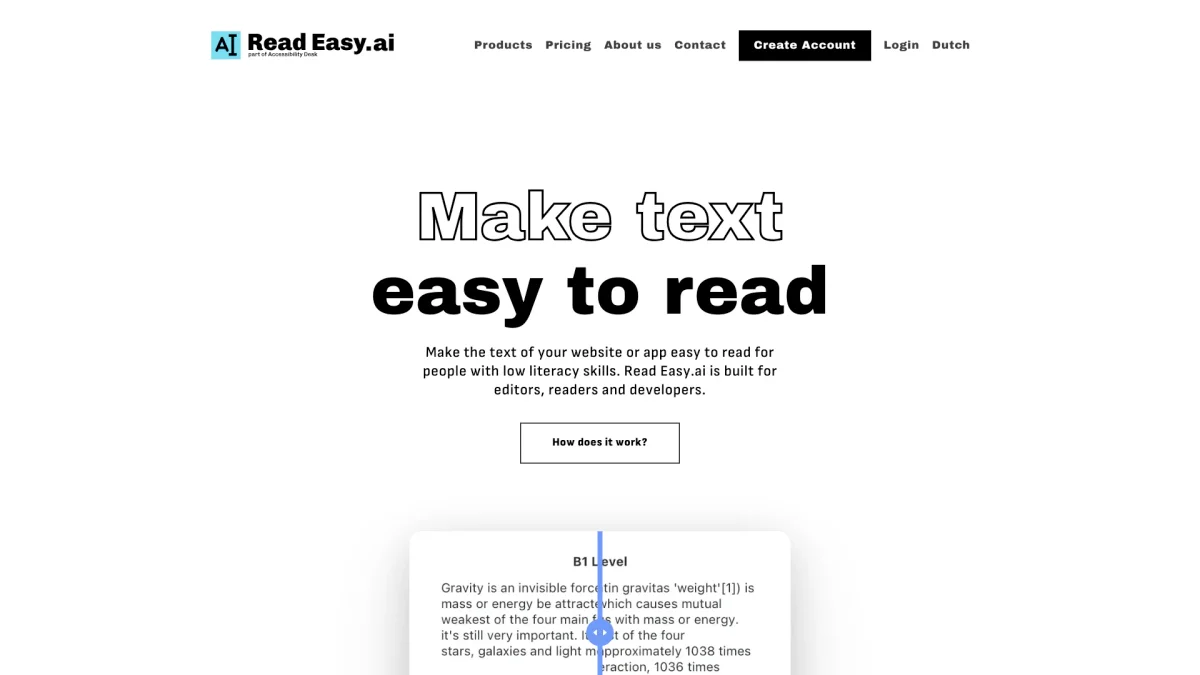
ReadEasy is a specialized tool designed to enhance the readability of text for individuals with low literacy skills. By providing powerful integrations for editors and readers, it addresses the widespread issue of functional illiteracy, making written content more accessible. ReadEasy aims to bridge the gap in communication and understanding, ensuring that everyone can engage meaningfully with online content. The tool offers a range of features including Microsoft Office Add-ins for editors, a Chrome extension for readers, and an API for developers. These features allow users to receive real-time feedback on text complexity and provide suggestions to simplify content. It supports multiple languages and is particularly beneficial in helping organizations communicate effectively with diverse audiences, making the internet a more inclusive space for all users.
Key Features
- Microsoft Office Add-ins for editors
- Real-time readability feedback
- Chrome extension for web text simplification
- API for seamless integration
- Supports multiple languages
- Dyslexia-focused optimization
- User-friendly interface for developers
Who is it for?
- Content editors and writers
- Website developers
- Educators and teachers
- Organizations promoting literacy
- Individuals with reading disabilities
Use Cases
1. Improving Website Readability
Integrate ReadEasy into your website to ensure all text is easily understood by visitors with low literacy skills. The tool simplifies complex language and provides real-time feedback for continuous improvement.
2. Enhancing Educational Materials
Use ReadEasy to create educational content that is accessible to students with varying literacy levels. The tool helps educators ensure that learning materials are comprehensible and engaging.
3. Streamlining Business Communication
Utilize ReadEasy’s features in Microsoft Word and Outlook to simplify internal and external communications. Enhance clarity and ensure your messages are understood by all stakeholders.
4. Supporting Nonprofits and Advocacy Groups
Nonprofits can leverage ReadEasy to create accessible content that reaches a broader audience. This helps in effectively communicating important messages to those with low literacy.
Pricing Plans
Pricing information not available on website. Please visit the official website for current pricing.
Frequently Asked Questions
1. What platforms does ReadEasy integrate with?
ReadEasy integrates seamlessly with Microsoft Word, Outlook, and offers a Chrome extension for easy use across various websites, enhancing readability and inclusivity.
2. Is ReadEasy suitable for people with dyslexia?
Yes, ReadEasy is designed with dyslexia-focused optimization, making it a valuable resource for individuals with reading disabilities to comprehend text more easily.
3. How can developers use ReadEasy?
Developers can utilize the ReadEasy API to integrate its readability analysis and multilingual support features into their applications, enhancing accessibility for users.
4. What languages does ReadEasy support?
ReadEasy supports multiple languages including English, Spanish, German, Dutch, and Portuguese, making it versatile for diverse audiences.
ReadEasy Reviews & Ratings
Real user feedback and ratings for ReadEasy. See what the community thinks about this AI tool.
No reviews yet
Be the first to share your experience with ReadEasy