PPC Ad Editor
Optimize your PPC campaigns effortlessly
PPC Ad Editor simplifies the process of managing and optimizing your pay-per-click advertising campaigns, ensuring better performance and higher ROI for marketers and businesses.
What is PPC Ad Editor?
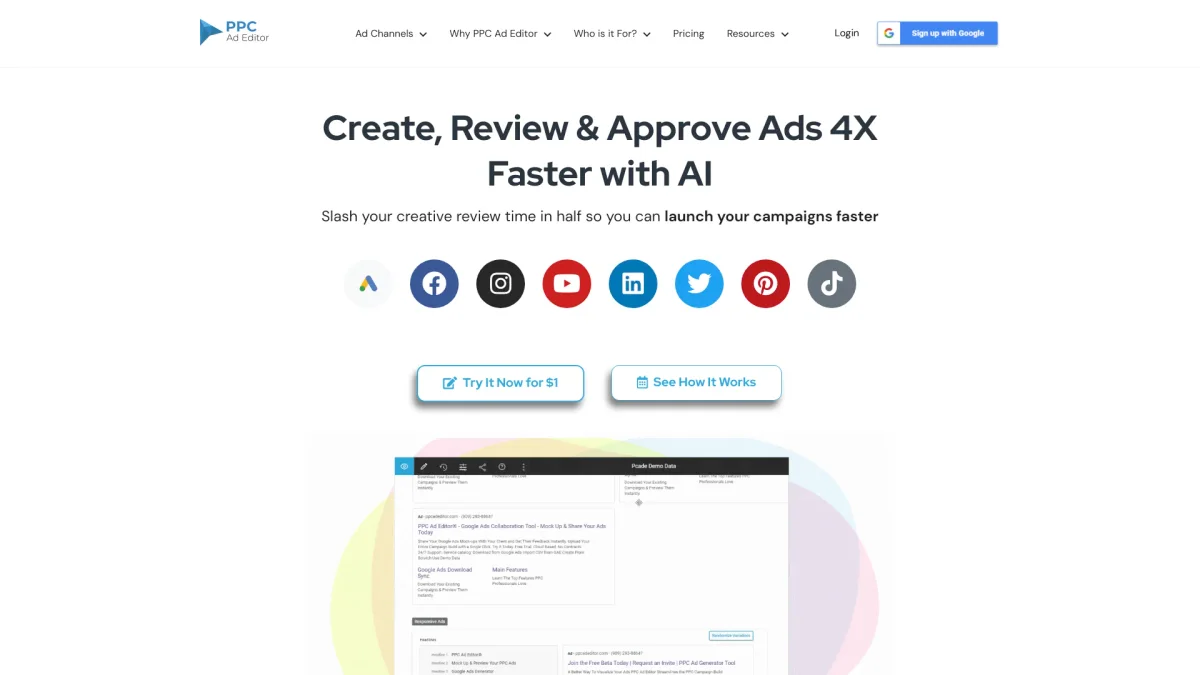
PPC Ad Editor is a specialized tool designed to streamline the management of pay-per-click advertising campaigns. Its primary purpose is to enable users to create, edit, and optimize ads efficiently while addressing common challenges such as time-consuming manual processes and the complexity of PPC management. By consolidating various functionalities into one platform, PPC Ad Editor empowers marketers to enhance their advertising strategies seamlessly. The key benefits of PPC Ad Editor include improved ad performance through intuitive editing features, time-saving automation tools, and comprehensive analytics that help users make informed decisions. This tool is ideal for both small businesses and large agencies looking to maximize their advertising budgets and achieve better results in their digital marketing efforts. By utilizing PPC Ad Editor, users can focus more on strategy and less on mundane tasks, ultimately driving greater success in their campaigns.
Key Features
- Intuitive ad creation interface
- Real-time performance analytics
- Bulk editing capabilities
- Cross-platform compatibility
- Automated optimization suggestions
- Ad scheduling and tracking
- Collaboration tools for teams
Who is it for?
- Digital marketing agencies
- Small business owners
- Freelance marketers
- E-commerce businesses
- Advertising professionals
Use Cases
1. Creating Effective Ad Campaigns
Utilize PPC Ad Editor to design and launch effective pay-per-click ad campaigns. The tool guides users through the ad creation process, ensuring that all elements are optimized for maximum impact and engagement.
2. Analyzing Campaign Performance
Leverage the analytics features of PPC Ad Editor to track and assess the performance of your ad campaigns. This helps users identify trends, measure success, and make data-driven adjustments for better outcomes.
3. Collaborating with Team Members
Use PPC Ad Editor's collaboration tools to work with team members on ad campaigns. This feature allows for real-time editing, feedback, and approvals, streamlining the workflow and enhancing productivity.
Pricing Plans
Pricing information not available on website. Please visit the official website for current pricing.
Frequently Asked Questions
1. What features does PPC Ad Editor offer for campaign management?
PPC Ad Editor provides various features including intuitive ad creation, bulk editing, performance analytics, ad scheduling, and optimization suggestions, all designed to enhance campaign management.
2. Is PPC Ad Editor suitable for beginners?
Yes, PPC Ad Editor is user-friendly and designed to accommodate users of all skill levels, making it an excellent choice for beginners entering the world of PPC advertising.
3. Can I collaborate with my team on PPC campaigns?
Absolutely! PPC Ad Editor includes collaboration tools that allow teams to work together seamlessly on ad campaigns, facilitating real-time edits and feedback.
4. Does PPC Ad Editor support multiple ad platforms?
Yes, PPC Ad Editor is compatible with multiple advertising platforms, which allows users to manage their campaigns across different channels from a single interface.
PPC Ad Editor Reviews & Ratings
Real user feedback and ratings for PPC Ad Editor. See what the community thinks about this AI tool.
No reviews yet
Be the first to share your experience with PPC Ad Editor