

Pixian
Effortlessly Remove Image Backgrounds
Pixian.AI provides high-quality background removal for images, enabling users to enhance visuals without the need for complex software or subscriptions.
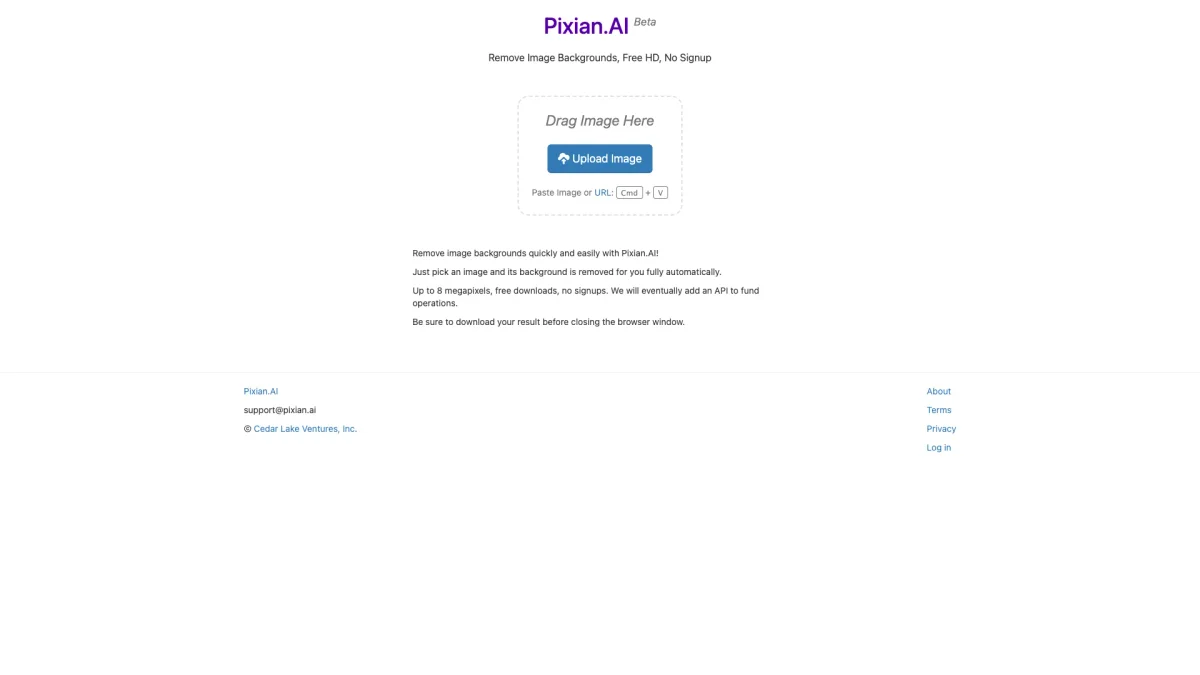
What is Pixian?
Pixian is an innovative online tool designed to remove backgrounds from images quickly and effectively. Its primary purpose is to streamline the process of background removal, catering to users who need clean, professional images without the hassle of complicated software. By utilizing powerful GPU and multi-core CPU technology, Pixian offers a straightforward solution for anyone looking to enhance their visual content. The key benefits of Pixian include its ease of use, accessibility, and affordability. Users can upload images directly without signing up, and the tool processes images efficiently, providing high-quality results. With options for both free and paid services, including support for large images, Pixian is ideal for content creators, marketers, and businesses looking to improve their digital assets while saving time and resources.
Key Features
- Free background removal for small images
- High-quality output with preserved details
- Supports multiple file formats including JPEG and PNG
- API available for developers and integration
- User-friendly drag-and-drop interface
- Fast processing with powerful hardware
Who is it for?
- Content creators and bloggers
- Ecommerce businesses
- Marketers and advertisers
- Graphic designers
- Social media managers
Use Cases
1. Ecommerce Product Images
Enhance product images by removing distracting backgrounds, allowing customers to focus on the product itself. This helps improve presentation and can lead to higher conversion rates.
2. Social Media Graphics
Create visually appealing graphics for social media posts by isolating subjects from their backgrounds. This makes your posts stand out and engage your audience more effectively.
3. Marketing Materials
Prepare images for brochures, flyers, and advertisements by removing backgrounds. This ensures that your marketing materials look professional and visually appealing to potential clients.
4. Custom Stickers and Icons
Use Pixian to create custom face stickers and icons by isolating elements from images. This is great for personalizing content or creating unique digital assets for various uses.
Pricing Plans
Free: 0.25 mpx background removal, Limited use; Pro: $X/month - 25 mpx background removal, Unlimited use; Enterprise: Custom pricing - Tailored solutions for larger needs.
Frequently Asked Questions
1. What types of images does Pixian work well on?
Pixian works effectively on a variety of image types, including photos of people, objects, artworks, and logos. It excels in preserving details like hair and fur, making it versatile for many applications.
2. Does Pixian support API integration?
Yes, Pixian offers an API for developers looking to integrate background removal capabilities into their applications. The API allows for seamless migration from other services with minimal effort.
3. Are there any image size limits for Pixian?
Yes, the maximum image size for the free plan is 250,000 pixels, while paid users can process images up to 25 megapixels. This ensures flexibility for various user needs.
4. How does Pixian's pricing compare to competitors?
Pixian's pricing strategy is designed to be competitive by minimizing operational costs and passing the savings onto users. This approach allows for lower prices while maintaining high-quality output.
Pixian Reviews & Ratings
Real user feedback and ratings for Pixian. See what the community thinks about this AI tool.
No reviews yet
Be the first to share your experience with Pixian








