

PixExtender
Effortlessly expand your images with AI
PixExtender allows users to expand images seamlessly without quality loss, making it perfect for social media, e-commerce, and photography needs.
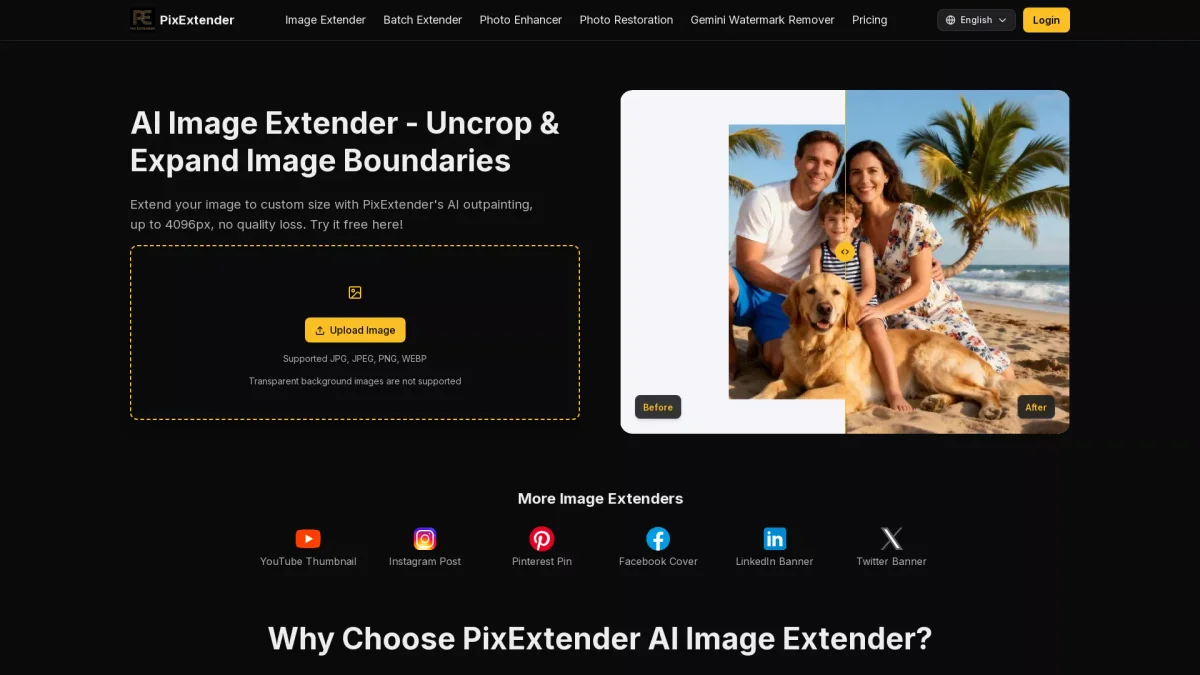
What is PixExtender?
PixExtender is a professional AI image extender and generative image enlarger designed to expand images effortlessly to custom sizes while preserving quality. It solves the common problem of cropped visuals by intelligently filling in gaps with context-aware technology, allowing users to create images that fit their specific requirements without losing authenticity. With PixExtender, users can enjoy benefits like batch processing for up to 20 images at once, high-resolution outputs up to 4096x4096 pixels, and easy-to-use platform ratio presets for various social media formats. This tool is ideal for content creators, marketers, and photographers who need to uncrop and enhance their images quickly and efficiently, ensuring a professional finish every time.
Key Features
- Batch processing of up to 20 images
- AI-powered context-aware image extension
- Supports high-resolution outputs up to 4096px
- One-click adaptation for social media formats
- Preserves original image composition
- User-friendly interface with no design skills required
- Compatible with various image formats
Who is it for?
- Photographers and videographers
- Social media managers
- E-commerce businesses
- Graphic designers
- Content creators and bloggers
Use Cases
1. Social Media Image Optimization
Easily expand and adapt images for various social media platforms like Instagram and Facebook. PixExtender ensures your images fit perfectly without cropping important elements, enhancing engagement.
2. E-commerce Product Image Enhancement
Use PixExtender to expand product images while preserving key details like logos and pricing text. This is crucial for maintaining a professional appearance in online catalogs.
3. Photography Restoration
Recover and extend images that were accidentally cropped in the editing process. PixExtender helps photographers restore images to their original grandeur with seamless outpainting.
4. Batch Processing for Consistent Outputs
Streamline your workflow by processing multiple images at once. PixExtender allows you to set ratios and parameters for consistent results across product sets or social media content.
Pricing Plans
Free: Basic features with limited credits, Basic: $8.3/month - 2400 credits, 2000x2000 max resolution, no watermark, Creator: $20.8/month - 6600 credits, 3000x3000 max resolution, no watermark, Master: $41.6/month - 14400 credits, 4096x4096 max resolution, no watermark.
Frequently Asked Questions
1. What image formats does PixExtender support?
PixExtender supports JPG, JPEG, PNG, and WEBP formats. However, transparent background images are not supported, so ensure your images are in the correct format before uploading.
2. Can I batch process images with PixExtender?
Yes, PixExtender allows you to batch process up to 20 images at a time. This feature is ideal for users looking to save time and maintain consistency across multiple images.
3. Is there a limit to the image size I can expand?
The maximum resolution for image expansion in PixExtender varies by plan. Basic users can expand images up to 2000x2000 pixels, while Master plan users can go up to 4096x4096 pixels.
4. How does PixExtender preserve image quality?
PixExtender uses advanced AI technology that analyzes lighting and texture to seamlessly fill gaps in images. This ensures that the expanded sections match the original image quality and look authentic.
PixExtender Reviews & Ratings
Real user feedback and ratings for PixExtender. See what the community thinks about this AI tool.
No reviews yet
Be the first to share your experience with PixExtender








