
Pinegraph
Seamless graphing made effortless
Pinegraph simplifies the creation of complex graphs and visual data representations, enabling users to visualize data intuitively and effectively.
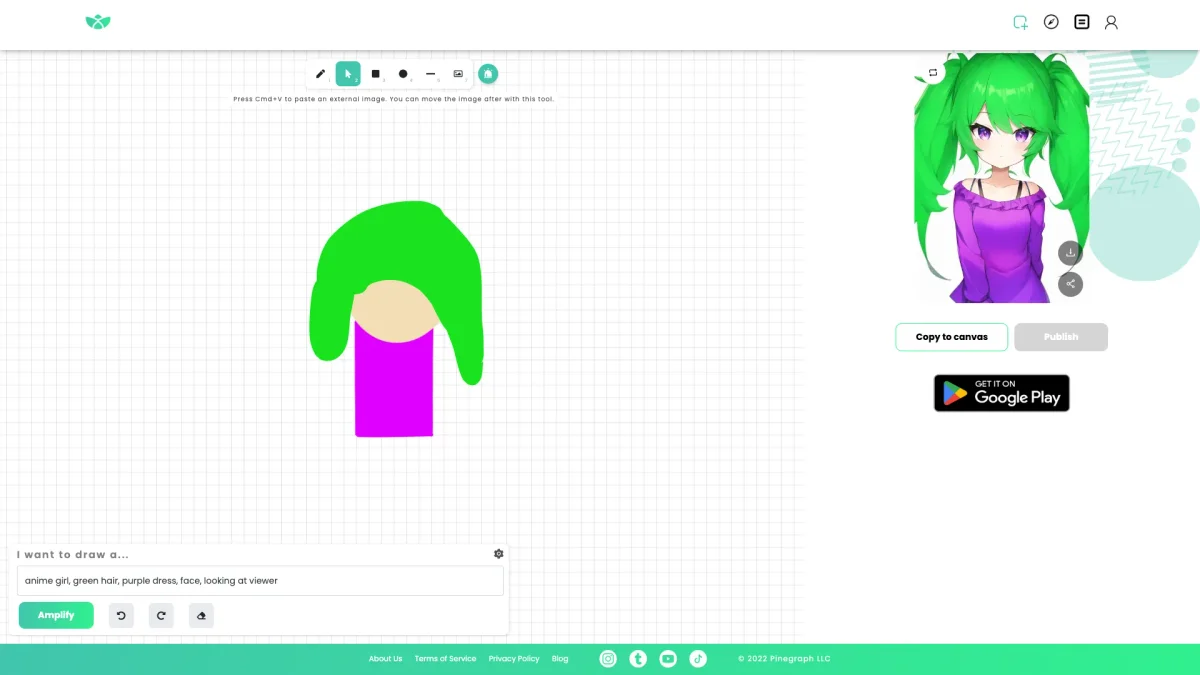
What is Pinegraph?
Pinegraph is an innovative tool designed to facilitate the creation of graphs and visual data representations. Its main purpose is to help users effortlessly generate complex graphs, making data visualization accessible to everyone, regardless of their technical expertise. By streamlining the graphing process, Pinegraph addresses the challenges many face when trying to illustrate data clearly and effectively. With Pinegraph, users benefit from an intuitive interface that allows for quick adjustments and customizations to their graphs. The tool enhances productivity by saving time and reducing frustration associated with traditional graphing methods. Whether for educational purposes, business presentations, or personal projects, Pinegraph empowers users to present their data in a visually appealing and comprehensible manner, making their insights more impactful.
Key Features
- User-friendly graph creation
- Customizable graph styles
- Real-time data updates
- Export options for presentations
- Collaboration tools for teams
- Interactive graph features
- Support for multiple data formats
Who is it for?
- Students and educators
- Business analysts
- Data scientists and researchers
- Marketing professionals
- Project managers
Use Cases
1. Academic Research Presentations
Use Pinegraph to create visually appealing graphs for academic research presentations. The tool helps students and researchers illustrate their findings effectively, making complex data easily digestible for their audience.
2. Business Data Analysis
Generate insightful graphs for business reports and analyses. Pinegraph allows business analysts to visualize performance metrics and trends, enabling data-driven decision-making and clearer communication of insights.
3. Marketing Campaign Performance Tracking
Track and visualize the performance of marketing campaigns over time. With Pinegraph, marketers can create dynamic graphs that showcase key metrics, helping to evaluate the effectiveness of their strategies.
4. Collaborative Team Projects
Enhance teamwork by using Pinegraph for collaborative projects. Team members can share and edit graphs in real-time, ensuring that everyone stays on the same page and contributes effectively to the project.
Pricing Plans
Pricing information not available on website. Please visit the official website for current pricing.
Frequently Asked Questions
1. What types of graphs can I create with Pinegraph?
Pinegraph allows users to create various types of graphs, including line charts, bar graphs, pie charts, and more. The tool supports a range of customization options to tailor graphs to specific needs.
2. Is Pinegraph suitable for team collaboration?
Yes, Pinegraph includes collaboration features that enable teams to work together on graph creation. Users can share graphs and make real-time edits, fostering seamless teamwork and communication.
3. Can I export my graphs from Pinegraph?
Absolutely! Pinegraph provides multiple export options, allowing users to download their graphs in various formats suitable for presentations or reports, ensuring easy integration into any workflow.
4. Does Pinegraph offer any tutorials for new users?
Yes, Pinegraph offers a variety of tutorials and resources for new users. These guides help users familiarize themselves with the tool's features and functionalities, ensuring a smooth onboarding experience.
Pinegraph Reviews & Ratings
Real user feedback and ratings for Pinegraph. See what the community thinks about this AI tool.
No reviews yet
Be the first to share your experience with Pinegraph