
PhotoRoom
Transform Your Product Photos Instantly
PhotoRoom is an AI-powered photo editor that enhances product photography, enabling users to create stunning visuals quickly and easily, saving time and costs.
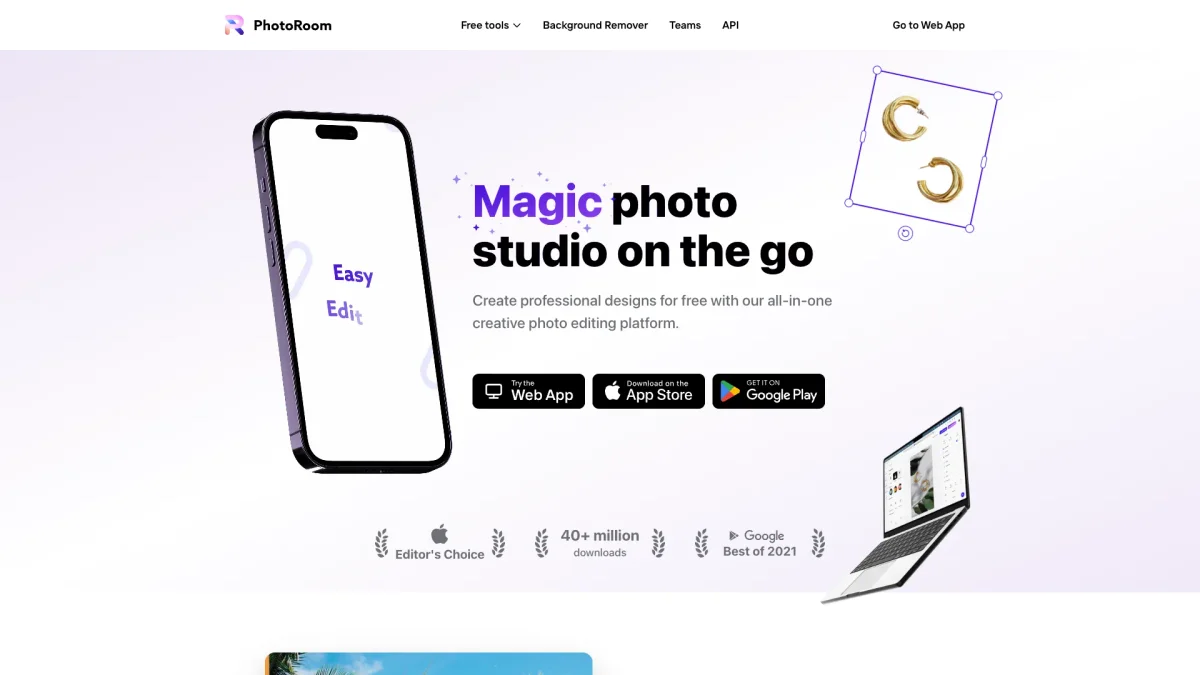
What is PhotoRoom?
PhotoRoom is an advanced AI-powered photo editing tool designed specifically for product photography. Its main purpose is to simplify the process of creating professional-quality visuals by automating background removal and image enhancement. This tool addresses the common challenges faced by sellers, such as producing high-quality images quickly and efficiently, which is crucial for driving online sales and improving product listings. The key benefits of PhotoRoom include its ability to generate studio-quality images without requiring design skills, significantly reducing photo editing costs and time. Users can create consistent, impactful visuals that enhance brand trust and increase conversion rates. Whether you're a solopreneur or part of a large enterprise, PhotoRoom streamlines the image creation process, allowing you to focus on growing your business and maximizing sales potential.
Key Features
- AI background removal
- Batch image processing
- Virtual model generation
- Custom brand kit creation
- Mobile and desktop access
- Image resizing and expansion
Who is it for?
- E-commerce sellers
- Small business owners
- Marketing teams
- Content creators
- Retailers and resellers
Use Cases
1. E-commerce Product Listings
Use PhotoRoom to create professional product images for your online store. With tools like background removal and image enhancement, you can quickly generate visuals that attract customers and boost sales.
2. Social Media Marketing
Elevate your social media presence by producing eye-catching visuals. PhotoRoom helps you create compelling images and graphics that engage your audience and enhance your brand identity across platforms.
3. Efficient Bulk Editing
For businesses managing large inventories, PhotoRoom's batch processing feature allows you to edit thousands of images simultaneously. This saves time and ensures consistent quality across all product visuals.
4. Brand Consistency Across Channels
Utilize PhotoRoom's brand kit to maintain visual consistency in your marketing efforts. Share logos, colors, and templates with your team, ensuring all visuals align with your brand identity.
Pricing Plans
Free: Basic tools with limited features, Pro: $29/month - Advanced features and enhanced support, Enterprise: Custom pricing - Tailored solutions for large teams and complex needs.
Frequently Asked Questions
1. Does PhotoRoom offer a free trial?
Yes, PhotoRoom provides a free plan that includes basic features, allowing users to explore the tool without any financial commitment.
2. What types of images can I edit with PhotoRoom?
PhotoRoom specializes in product photography, enabling users to edit various types of product images, including clothing, food, and furniture, enhancing their appeal for online sales.
3. Can PhotoRoom integrate with e-commerce platforms?
Absolutely! PhotoRoom connects directly with Shopify, automating product listing processes, which helps users publish their products faster and sell sooner.
4. Is my data safe with PhotoRoom?
Yes, PhotoRoom prioritizes data security and complies with GDPR regulations. All user data is encrypted and handled with strict privacy measures in place.
PhotoRoom Reviews & Ratings
Real user feedback and ratings for PhotoRoom. See what the community thinks about this AI tool.
No reviews yet
Be the first to share your experience with PhotoRoom