PhotoLeaf
Create Stunning AI-Generated Profile Pictures
PhotoLeaf AI generates photorealistic profile pictures based on user-uploaded photos, offering diverse styles for social media and professional use.
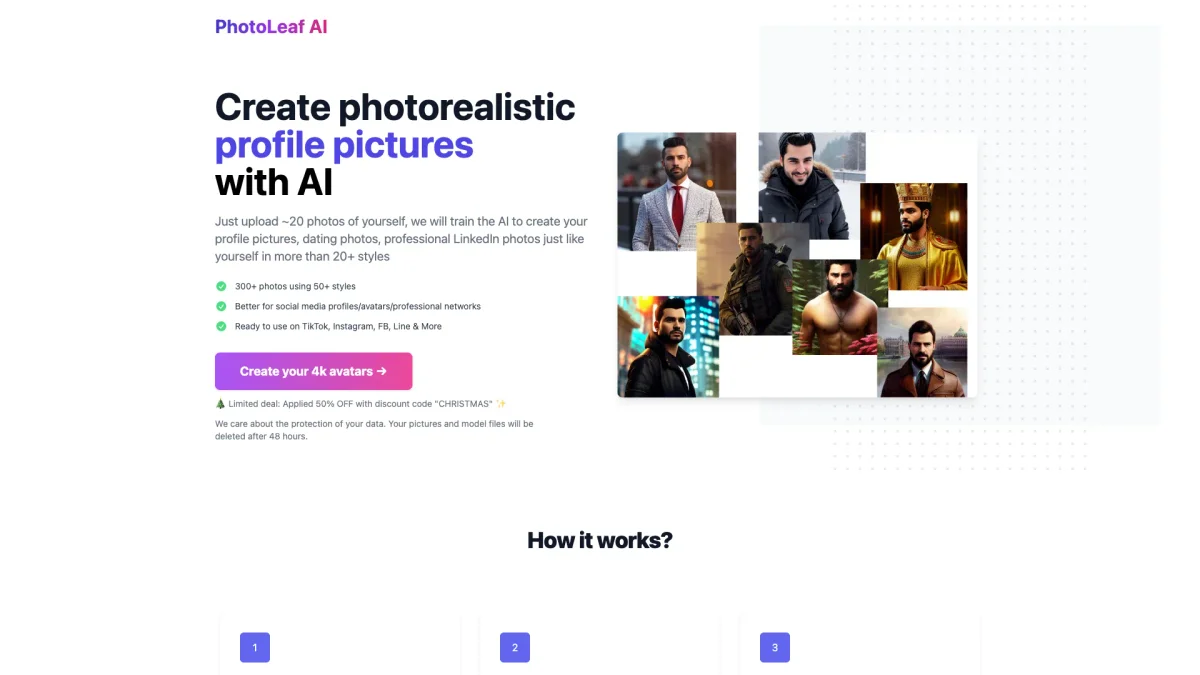
What is PhotoLeaf?
PhotoLeaf is an innovative AI-powered tool that specializes in generating photorealistic profile pictures from user-uploaded images. Users simply upload around 20 photos of themselves, and the AI is trained to create personalized images suitable for social media, dating, and professional platforms. This tool addresses the challenge of finding the perfect profile picture that truly represents an individual’s personality and style. The key benefits of using PhotoLeaf include the ability to choose from over 50 different styles and receive more than 300 unique images tailored to your appearance. It simplifies the process of creating eye-catching avatars for platforms like TikTok, Instagram, and LinkedIn, helping users stand out in the digital space. Additionally, PhotoLeaf ensures user privacy by deleting uploaded images after 48 hours, providing peace of mind while harnessing the power of AI-generated creativity.
Key Features
- Upload 20 photos for training
- Generate over 300 unique images
- Choose from 50+ diverse styles
- Perfect for social media and professional use
- Data protection with automatic deletion
Who is it for?
- Social media enthusiasts
- Job seekers and professionals
- Dating app users
- Content creators and influencers
Use Cases
1. Professional LinkedIn Profiles
Enhance your LinkedIn presence with a professional profile picture. Upload multiple photos, and PhotoLeaf will generate tailored images that reflect your professional persona, making you stand out to potential employers.
2. Eye-Catching Dating Profiles
Create appealing dating profile pictures that attract attention. By uploading a variety of personal photos, PhotoLeaf generates unique images that showcase your personality, helping you connect with matches more effectively.
3. Social Media Avatars
Develop striking avatars for platforms like Instagram and TikTok. PhotoLeaf allows you to customize your digital identity by generating diverse images that resonate with your personal brand and social media aesthetic.
Pricing Plans
Create your 4k avatars for just $1 - Get stunning images in various styles. Limited deal: 50% OFF with discount code 'CHRISTMAS'.
Frequently Asked Questions
1. What happens with the pictures after the training?
Your uploaded pictures and trained models are deleted after 48 hours to ensure data protection unless you request to keep them for future training.
2. How long will it take to receive the generated images?
The processing time for generating your images can take between 4 to 6 hours, depending on GPU availability. You will receive a link to download your images once ready.
3. What if I'm not happy with the results?
If you are not satisfied with the generated images, PhotoLeaf offers free retraining. You can upload a new set of training images for a second attempt at generating avatars.
4. Can I use PhotoLeaf for commercial projects?
Yes, the images generated by PhotoLeaf can be used for various purposes, including commercial projects, as they are tailored to your likeness and preferences.
PhotoLeaf Reviews & Ratings
Real user feedback and ratings for PhotoLeaf. See what the community thinks about this AI tool.
No reviews yet
Be the first to share your experience with PhotoLeaf