Oka Apps
Essential Apps for Mac and iOS Users
Discover a suite of free applications designed to enhance your Mac and iOS experience, from screen recording to video playback and file management.
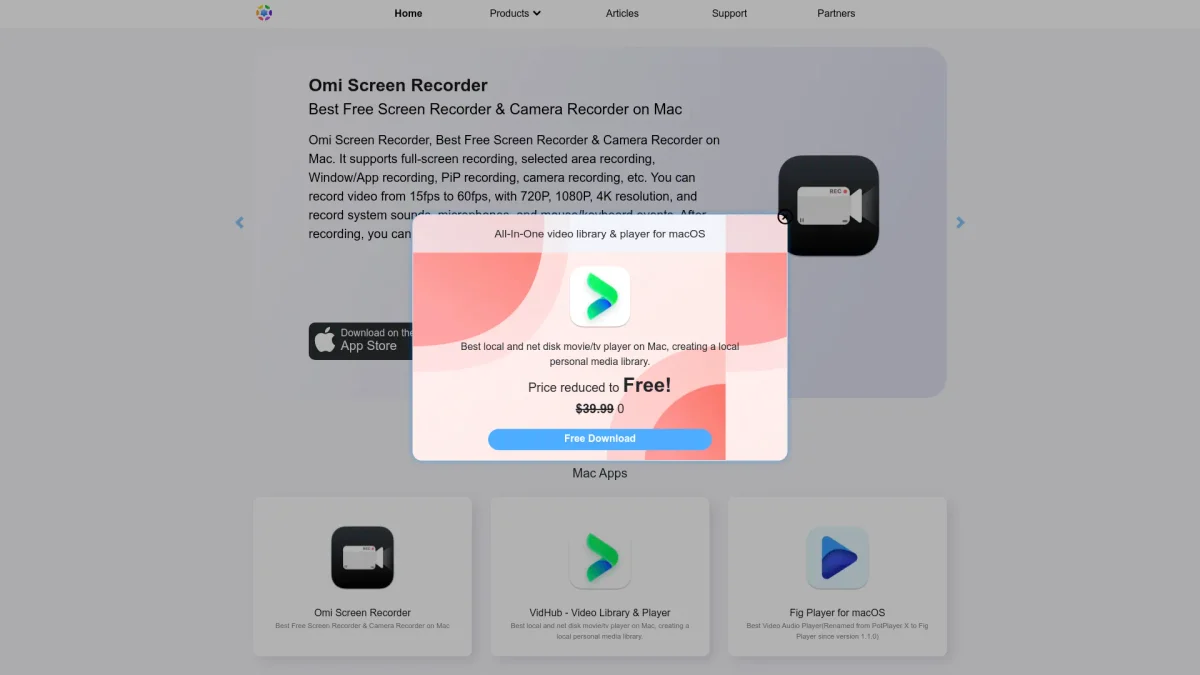
What is Oka Apps?
Oka Apps provides a comprehensive collection of free applications specifically designed for Mac and iOS platforms. Its main purpose is to streamline various tasks such as media playback, file management, and screen recording, making everyday digital workflows more efficient. Users can benefit from tools that support video and audio conversion, file unarchiving, and task management, all tailored to enhance productivity and user experience. The key benefits of Oka Apps include its user-friendly interface, compatibility with various file formats, and the ability to handle multiple media and file management tasks in one place. Users can enjoy flexibility in organizing their media libraries, recording high-quality videos, and managing their tasks effectively. With these powerful tools, Oka Apps empowers users to maximize their productivity while enjoying a seamless experience across all their devices.
Key Features
- Best free screen recorder for Mac
- All-in-one video library and player
- Supports multiple video formats
- Easy file unarchiving and management
- Clipboard management with history
- NTFS disk management for Mac
- Secure file hiding with F-Vault
Who is it for?
- Content creators and streamers
- Students and educators
- Freelancers and professionals
- Home office workers
- Media enthusiasts
Use Cases
1. Recording Tutorials and Presentations
Use Omi Screen Recorder to create high-quality video tutorials or presentations. Capture your screen and webcam simultaneously, add voice commentary, and export your recordings for sharing or teaching purposes.
2. Organizing Video Libraries
With VidHub, manage your video files efficiently by organizing them from local drives, NAS, or cloud services. The app supports various formats and provides details about movies and shows, making it easy to browse your library.
3. File Compression and Decompression
Utilize Oka Unarchiver to easily unzip and manage files on your Mac. Support for batch decompression and password-protected archives makes it a vital tool for handling large files securely and efficiently.
4. Managing Clipboard History
uPaste serves as an intelligent clipboard manager, allowing users to track and manage their copy-paste history effortlessly. Access previously copied items anytime, improving efficiency in document editing and research.
Pricing Plans
Free: Basic features across all apps, Pro: $29.99 - Additional features and enhanced functionalities available for select apps, Enterprise: Custom pricing - Tailored solutions for larger teams and organizations.
Frequently Asked Questions
1. What types of applications does Oka Apps offer?
Oka Apps offers a variety of applications including screen recorders, video players, file managers, and productivity tools designed for Mac and iOS users, enhancing their digital experience.
2. Is there a free version of Oka Apps?
Yes, Oka Apps provides a free version of its applications, allowing users to access basic features without any cost. Some advanced features may require a paid upgrade.
3. Can I use Oka Apps on different devices?
Yes, Oka Apps are designed for both Mac and iOS devices, ensuring compatibility and a seamless experience across all your Apple devices.
4. How does Oka Unarchiver handle password-protected files?
Oka Unarchiver supports batch decompression of archives and can handle password-protected files, allowing users to extract files securely and efficiently.
Oka Apps Reviews & Ratings
Real user feedback and ratings for Oka Apps. See what the community thinks about this AI tool.
No reviews yet
Be the first to share your experience with Oka Apps