
NextStep
Simplify your business processes effortlessly
NextStep is a straightforward tool for creating and managing structured workflows, enabling teams to focus on execution and efficiency without complexity.
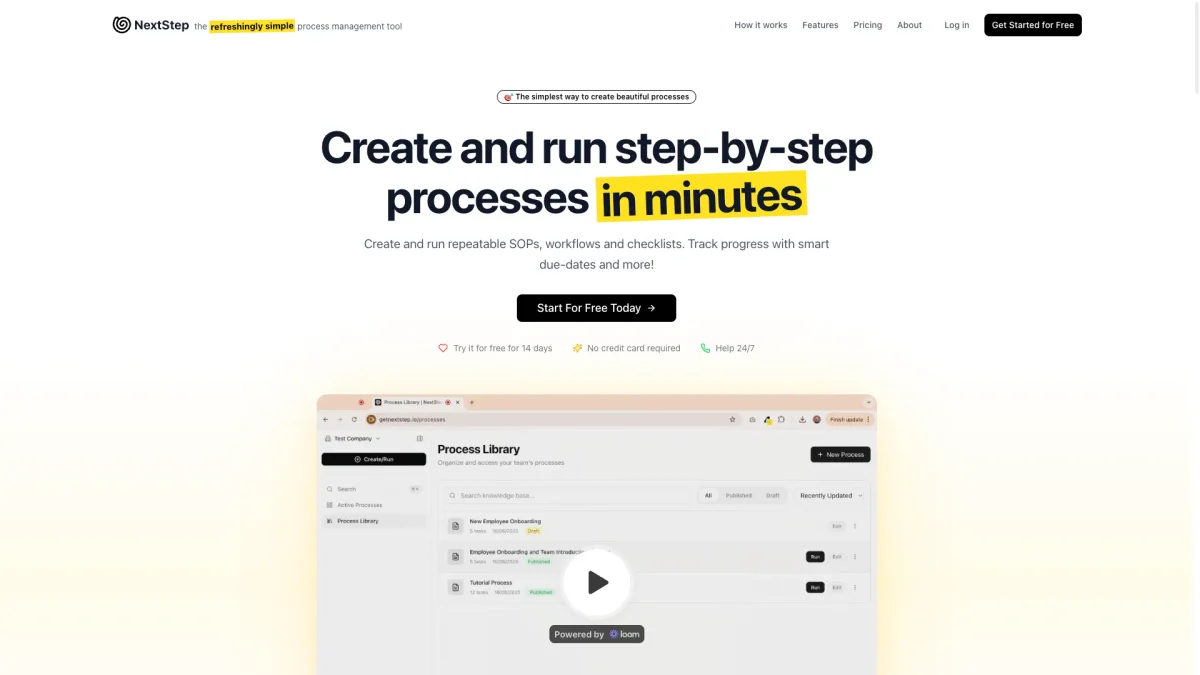
What is NextStep?
NextStep is a business process management tool designed to simplify the creation and execution of workflows, standard operating procedures (SOPs), and checklists. It addresses the common issue of scattered documentation and inefficient task management by providing a structured approach to process management. Users can quickly create and launch processes tailored to their team's needs, enhancing overall productivity and coherence. With NextStep, teams benefit from dynamic due dates, real-time analytics, and the ability to collaborate seamlessly. It allows users to track progress, improve efficiency, and ensure tasks are completed in the correct order. By streamlining workflows and reducing reliance on disparate systems, NextStep empowers teams to focus on delivering results and optimizing their processes for future success.
Key Features
- AI-assisted process creation
- Dynamic due dates for task management
- Customizable form fields
- Lock tasks until prerequisites are met
- Real-time analytics and tracking
- Seamless collaboration with guest access
- Recurring process scheduling
Who is it for?
- Small business owners
- Project managers
- Team leaders
- Operations teams
- Consultants
Use Cases
1. Onboarding New Employees
Use NextStep to create a structured onboarding process for new hires. This includes step-by-step tasks, required forms, and scheduled check-ins, ensuring a smooth transition and comprehensive training.
2. Client Project Management
Manage client projects efficiently by creating repeatable workflows tailored to each project. Track progress, set dynamic due dates, and collaborate with team members and clients seamlessly.
3. Weekly Team Meetings
Set up a recurring process for weekly team meetings. Automate agenda preparation, task assignments, and follow-ups, ensuring that all team members are aligned and informed.
4. Customer Feedback Collection
Create a process for collecting customer feedback through surveys. Use customizable form fields to capture insights and track responses to improve products and services.
Pricing Plans
Free: 14-day trial with no credit card required, Pro: $10/month - 1 process creator, unlimited processes, and email support, Enterprise: Custom pricing - tailored solutions for larger teams.
Frequently Asked Questions
1. Does NextStep offer a free trial?
Yes, NextStep provides a 14-day free trial without requiring a credit card. This allows users to explore its features and capabilities before committing to a paid plan.
2. What features are included in the Pro plan?
The Pro plan at $10/month includes one process creator, unlimited processes, unlimited guest participants, and email support, making it suitable for individuals or small teams.
3. Can I share processes with clients or partners?
Yes, NextStep allows you to share running processes via simple links, enabling guests to participate without needing to create an account. This is ideal for client onboarding and collaboration.
4. How does NextStep help improve team efficiency?
NextStep improves team efficiency by providing structured workflows, smart due dates, and real-time analytics, allowing teams to track progress, identify bottlenecks, and optimize processes for better results.
NextStep Reviews & Ratings
Real user feedback and ratings for NextStep. See what the community thinks about this AI tool.
No reviews yet
Be the first to share your experience with NextStep