ModelFormatConvert
Free Online 3D Model Format Converter
Easily convert various 3D model formats online without registration and ensure high-quality results instantly and securely.
What is ModelFormatConvert?
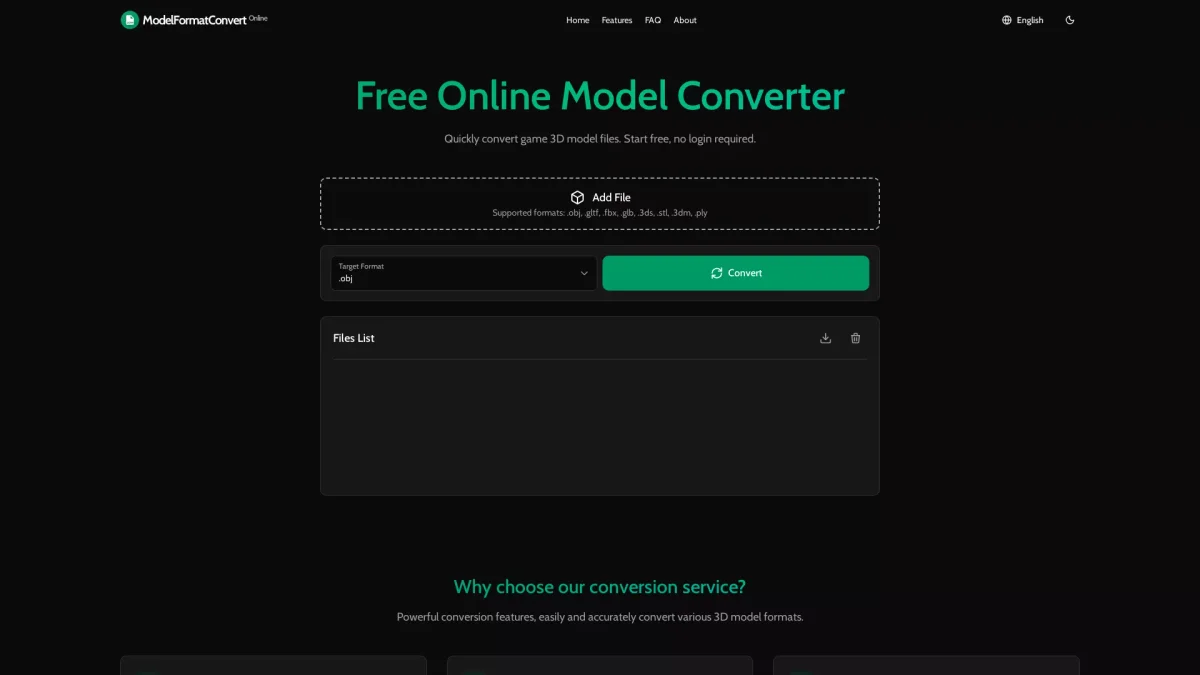
ModelFormatConvert is a free online tool designed to facilitate the seamless conversion of 3D model files across multiple formats. Its primary purpose is to solve the challenge faced by designers and engineers who need to convert 3D models into formats suitable for different applications without the hassle of complex software installations. Users can quickly convert files such as .obj, .gltf, and .fbx with ease and accuracy. By utilizing ModelFormatConvert, users benefit from high-precision conversions that maintain the integrity of complex models, including those with millions of vertices. The platform prioritizes user privacy by ensuring that files are processed locally in the browser without permanent storage, making it ideal for professionals in modeling and engineering who require a fast, reliable, and privacy-focused solution for their conversion needs.
Key Features
- Supports multiple 3D model formats
- High precision conversion for complex models
- Instant results with no registration required
- Privacy-first approach to data handling
- Batch processing for multiple files
- Smart optimization of model structures
Who is it for?
- 3D model designers
- Game developers
- Engineering professionals
- Animation studios
Use Cases
1. Game Development Asset Conversion
Game developers can use ModelFormatConvert to easily convert 3D model assets into the necessary formats for their game engines, ensuring compatibility and fidelity in their projects.
2. Engineering Design and Prototyping
Engineers can convert complex CAD models into various formats for prototyping and presentation purposes, facilitating better collaboration with teams and stakeholders.
3. 3D Animation Preparation
Animators can quickly convert models into formats compatible with animation software, streamlining the workflow and reducing downtime in production.
Pricing Plans
Free: High-quality conversion without registration, Pro: Pricing information not available on website. Please visit the official website for current pricing.
Frequently Asked Questions
1. What file formats can I convert using ModelFormatConvert?
ModelFormatConvert supports several 3D model formats including .obj, .gltf, .fbx, .glb, .3ds, .stl, .3dm, and .ply, allowing for versatile conversion options.
2. Is there a limit on file size for conversions?
It is recommended that files be under 100MB for optimal performance, as complex models may require longer processing times. Standard models work best with the service.
3. Does ModelFormatConvert keep my files after conversion?
No, ModelFormatConvert does not store your model files or conversion data. All processing occurs temporarily, and files are deleted immediately after conversion.
4. How quickly can I convert my 3D models?
The conversion process is designed to be fast and efficient, providing high-quality results almost instantly without the need for registration.
ModelFormatConvert Reviews & Ratings
Real user feedback and ratings for ModelFormatConvert. See what the community thinks about this AI tool.
No reviews yet
Be the first to share your experience with ModelFormatConvert