

MJSplitter
Effortless MidJourney Grid Splitting Tool
MJ Splitter allows creators to quickly split MidJourney image grids into high-quality individual files without any signup or hidden fees.
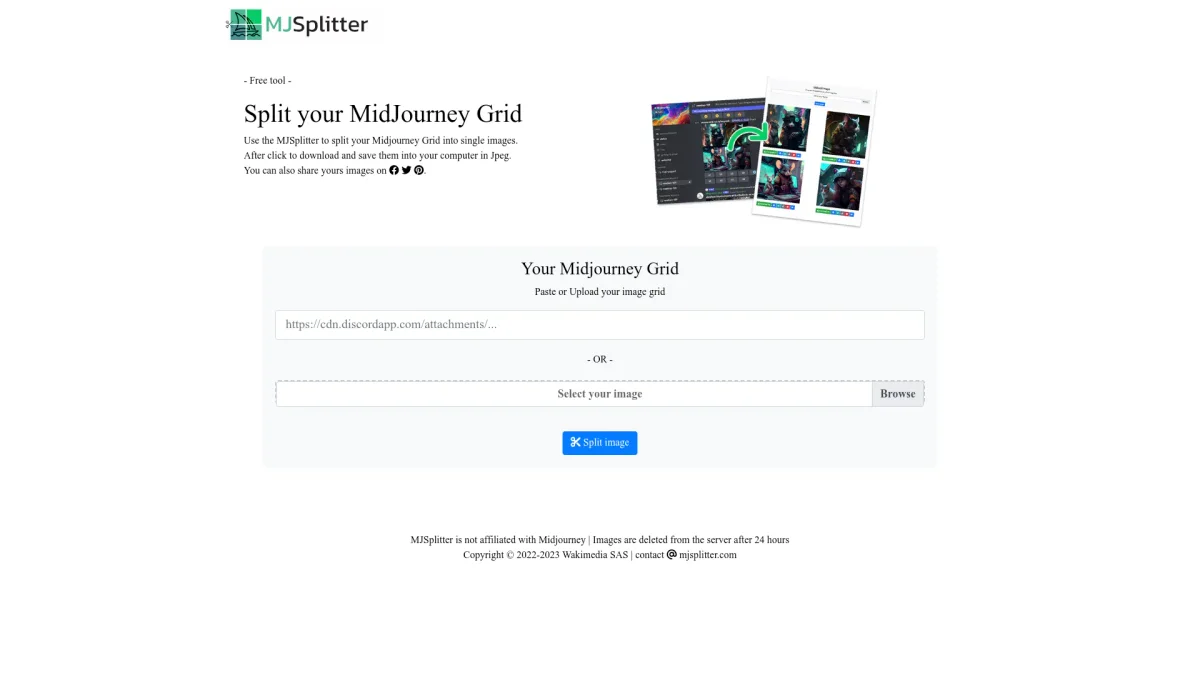
What is MJSplitter?
MJSplitter is a specialized tool designed for AI creators that allows for the seamless splitting of MidJourney image grids into individual, high-quality files. Its main purpose is to address the challenge faced by users of needing quick access to individual images from grid outputs, ensuring that they can efficiently utilize their AI-generated art for various applications. This tool offers numerous benefits, including lightning-fast processing times of under 2 seconds and the preservation of original image quality without any compression. Users appreciate the 100% privacy, as images are processed locally and not stored on servers. With an intuitive interface that requires no signup and is mobile-ready, MJSplitter is ideal for artists, designers, and content creators who need quick, high-quality image outputs for social media, portfolios, or other projects.
Key Features
- Instant grid splitting in under 2 seconds
- Preserves original image quality
- 100% private processing
- No signup or hidden fees
- Mobile-ready for all devices
- Supports multiple grid formats
- Batch download of images
Who is it for?
- Digital artists and creators
- Graphic designers
- Social media influencers
- E-commerce sellers
- Content creators
Use Cases
1. Social Media Image Posts
Quickly split your MidJourney grid images into individual files ready for social media posts. This allows for easy and engaging content creation across platforms like Instagram and Twitter.
2. Portfolio Development
Use MJ Splitter to extract individual images from your artwork grids, enhancing your portfolio with high-quality visuals that showcase your best work.
3. E-commerce Product Listings
Create compelling product images by splitting MidJourney grids into standalone images, making them perfect for online store listings and marketing materials.
4. Print Projects
Prepare your MidJourney images for print by easily isolating each piece from a grid, ensuring high-resolution outputs for physical artwork or merchandise.
Pricing Plans
Free: No signup required, instant results with high-quality splits.
Frequently Asked Questions
1. What image formats does MJSplitter support?
MJSplitter supports various image formats including PNG, JPG, JPEG, and WEBP, ensuring compatibility with most digital art outputs.
2. Is MJSplitter really free to use?
Yes, MJSplitter is completely free to use with no hidden fees, watermarks, or account requirements, making it accessible for all users.
3. How fast is the processing time for splitting images?
MJSplitter processes image grids in under 2 seconds, allowing for quick access to individual images without any delays.
4. Can I use MJSplitter on mobile devices?
Absolutely! MJSplitter is mobile-ready and works seamlessly on desktop, tablet, and mobile devices, providing flexibility for users on the go.
MJSplitter Reviews & Ratings
Real user feedback and ratings for MJSplitter. See what the community thinks about this AI tool.
No reviews yet
Be the first to share your experience with MJSplitter









