
Microlink
Transform URLs into structured outputs effortlessly
Microlink is a powerful Headless Browser API that turns any URL into structured data, including screenshots, PDFs, and metadata, streamlining web content handling.
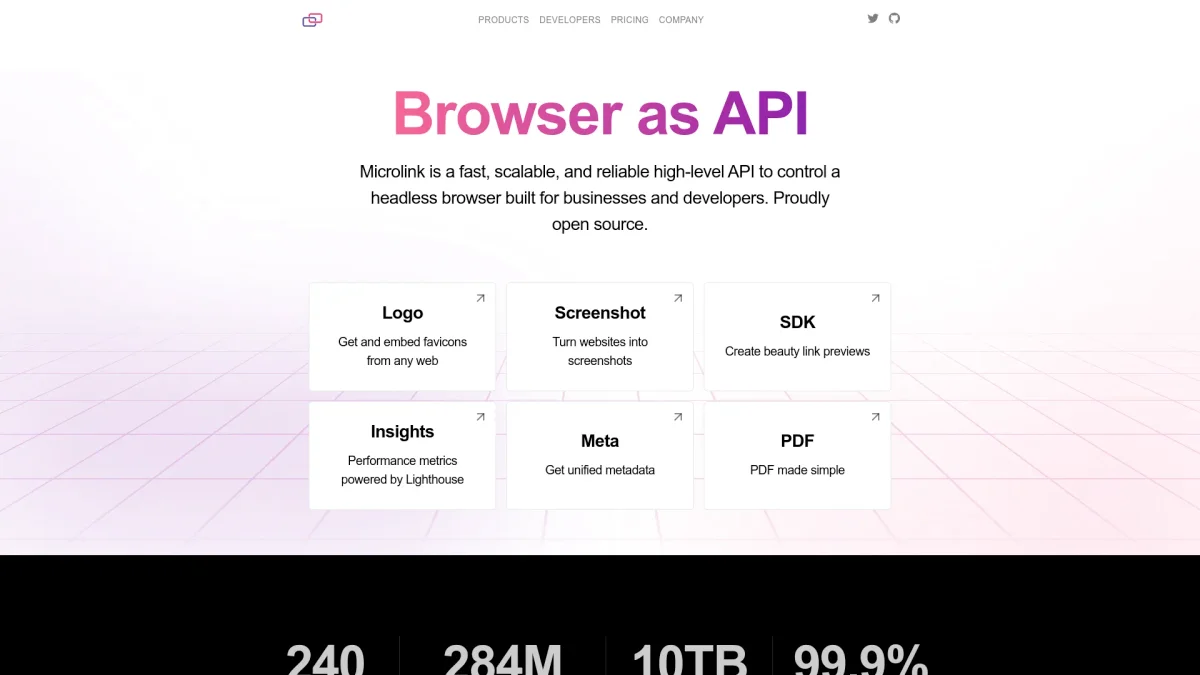
What is Microlink?
Microlink is a versatile Headless Browser API designed to transform any URL into structured output, enabling users to capture screenshots, generate PDFs, and extract metadata seamlessly. It addresses the challenges of web content management by providing developers with a straightforward solution for automating browser tasks without the need for complex setups or infrastructure management. By leveraging Microlink, users benefit from pixel-perfect screenshots, reliable metadata extraction, and the ability to create production-ready PDFs from live webpages. Its cloud-based architecture ensures superior performance and scalability with minimal operational costs, making it an essential tool for developers, marketers, and content managers looking to enhance their web processes efficiently.
Key Features
- Pixel-perfect website screenshots
- Production-ready PDF generation
- Normalized metadata extraction
- Bulk screenshot capabilities
- Lighthouse insights for performance
- Custom API endpoint options
- Easy integration with existing stacks
Who is it for?
- Developers and software engineers
- Digital marketing agencies
- Content managers and editors
- Web designers and developers
- SEO specialists
Use Cases
1. Website Screenshot Automation
Capture high-quality screenshots of any website automatically for documentation or presentations. Microlink allows users to generate pixel-perfect images that can be stored or shared for various purposes.
2. PDF Generation from Webpages
Create production-ready PDFs from live webpages instantly. This feature is ideal for businesses that need to convert web content into easily shareable and printable formats without manual intervention.
3. Metadata Extraction for SEO
Extract normalized metadata from websites to enhance SEO strategies. Microlink provides structured data that can be used for analysis and improving search engine visibility.
4. Bulk Screenshot Capture
Capture multiple website screenshots in one go, saving time and resources. This feature is beneficial for audits and comparisons across numerous sites, making it easier to manage large projects.
5. Lighthouse Performance Insights
Run Lighthouse insights across multiple pages at scale to assess website performance. This helps teams identify issues and improve user experience based on comprehensive metrics.
Pricing Plans
Free: 50 requests per month with basic features, Pro: $39/month - Includes up to 560K requests, configurable TTL, and custom headers, Enterprise: Custom pricing - Includes all Pro features and dedicated CDN distribution.
Frequently Asked Questions
1. Does Microlink offer a free trial?
Yes, Microlink provides a forever free plan that includes 50 requests per month. This allows users to explore the features without requiring a credit card.
2. What types of outputs can Microlink generate?
Microlink can generate pixel-perfect screenshots, production-ready PDFs, extracted metadata, and animated screenshots, catering to various web content management needs.
3. How does Microlink ensure security?
Microlink employs request isolation with no shared browsers between requests, ensuring that user data remains secure and compliant with privacy regulations.
4. Can I scale my usage as my business grows?
Absolutely. Microlink offers scalable pricing plans that grow with your needs, allowing you to increase your request limits without any upfront costs.
Microlink Reviews & Ratings
Real user feedback and ratings for Microlink. See what the community thinks about this AI tool.
No reviews yet
Be the first to share your experience with Microlink