Meshy
Transform images into stunning 3D models
Meshy rapidly converts images and text into 3D models, enhancing creativity for various industries while streamlining the modeling process.
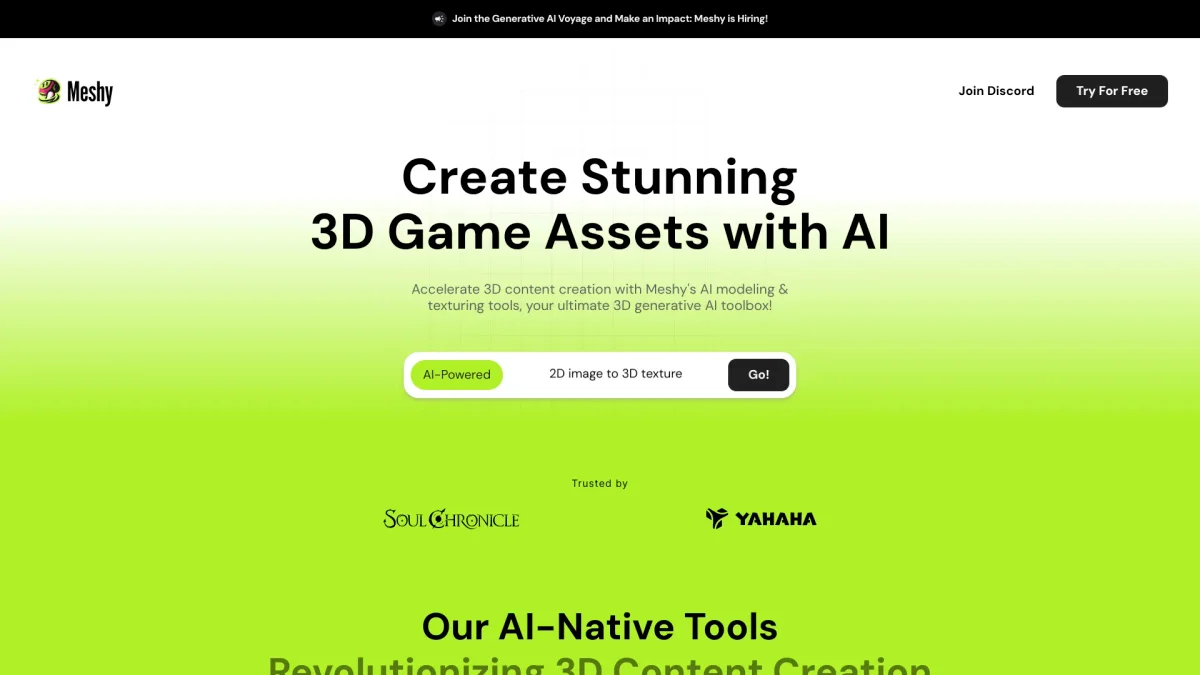
What is Meshy?
Meshy is an innovative AI tool designed to transform images and text into high-quality 3D models quickly and efficiently. Its primary purpose is to simplify the 3D modeling process, allowing users to create complex models with ease and speed. By utilizing advanced AI algorithms, Meshy addresses the challenges of traditional 3D modeling, making it accessible for users of all skill levels. With features like image-to-3D conversion, AI texturing, and auto-rigging for animations, Meshy helps users save time and reduce costs in various applications, including 3D printing, game development, and education. Users can rapidly prototype ideas, streamline workflows, and bring their imaginative concepts to life, making it an essential tool for creators in diverse fields such as product design, film production, and virtual reality.
Key Features
- Image to 3D conversion
- Text to 3D model generation
- AI-driven texturing for realism
- Multi-view image generation
- Auto-rigging and animation tools
- API integration for custom solutions
Who is it for?
- Game developers
- 3D printing enthusiasts
- Educators and students
- Product designers
- Film and VFX professionals
Use Cases
1. 3D Printing Prototyping
Easily turn your 3D print ideas into models using Meshy's image-to-3D capabilities. This feature allows designers to quickly prototype and refine their concepts, saving time and resources.
2. Game Asset Creation
Supercharge your game development process with Meshy’s fast 3D modeling tools. Generate characters and environments quickly, enabling developers to focus on gameplay and storytelling.
3. Educational Tool for 3D Arts
Educators can integrate Meshy into their curriculum to teach students about 3D modeling. Its intuitive interface allows students to create and animate models, fostering creativity and technical skills.
4. Virtual Reality Experiences
Create immersive VR environments by generating 3D assets directly from images or text prompts. Meshy facilitates rapid development, enhancing user experience in virtual spaces.
5. Film Production Visual Effects
Streamline your VFX workflow by using Meshy to create 3D models quickly. This efficiency allows filmmakers to enhance their visual storytelling with high-quality assets.
Pricing Plans
Pricing information not available on website. Please visit the official website for current pricing.
Frequently Asked Questions
1. What types of models can I create with Meshy?
With Meshy, you can create a wide range of 3D models from images or text descriptions, including characters, environments, and props for various applications such as gaming and 3D printing.
2. Does Meshy support animation for 3D models?
Yes, Meshy offers auto-rigging and animation features, allowing you to animate humanoid or quadruped models within seconds, which is perfect for game development and film production.
3. Can I integrate Meshy into my existing workflow?
Absolutely! Meshy provides an API that allows you to integrate its powerful 3D modeling capabilities into your applications or pipelines, making it versatile for various projects.
4. Is there a community for Meshy users?
Yes, Meshy has an active community where users can showcase their creations, share tips, and receive updates. Joining the Discord community is a great way to connect with other creators.
Meshy Reviews & Ratings
Real user feedback and ratings for Meshy. See what the community thinks about this AI tool.
No reviews yet
Be the first to share your experience with Meshy