Make3D
Transform 2D images into stunning 3D models
Make3D empowers users to convert 2D images into impressive 3D models effortlessly, enhancing creativity and efficiency for designers and artists alike.
What is Make3D?
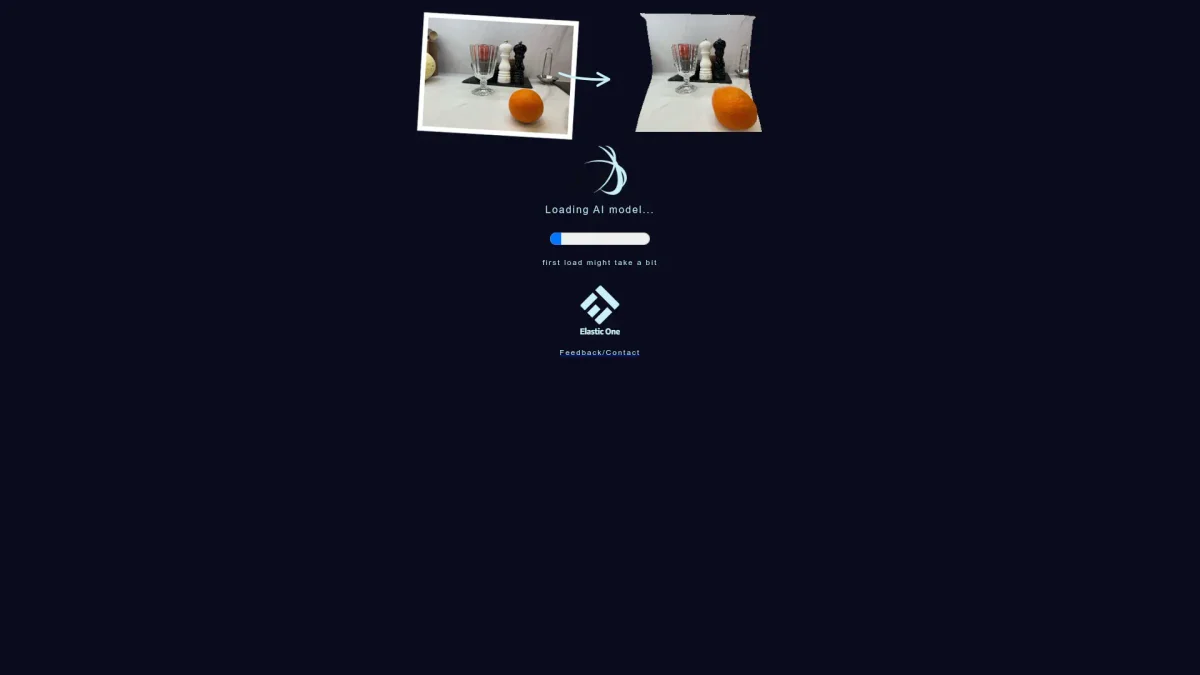
Make3D is an innovative tool designed to transform 2D images into detailed 3D models, simplifying the process for artists, designers, and developers. Its primary purpose is to eliminate the complexity of 3D modeling by allowing users to upload a flat image and receive a three-dimensional representation. This addresses the common challenge of creating 3D assets from scratch, making it accessible for those without extensive modeling experience. The key benefits of Make3D include its user-friendly interface and the ability to generate high-quality 3D models quickly. Users can save time and resources by converting images into 3D formats, which can be utilized in various applications, including gaming, virtual reality, and product visualization. This tool is ideal for professionals seeking to enhance their projects with 3D elements without needing deep technical skills, ultimately fostering creativity and innovation in design.
Key Features
- Instant 2D to 3D conversion
- User-friendly interface for all skill levels
- High-quality 3D model outputs
- Supports multiple image formats
- Real-time rendering capabilities
- Export options for various applications
Who is it for?
- Graphic designers
- Game developers
- 3D artists
- Marketing professionals
- Educators in design
Use Cases
1. Game Asset Creation
Developers can use Make3D to create 3D game assets by simply uploading 2D artwork. This accelerates the game design process, allowing for rapid prototyping and iteration.
2. Virtual Reality Experiences
Designers can enhance virtual reality environments by converting 2D images into 3D objects. This adds depth and realism, improving user engagement in VR applications.
3. Product Visualization
Marketers can visualize product concepts by transforming product sketches into 3D models, making presentations more impactful and aiding in design decision-making.
4. Educational Tools
Teachers can utilize Make3D to create educational materials, turning flat images into 3D models that help students better understand complex concepts through interactive learning.
Pricing Plans
Pricing information not available on website. Please visit the official website for current pricing.
Frequently Asked Questions
1. What types of images can I upload to Make3D?
Make3D supports various image formats, allowing users to upload JPEG, PNG, and GIF files. This flexibility ensures compatibility with most 2D artwork used by designers and artists.
2. Is there a limit on the number of images I can convert?
Make3D does not specify a limit on the number of images you can convert. Users can continuously upload and transform images into 3D models as needed, making it convenient for ongoing projects.
3. Can I edit the 3D models after conversion?
Yes, after converting images to 3D models, users can further refine and edit the outputs using compatible 3D modeling software, providing flexibility for detailed customization.
4. Are there tutorials available to help new users?
Absolutely. Make3D offers a range of tutorials and resources on their website to help new users understand how to effectively use the tool and maximize its potential for their projects.
Make3D Reviews & Ratings
Real user feedback and ratings for Make3D. See what the community thinks about this AI tool.
No reviews yet
Be the first to share your experience with Make3D