
Mailbutler
Enhance Your Email Productivity Effortlessly
Mailbutler transforms your inbox with advanced email tracking, tailored sending, and team collaboration, making email management smarter and more efficient.
What is Mailbutler?
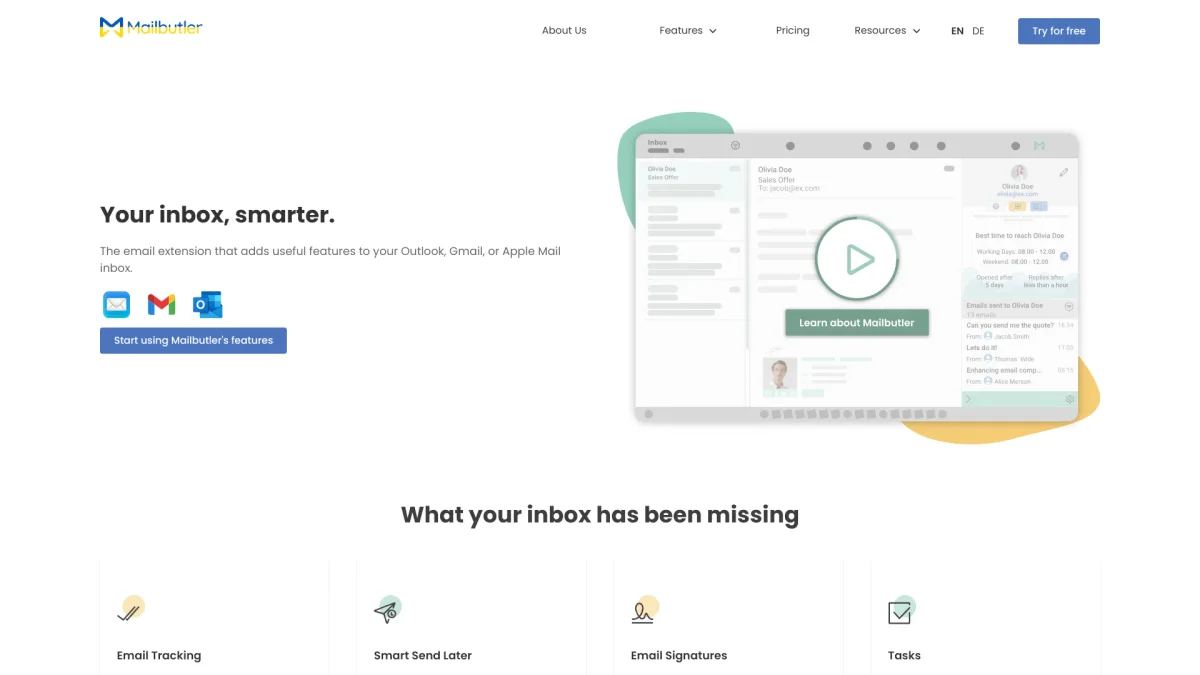
Mailbutler is an email productivity extension designed to integrate seamlessly with Apple Mail, Gmail, and Outlook. Its primary purpose is to enhance the user’s email experience by providing tools such as email tracking, tailored sending, and team collaboration features. By addressing common email challenges, Mailbutler helps users make informed business decisions based on recipient engagement and improves communication efficiency within teams. The key benefits of using Mailbutler include actionable insights from email interactions, the ability to personalize messages for optimal timing, and transforming a shared inbox into a collaborative workspace. With features like customizable email signatures for marketing, Mailbutler empowers users to connect more effectively with clients and colleagues. This tool is ideal for anyone looking to streamline their email workflow and enhance productivity while maintaining a focus on security and privacy.
Key Features
- Email Tracking for insights
- Smart Tailored Sending
- Team Collaboration Hub
- Customizable Email Signatures
- GDPR Compliant Data Handling
- Real-time Status Indicators
- Cross-platform Compatibility
Who is it for?
- Small business owners
- Marketing professionals
- Remote teams
- Sales representatives
- Freelancers and consultants
Use Cases
1. Enhanced Client Communication
Utilize Mailbutler's email tracking to gain insights into client interactions. Knowing when emails are opened or links are clicked allows for timely follow-ups, enhancing client relationships and boosting sales.
2. Team Collaboration on Emails
Turn your team inbox into a collaboration hub. With features like live status indicators and assignments, team members can manage shared emails efficiently, ensuring nothing is overlooked.
3. Personalized Marketing Campaigns
Leverage Mailbutler's tailored sending feature to craft personalized emails that reach recipients at the optimal time. This increases engagement and conversion rates for marketing campaigns.
4. Professional Email Signatures
Use Mailbutler to create customizable email signatures that include marketing messages and CTAs. This transforms every email into a marketing opportunity, promoting your brand effectively.
Pricing Plans
Pricing information not available on website. Please visit the official website for current pricing.
Frequently Asked Questions
1. What email clients does Mailbutler support?
Mailbutler supports Apple Mail, Gmail, and Outlook, ensuring that its features work seamlessly across these popular platforms for all users.
2. Can I try Mailbutler before purchasing?
Yes, Mailbutler offers a free 14-day trial for new users, allowing you to test all features without needing to provide payment details upfront.
3. Is Mailbutler secure for my data?
Mailbutler is ISO/IEC 27001 certified and fully GDPR compliant. It ensures your data is safe and protected, with strict privacy protocols in place.
4. How does Mailbutler improve email productivity?
Mailbutler enhances productivity by providing features such as email tracking, tailored sending, and team collaboration tools that streamline communication and foster better workflow.
Mailbutler Reviews & Ratings
Real user feedback and ratings for Mailbutler. See what the community thinks about this AI tool.
No reviews yet
Be the first to share your experience with Mailbutler