
Lightkey
Turbocharge your writing with AI
Lightkey is an advanced text prediction software that accelerates your writing process, offering personalized predictions and enhancing productivity across various platforms.
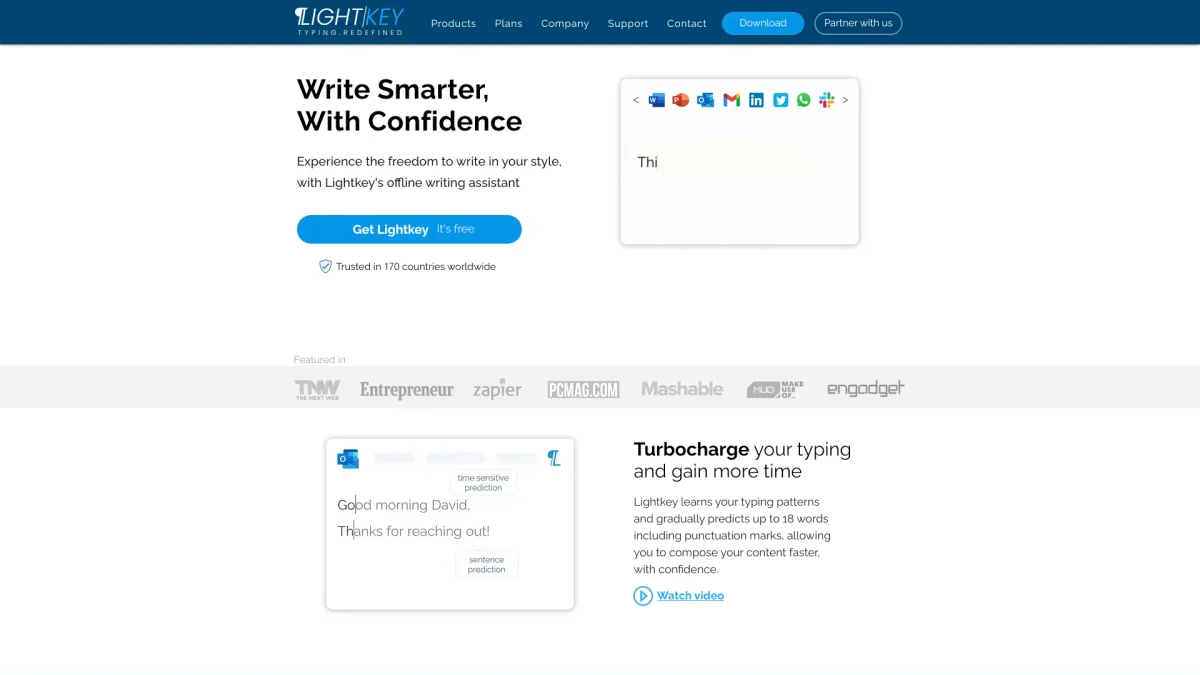
What is Lightkey?
Lightkey is a powerful text prediction software designed for Windows that helps users write more efficiently by providing real-time, personalized predictions based on their unique writing style. Its main purpose is to reduce the time spent typing and correcting errors, allowing users to maintain their flow of thought and increase overall productivity. By learning from user input, Lightkey adapts to individual writing patterns and preferences. The key benefits of Lightkey include supercharged writing with full sentence predictions, seamless integration with various applications like Microsoft Office and Chrome, and features tailored for users with disabilities. It offers auditory notifications for non-touch typists and privacy-focused deployment options. This makes Lightkey an essential tool for professionals and individuals seeking to enhance their writing experience while ensuring accuracy and efficiency in their work.
Key Features
- Personalized text predictions
- Real-time writing companion
- Full sentence predictions
- Integrates with Microsoft Office and Chrome
- Auditory notifications for typing assistance
- Serverless, on-prem solution
- Optimized for users with disabilities
Who is it for?
- Writers and content creators
- Business professionals
- Students and academics
- Individuals with disabilities
- Teams in collaborative environments
Use Cases
1. Email Composition
Effortlessly draft and respond to emails using Lightkey's predictive text features. It helps maintain your tone while improving typing speed, allowing for quick and professional communication.
2. Document Creation in Microsoft Office
Lightkey enhances productivity in Word and PowerPoint by providing contextual predictions that align with workplace terminology, making document creation faster and more accurate.
3. Social Media Engagement
Generate impactful social media posts quickly. Lightkey's predictions help you craft messages that resonate with your audience, saving time and enhancing your online presence.
4. Academic Writing Assistance
Perfect for students and researchers, Lightkey aids in composing essays and reports by predicting content relevant to academia, thereby improving focus and reducing writer's block.
5. Support for Users with Disabilities
Lightkey is designed to assist individuals with dyslexia, ADHD, and other learning difficulties. It reduces keystrokes and provides read-aloud predictions, enhancing the writing experience.
Pricing Plans
Pricing information not available on website. Please visit the official website for current pricing.
Frequently Asked Questions
1. Does Lightkey offer a free plan?
Yes, Lightkey provides a free version that allows users to experience its basic features without any cost, making it accessible for everyone.
2. Is Lightkey safe to use?
Lightkey prioritizes user privacy and security. It does not submit content to the cloud and follows best practices for cybersecurity, ensuring a safe writing environment.
3. What applications does Lightkey integrate with?
Lightkey integrates seamlessly with Microsoft Office applications (2010-2024), Chrome, Edge, and supports millions of websites, enhancing the writing experience across platforms.
4. How does Lightkey support users with disabilities?
Lightkey offers features optimized for individuals with learning difficulties, including auditory notifications and reduced keystrokes, making writing easier and more accessible.
Lightkey Reviews & Ratings
Real user feedback and ratings for Lightkey. See what the community thinks about this AI tool.
No reviews yet
Be the first to share your experience with Lightkey