KreaAI
All-in-one AI Creative Suite
KreaAI empowers users to generate, enhance, and edit images, videos, and 3D objects effortlessly using advanced AI technology.
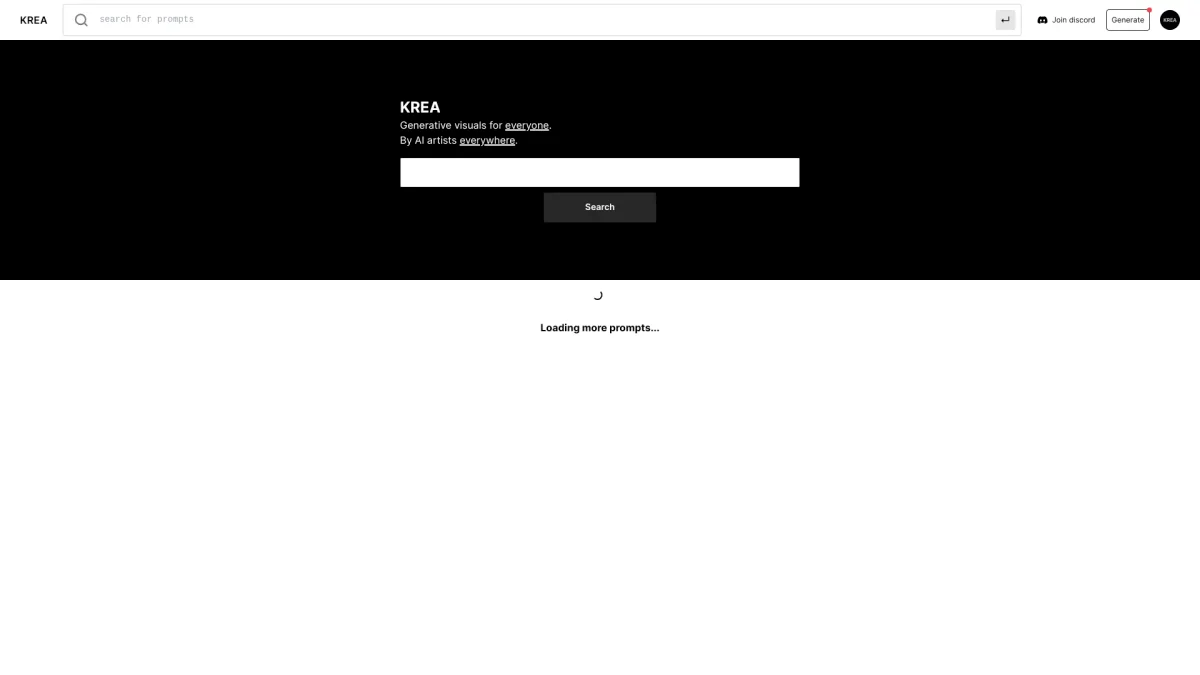
What is KreaAI?
KreaAI is a comprehensive AI creative suite that allows users to generate, enhance, and edit images, videos, and 3D objects using simple text prompts. Its main purpose is to streamline the creative process for artists, designers, and marketers by providing powerful tools that simplify content creation and editing. KreaAI addresses the challenges of time-consuming traditional methods by enabling rapid generation of high-quality content. With features like real-time rendering, image upscaling, and customizable AI fine-tuning, KreaAI offers significant benefits for users looking to enhance their creative projects. It supports a wide array of creative applications, making it suitable for both professionals and beginners. By leveraging cutting-edge AI technology, KreaAI helps users achieve stunning results quickly and efficiently, thereby revolutionizing the creative workflow.
Key Features
- Text to Image Generation
- Real-time Video Animation
- AI Image Upscaling up to 22K
- Generative Editing for Images
- 3D Object Generation from Text
- LoRA Fine-tuning for Custom Models
- Comprehensive Asset Management
Who is it for?
- Content creators and artists
- Digital marketing agencies
- 3D modelers and designers
- Video content producers
- Marketing professionals
Use Cases
1. Social Media Content Creation
Generate eye-catching images and videos for your social media campaigns using KreaAI's intuitive interface. Simply input your ideas as text prompts and watch the AI create engaging visuals that resonate with your audience.
2. 3D Object Design
Transform text descriptions into detailed 3D objects effortlessly. KreaAI allows designers to quickly visualize concepts without the need for extensive modeling skills, streamlining the design process and enhancing creativity.
3. Video Editing and Enhancement
Use KreaAI to upscale and enhance your video content to professional quality. The AI’s capabilities in video upscaling and frame interpolation make it perfect for improving the quality of existing footage.
4. Generative Art Projects
Utilize KreaAI’s generative editing features to create unique artwork by adding or removing elements from images. This is ideal for artists looking to experiment with new styles and techniques.
Pricing Plans
Free: 100 compute units per day with limited features, Pro: $X/month - Full access to real-time models and premium features, Enterprise: Custom pricing - Tailored solutions for large teams.
Frequently Asked Questions
1. Does KreaAI offer a free plan?
Yes, KreaAI provides a free plan that includes 100 compute units per day, allowing users to explore basic features without any credit card requirement.
2. What types of content can I create with KreaAI?
KreaAI allows users to create high-quality images, videos, and 3D objects using simple text prompts, making it versatile for various creative projects.
3. How does KreaAI's image upscaling work?
KreaAI's image upscaling feature enhances images up to 22K resolution, allowing users to restore quality in blurry images and produce professional-grade visuals.
4. Can I fine-tune AI models in KreaAI?
Yes, KreaAI offers LoRA fine-tuning, enabling users to upload images to train their own models for generating specific styles or subjects on demand.
KreaAI Reviews & Ratings
Real user feedback and ratings for KreaAI. See what the community thinks about this AI tool.
No reviews yet
Be the first to share your experience with KreaAI