
Kerlig
Boost your writing efficiency with AI
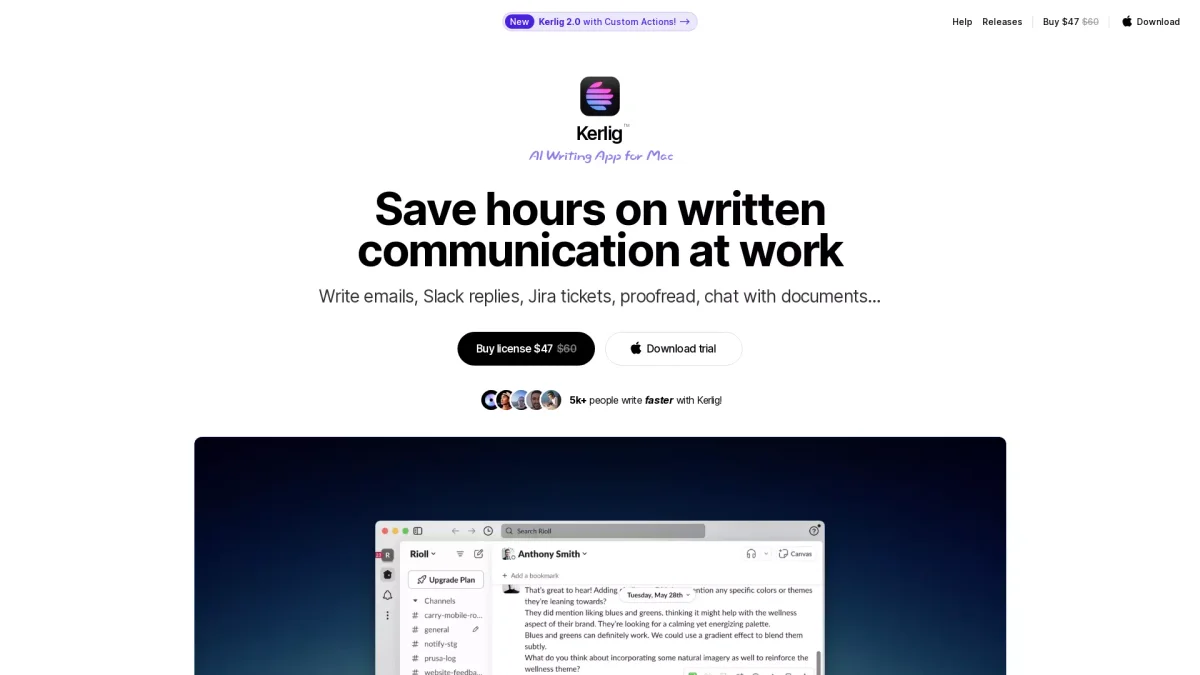
Kerlig is an AI writing app for Mac that streamlines written communication, helping users save hours on emails, chats, and documents.
What is Kerlig?
Kerlig is an AI writing application specifically designed for Mac users to enhance their written communication. It helps streamline tasks such as writing emails, Slack replies, and Jira tickets by providing intelligent suggestions and proofing features. The primary aim is to save users time and reduce the effort required for effective written communication at work, addressing common issues like writer’s block and grammatical errors. With Kerlig, users can leverage over 350 AI models to personalize their writing and improve overall quality. The app integrates seamlessly into macOS workflows, allowing for quick actions such as summarization, grammar checks, and document chat capabilities. This makes it especially beneficial for professionals needing to communicate efficiently and effectively, enhancing productivity and collaboration within teams.
Key Features
- AI-enabled workflows for enhanced writing
- Proofreading before sending messages
- Integration with over 350 AI models
- Customizable actions to fit work styles
- Chat interface for document interaction
- Local models for privacy and security
- Shortcuts for faster action execution
Who is it for?
- Product designers and developers
- Business professionals and teams
- Academic researchers and students
- Content creators and marketers
Use Cases
1. Efficient Email Communication
Use Kerlig to compose emails quickly with AI-driven suggestions for tone and content. It helps avoid grammatical errors, ensuring professional communication that saves time and enhances clarity.
2. Streamlined Team Collaboration
Enhance your team's communication on platforms like Slack and Jira. Kerlig allows you to write replies that reflect your voice while integrating AI to provide relevant context and suggestions.
3. Academic Writing Assistance
Kerlig serves as a smart academic assistant, helping students and researchers draft essays, papers, and presentations with accurate citations and improved writing quality.
4. Document Summarization
Quickly analyze and summarize lengthy documents using Kerlig's AI capabilities. This feature is particularly useful for busy professionals needing to digest information efficiently.
Pricing Plans
Basic License: $49 - Lifetime updates for one Mac, Pro License: $79 - Lifetime updates for two Macs, Team License: $297 - Support for 10 Macs with priority support.
Frequently Asked Questions
1. What types of AI models does Kerlig support?
Kerlig supports over 350 AI models, including those from OpenAI, Anthropic, Google, and more, allowing users to switch between models easily for tailored writing assistance.
2. Is Kerlig available for Windows or other devices?
Currently, Kerlig is designed specifically for Mac users. It supports both Apple Silicon and Intel Macs running macOS 12 and above, providing a seamless integration with the macOS ecosystem.
3. What is included in the Team License?
The Team License supports up to 10 Macs and includes features like vision attachments, presets, and priority support through Zoom and email, making it ideal for collaborative environments.
4. How does Kerlig ensure user privacy?
Kerlig ensures user privacy by sending messages directly to AI providers, with all data stored and encrypted on your Mac. This commitment to privacy helps maintain the confidentiality of your communications.
Kerlig Reviews & Ratings
Real user feedback and ratings for Kerlig. See what the community thinks about this AI tool.
No reviews yet
Be the first to share your experience with Kerlig