
Jetwriter
Your Personalized AI Writing Assistant
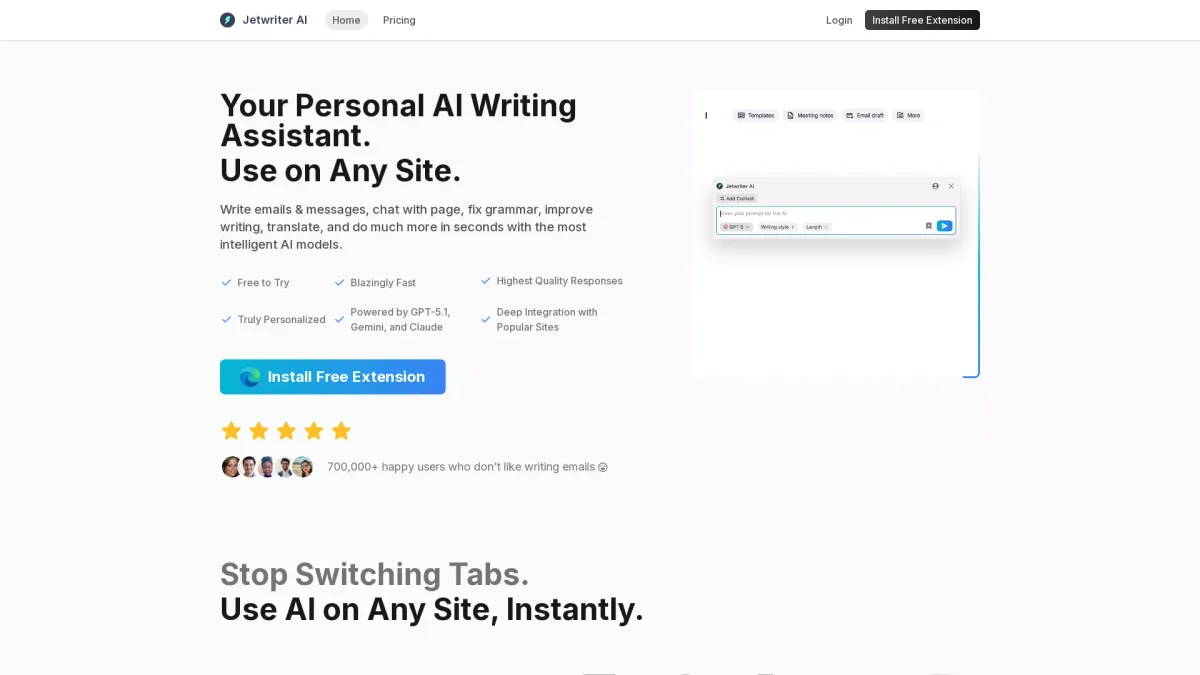
Jetwriter is an intelligent AI writing assistant that helps users create, edit, and enhance their writing across various platforms in seconds.
What is Jetwriter?
Jetwriter is a versatile AI writing assistant designed to improve the writing process for users on any site. Its main purpose is to assist in crafting emails, messages, and other text-based content while addressing common writing challenges such as grammar mistakes and ineffective phrasing. Leveraging advanced AI models like GPT-5, Jetwriter provides personalized and context-aware suggestions that streamline the writing experience. By integrating deeply with popular platforms like Gmail and Slack, Jetwriter helps users save time and effort by providing instant responses, translations, and summaries. Its features, such as custom writing styles and voice input, enhance usability, making it ideal for professionals and individuals alike. Users can create high-quality content quickly, allowing them to focus on their core tasks without the hassle of switching tabs or navigating multiple tools.
Key Features
- Deep integration with popular sites
- Custom writing styles for various situations
- Instant voice-to-prompt input
- Grammar fixing and translation capabilities
- Chat with documents for instant answers
- Personalized AI responses based on user profile
Who is it for?
- Professionals and business users
- Students and academics
- Content creators and bloggers
- Customer support teams
- Marketing agencies
Use Cases
1. Efficient Email Management
Jetwriter streamlines email communication by allowing users to quickly draft, edit, and send emails in their own voice. Its integration with Gmail means users can respond faster, improving their workflow and reducing the time spent on email correspondence.
2. Content Creation for Social Media
Create engaging and relevant social media posts effortlessly. Jetwriter helps users generate content tailored to their brand's voice and audience, ensuring consistent messaging across platforms while saving valuable time.
3. Document Collaboration and Summarization
Users can interact with documents directly through Jetwriter, asking questions and receiving instant summaries. This feature is invaluable for teams needing quick insights from lengthy reports or collaborative documents.
4. Grammar and Style Improvement
Jetwriter assists users in enhancing their writing quality by providing grammar corrections and stylistic suggestions, allowing for polished and professional communication in any context, including academic and business writing.
Pricing Plans
Free: Basic features with no hidden fees, Pro: Pricing information not available on website - Additional features and premium support, Enterprise: Custom pricing - Tailored solutions for large teams.
Frequently Asked Questions
1. Does Jetwriter offer a free trial?
Yes, Jetwriter provides a free version that allows users to try basic features without any financial commitment, making it easy to test the tool before considering a paid option.
2. What platforms can I use Jetwriter on?
Jetwriter is available as a Chrome extension and can be used across various platforms, including Gmail, Outlook, LinkedIn, and more, ensuring accessibility on both desktop and mobile devices.
3. Can Jetwriter help with translating text?
Absolutely! Jetwriter includes translation capabilities, allowing users to translate text between languages instantly, making it a handy tool for global communication and collaboration.
4. Is my data safe with Jetwriter?
Yes, Jetwriter prioritizes user privacy and data security. All data is encrypted during transit, is not shared with third parties, and is not used for AI training, ensuring confidentiality.
Jetwriter Reviews & Ratings
Real user feedback and ratings for Jetwriter. See what the community thinks about this AI tool.
No reviews yet
Be the first to share your experience with Jetwriter