
Instant Chapters
Create YouTube chapters with one click
Instant Chapters simplifies your video workflow by generating YouTube timestamps effortlessly, enhancing viewer experience and boosting your channel's growth.
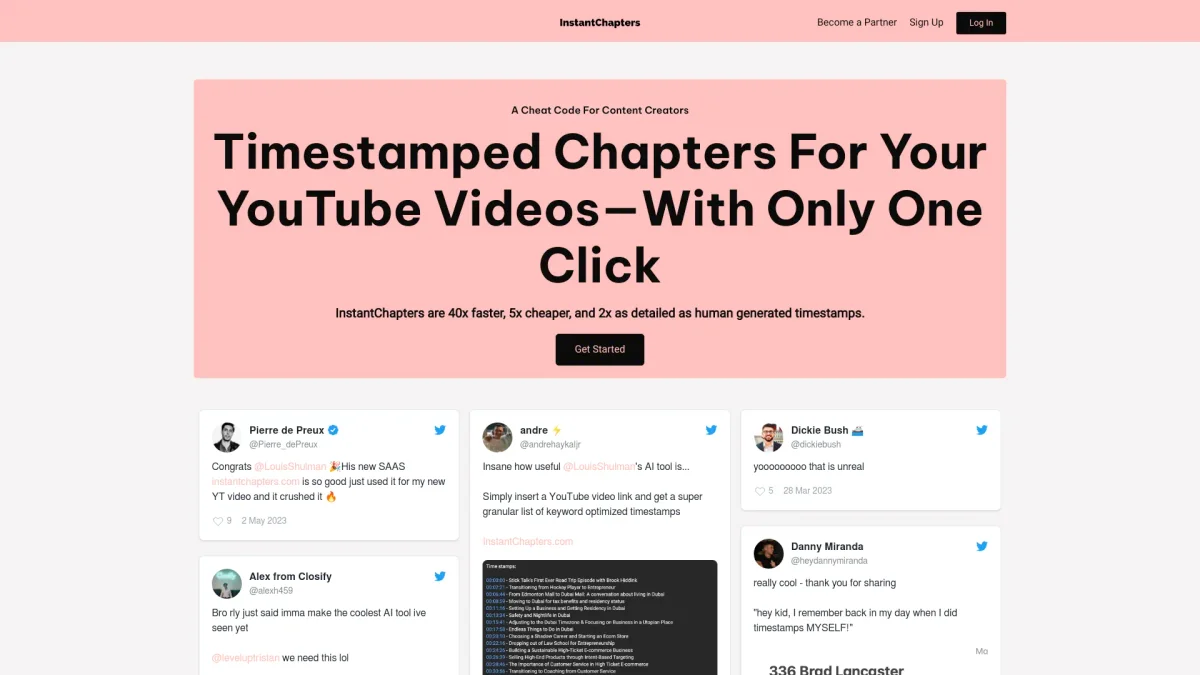
What is Instant Chapters?
Instant Chapters is a user-friendly tool that allows creators to generate YouTube chapters quickly and efficiently by simply entering a video URL. Its primary purpose is to solve the problem of time-consuming manual timestamp creation, enabling users to enhance their video descriptions and improve viewer engagement without hassle. By using Instant Chapters, users can save valuable time and streamline their content creation process. The generated timestamps are keyword optimized, which not only boosts watch time but also helps in growing the channel's audience. This tool is essential for creators looking to enhance their video management and improve overall viewer satisfaction.
Key Features
- One-click chapter generation
- Keyword optimized timestamps
- User-friendly interface
- Instant video link processing
- Enhances viewer experience
- Boosts watch time
- Supports growth of YouTube channels
Who is it for?
- YouTube content creators
- Digital marketers
- Video editors
- Social media managers
- Vloggers
Use Cases
1. Enhancing Video Descriptions
Instant Chapters allows YouTube creators to enhance their video descriptions by generating timestamps that help viewers navigate to specific sections easily. This feature is crucial for improving user engagement and satisfaction.
2. Boosting Channel Growth
By providing optimized timestamps, Instant Chapters helps creators increase their video watch time. This leads to improved visibility in search results, ultimately driving channel growth and attracting more subscribers.
3. Time-Saving for Video Editors
Video editors can use Instant Chapters to save time by quickly generating chapter timestamps instead of manually creating them. This efficiency allows for more focus on editing and producing quality content.
4. Improving Viewer Experience
With Instant Chapters, creators can enhance the viewer experience by providing easy navigation through their videos. This is particularly beneficial for longer videos where viewers may want to skip to specific topics.
Pricing Plans
Pricing information not available on website. Please visit the official website for current pricing.
Frequently Asked Questions
1. Does Instant Chapters offer a free trial?
Yes, Instant Chapters offers a 7-day free trial that allows users to test the tool's capabilities without any commitment.
2. How do I create chapters using Instant Chapters?
To create chapters, simply paste the YouTube video URL into the Instant Chapters app. The tool will automatically generate high-quality timestamps that you can then copy into your video description.
3. Can I use Instant Chapters for any YouTube video?
Yes, Instant Chapters can be used for any public YouTube video. Just enter the link, and the tool will generate chapters for you, making it versatile for all content creators.
4. What benefits does using chapters provide for my videos?
Using chapters enhances viewer experience by allowing easy navigation within videos, which can lead to increased watch time, viewer satisfaction, and potentially higher subscriber growth.
Instant Chapters Reviews & Ratings
Real user feedback and ratings for Instant Chapters. See what the community thinks about this AI tool.
No reviews yet
Be the first to share your experience with Instant Chapters