ImgTo3D
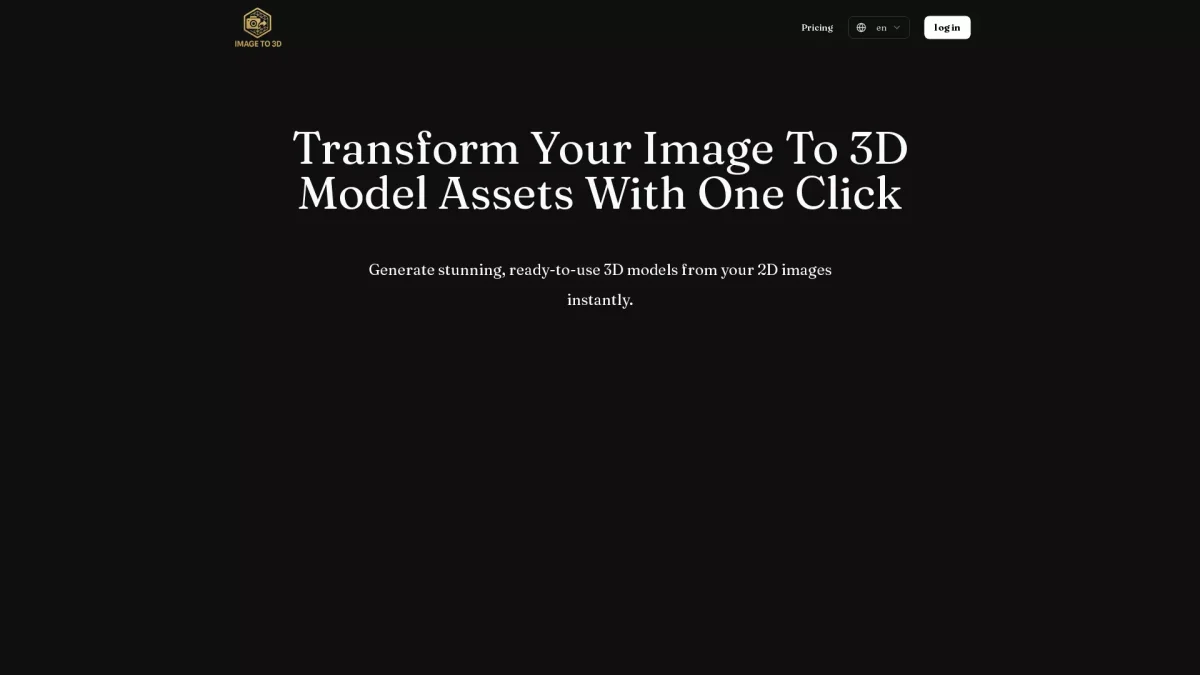
Transform Images into Stunning 3D Models
Instantly convert your 2D images into ready-to-use 3D models with ImgTo3D, making asset creation quick and accessible for everyone.
What is ImgTo3D?
ImgTo3D is an innovative web-based tool that allows users to generate high-quality 3D models from 2D images with ease. Its primary purpose is to eliminate traditional modeling bottlenecks, enabling artists and developers to transform static photos into dynamic assets quickly. By using a combination of image data and text prompts, ImgTo3D creates detailed 3D meshes and textures without requiring extensive modeling skills or software installation. This tool is designed to streamline the creative process, making it accessible for anyone from hobbyists to professionals. ImgTo3D enhances workflow efficiency, reduces production costs, and fosters rapid prototyping, allowing users to focus on design and storytelling. With seamless integration for platforms like Blender, Unity, and Unreal Engine, ImgTo3D empowers users to enhance their projects with interactive 3D visuals, boosting engagement and creativity in various applications.
Key Features
- Instant 3D model generation
- User-friendly drag and drop interface
- Text prompt guidance for accuracy
- High-quality .glb file downloads
- Optimized for AR and game engines
- Interactive 3D model preview
- Accessible from any web browser
Who is it for?
- Game developers and designers
- E-commerce professionals
- Digital artists and creators
- Hobbyists and DIY enthusiasts
Use Cases
1. Rapid Prototyping for Design
Quickly generate 3D prototypes from concept images, allowing designers to iterate on ideas rapidly. This accelerates feedback cycles and enhances collaboration within teams.
2. Enhancing E-commerce Product Listings
Transform product images into interactive 3D models to engage customers and boost sales. This feature enhances visual appeal and provides a better shopping experience.
3. Creating Assets for Game Development
Use ImgTo3D to convert character sketches or environment photos into 3D models for use in games. This saves time and reduces the need for skilled 3D modeling.
4. Augmented Reality Experiences
Generate lightweight 3D models suitable for AR applications. Users can enhance mobile and web experiences, providing interactive content to engage audiences effectively.
Pricing Plans
Pricing information not available on website. Please visit the official website for current pricing.
Frequently Asked Questions
1. Is ImgTo3D free to use?
Yes, ImgTo3D is free to use, allowing users to convert images into 3D models without any hidden fees, making it accessible for everyone.
2. How do I generate a 3D model from an image?
To generate a 3D model, simply upload your 2D image, enter a descriptive text prompt, and click the generate button. The tool will automatically create a 3D model for you.
3. What file format is used for the 3D models?
The generated 3D models are available in high-quality .glb format, which is optimized for easy import into various platforms such as Blender, Unity, and web AR viewers.
4. Can I use ImgTo3D for commercial projects?
Yes, the 3D models generated by ImgTo3D can be used for commercial projects, including game development, e-commerce, and more, allowing for versatile applications.
ImgTo3D Reviews & Ratings
Real user feedback and ratings for ImgTo3D. See what the community thinks about this AI tool.
No reviews yet
Be the first to share your experience with ImgTo3D