

ImageToBlackAndWhite
Instant Black and White Image Converter
Transform your color images into stunning black and white photos effortlessly with our free, online tool, no design skills required.
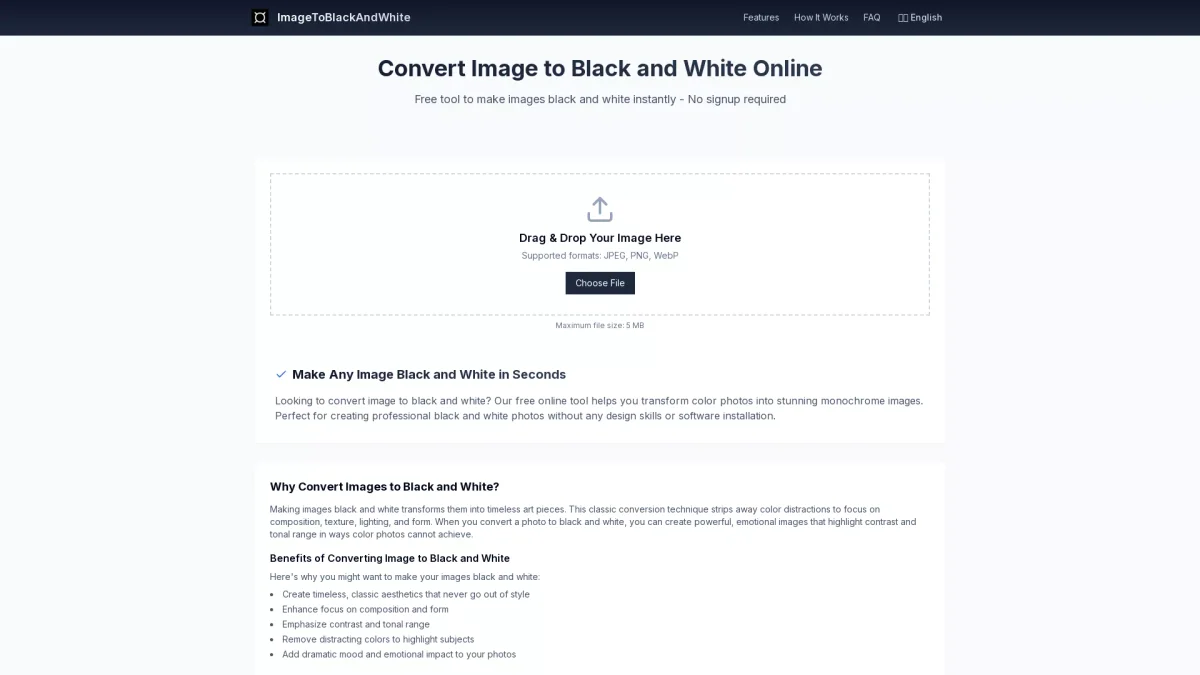
What is ImageToBlackAndWhite?
ImageToBlackAndWhite is a free online tool designed to convert color images into black and white effortlessly. Its main purpose is to simplify the process of creating monochrome images, making it accessible to users without any technical skills. By allowing users to drag and drop images, the tool addresses the need for quick and easy transformations that traditionally require complex software or design expertise. This tool offers multiple benefits, including preserving the quality and details of the original image while providing adjustable contrast and brightness controls. Users can achieve powerful, emotional imagery that emphasizes composition and lighting without distractions from color. Whether for artistic expression or professional marketing, ImageToBlackAndWhite serves photographers, businesses, and anyone looking to create striking black and white images with ease and efficiency.
Key Features
- Free online conversion tool
- Supports JPEG, PNG, WebP formats
- Adjustable contrast and brightness
- Instant preview of changes
- No signup required for use
- High-quality image preservation
- Privacy-focused with no storage
Who is it for?
- Photographers and artists
- Students on creative projects
- Business marketing teams
- Social media content creators
- Anyone wanting quick conversions
Use Cases
1. Artistic Expression
Photographers and artists use ImageToBlackAndWhite to create timeless monochrome images. This tool allows them to focus on composition and texture, enhancing their artistic vision without needing advanced software.
2. Professional Photography
Wedding, portrait, and street photographers utilize the converter to produce elegant, timeless images. The tool helps them convey emotion and sophistication in their work effortlessly.
3. Business Marketing Materials
Corporate teams create monochrome images for annual reports and marketing materials. The black and white aesthetic enhances professionalism and can convey a sophisticated brand image.
4. Social Media Content Creation
Content creators transform colorful images into striking black and white visuals for social media. This approach can increase engagement and provide a unique aesthetic to their online presence.
Pricing Plans
Free: Basic black and white conversions, Pro: Pricing information not available on website. Please visit the official website for current pricing.
Frequently Asked Questions
1. How do I convert an image to black and white online?
To convert an image to black and white, simply upload your image to our converter, adjust any desired settings, and download your new monochrome version within seconds.
2. What file formats does ImageToBlackAndWhite support?
ImageToBlackAndWhite supports JPEG, PNG, and WebP image formats, allowing users to convert their favorite images into stunning black and white easily.
3. Is there a limit to the image size I can convert?
Yes, the tool supports images up to 5MB in size. For optimal results, it's recommended to use high-quality original images for conversion.
4. Can I convert multiple images at once?
Currently, ImageToBlackAndWhite converts one image at a time. However, multiple images can be processed sequentially for high-quality results.
ImageToBlackAndWhite Reviews & Ratings
Real user feedback and ratings for ImageToBlackAndWhite. See what the community thinks about this AI tool.
No reviews yet
Be the first to share your experience with ImageToBlackAndWhite









