

Imagestotext
Transform images into editable text effortlessly
Imagestotext converts images into editable text, making it easy for users to extract and utilize the information contained in photographs and documents.
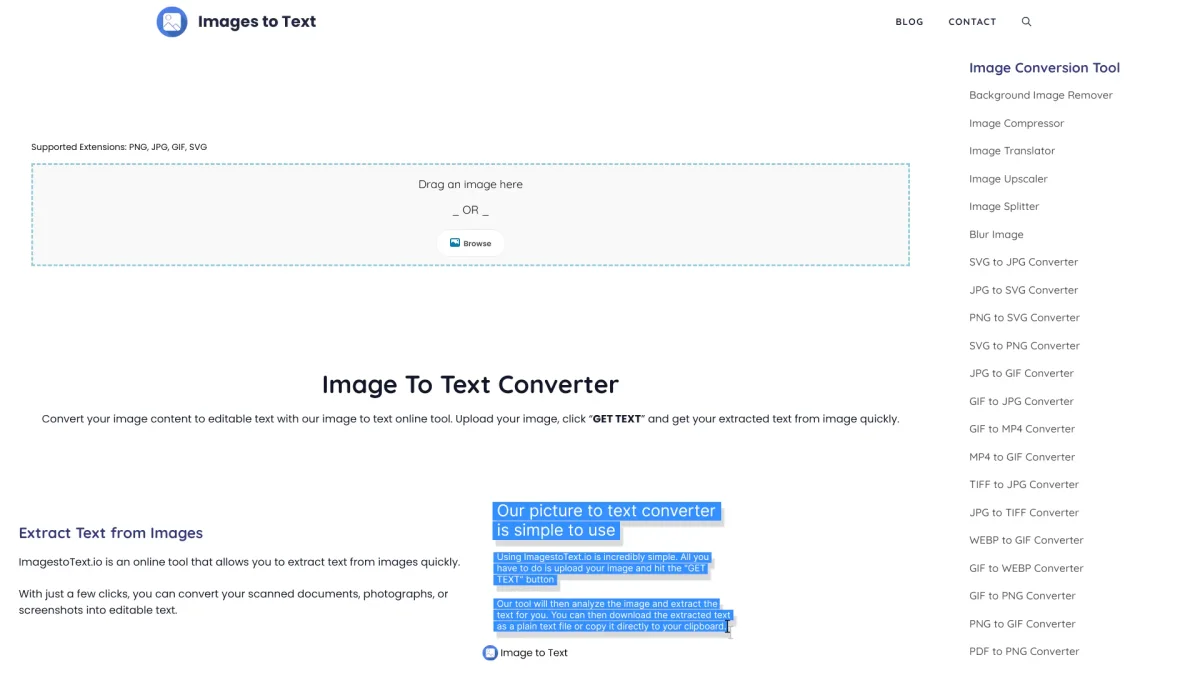
What is Imagestotext?
Imagestotext is a powerful tool designed to convert images into editable text, addressing the challenge of extracting textual content from photographs and scanned documents. Its primary purpose is to streamline the process of digitizing written information, making it accessible for editing, sharing, and archiving. With advanced optical character recognition (OCR) technology, Imagestotext helps users save time and reduce manual input errors associated with transcribing text. By using Imagestotext, users can quickly and accurately convert images into digital text, facilitating better data management and enhancing productivity. Whether for students needing to digitize notes, professionals archiving documents, or anyone requiring text extraction from images, this tool offers a straightforward solution that improves efficiency and accessibility in handling textual information from visual sources.
Key Features
- Advanced optical character recognition
- Supports multiple image formats
- Fast and accurate text extraction
- User-friendly interface
- Compatible with various devices
- Text editing capabilities
Who is it for?
- Students and researchers
- Professionals in need of digitization
- Small business owners
- Content creators
- Archivists and librarians
Use Cases
1. Digitizing Handwritten Notes
Students can use Imagestotext to convert their handwritten notes from images into editable text. This feature allows for easy organization and study from digital files, enhancing learning efficiency.
2. Archiving Important Documents
Businesses can utilize Imagestotext to digitize important documents by extracting text from scanned images. This aids in creating digital archives, ensuring easy retrieval and better document management.
3. Creating Editable Content from Photos
Content creators can convert images of printed materials into editable text. This allows for faster content creation and adaptation of existing materials into new formats, such as blogs or articles.
Pricing Plans
Pricing information not available on website. Please visit the official website for current pricing.
Frequently Asked Questions
1. What types of images can Imagestotext process?
Imagestotext can process various image formats, including JPEG, PNG, and PDF files. This flexibility allows users to work with different sources of images for text extraction.
2. Is Imagestotext suitable for professional use?
Yes, Imagestotext is suitable for professional use, particularly for businesses and individuals needing to digitize documents, making it an excellent tool for improving workflow and productivity.
3. Can I edit the text after extraction?
Absolutely. Imagestotext allows users to edit the extracted text directly within the application, making it easy to make adjustments and corrections as needed.
4. Does Imagestotext require an internet connection?
Yes, Imagestotext requires an internet connection to process the images and extract text. This ensures that users can access the latest features and updates seamlessly.
Imagestotext Reviews & Ratings
Real user feedback and ratings for Imagestotext. See what the community thinks about this AI tool.
No reviews yet
Be the first to share your experience with Imagestotext








