
Image to SVG
Convert Your Images to Scalable SVGs Instantly
Transform your PNG and JPG images into clean, high-quality SVG files effortlessly with our free online converter, perfect for all your vectorization needs.
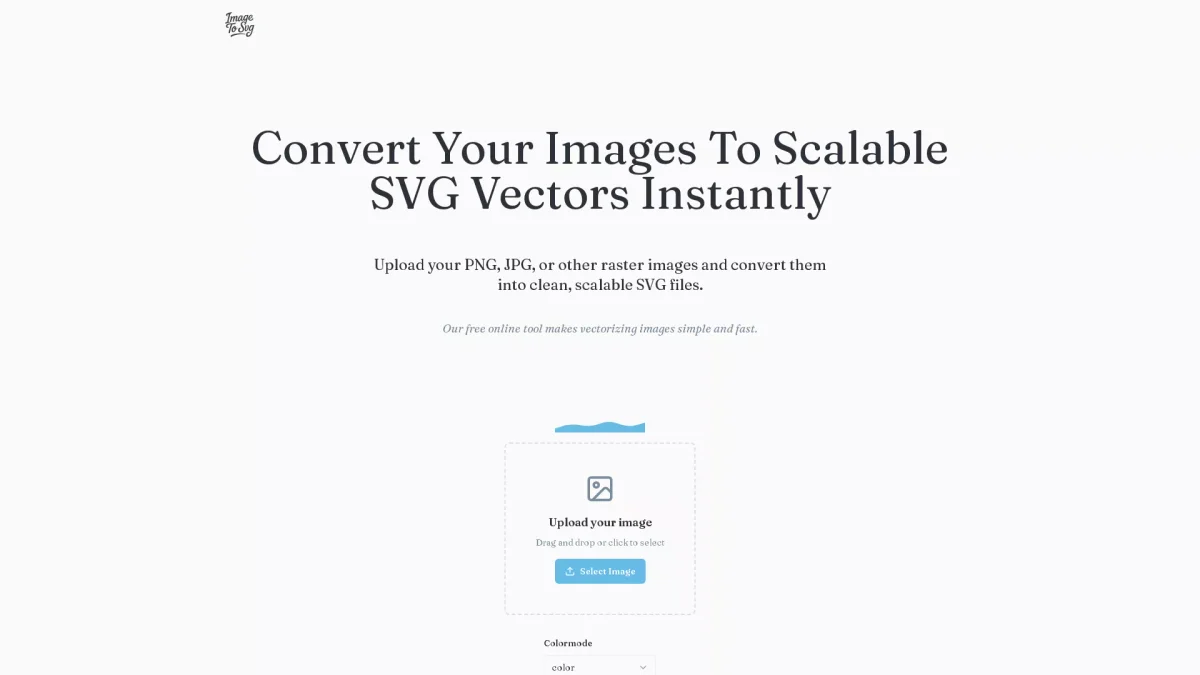
What is Image to SVG?
Image to SVG is a free online tool designed to convert raster images such as PNG, JPG, BMP, and WEBP into scalable SVG vector files. Its main purpose is to simplify the vectorization process, allowing users to easily transform their images into a format ideal for graphics, web design, and digital applications. The tool addresses the common challenge of converting pixel-based images into scalable vector graphics without losing quality. By utilizing Image to SVG, users benefit from a fast and straightforward conversion process that requires no technical skills. The tool provides a preview of the SVG result, ensuring that users can download high-quality vectors suitable for various uses, including web design, printing, and digital art. This ease of use makes it an essential resource for designers, marketers, and anyone needing to create scalable graphics quickly and efficiently.
Key Features
- Instant image upload and conversion
- Supports multiple raster formats
- High-quality SVG output
- User-friendly interface
- Preview before downloading
- Free to use without registration
Who is it for?
- Graphic designers
- Web developers
- Digital marketers
- Small business owners
- Content creators
Use Cases
1. Creating Logos and Icons
Use Image to SVG to convert your logo or icon designs from raster formats to scalable SVGs, ensuring crisp quality at any size. This is perfect for branding materials and websites.
2. Preparing Graphics for Print
Vectorize images for print production using Image to SVG. Convert your designs to SVG format to maintain high quality and scalability, suitable for various print projects.
3. Enhancing Web Graphics
Optimize your website's graphics by converting images to SVG format. This reduces file size without sacrificing quality, improving load times and user experience on your site.
4. Designing Marketing Materials
Transform images for use in digital and print marketing campaigns. Image to SVG allows for high-quality graphics that can be resized easily for flyers, social media, and more.
Pricing Plans
Pricing information not available on website. Please visit the official website for current pricing.
Frequently Asked Questions
1. What image formats can I convert using Image to SVG?
You can convert various raster image formats including PNG, JPG, BMP, and WEBP to SVG using Image to SVG. This flexibility allows for a range of graphic types to be vectorized.
2. Is the Image to SVG converter free?
Yes, Image to SVG is completely free to use. There are no hidden fees, and you can convert your images to SVG without the need for registration or payment.
3. Will the conversion result be perfect?
While Image to SVG strives to produce high-quality SVG files, the conversion may not be perfect for all images, especially those with complex details. However, the tool offers a preview option to review the result.
4. How do I download my converted SVG file?
After converting your image to SVG, you can preview the result and simply click the download button to obtain your high-quality, scalable SVG file immediately.
Image to SVG Reviews & Ratings
Real user feedback and ratings for Image to SVG. See what the community thinks about this AI tool.
No reviews yet
Be the first to share your experience with Image to SVG









