
graficai
Streamline Your Product Image Editing with AI
graficai transforms your product image workflow through bulk editing, background removal, and SEO optimization, making e-commerce image management efficient and professional.
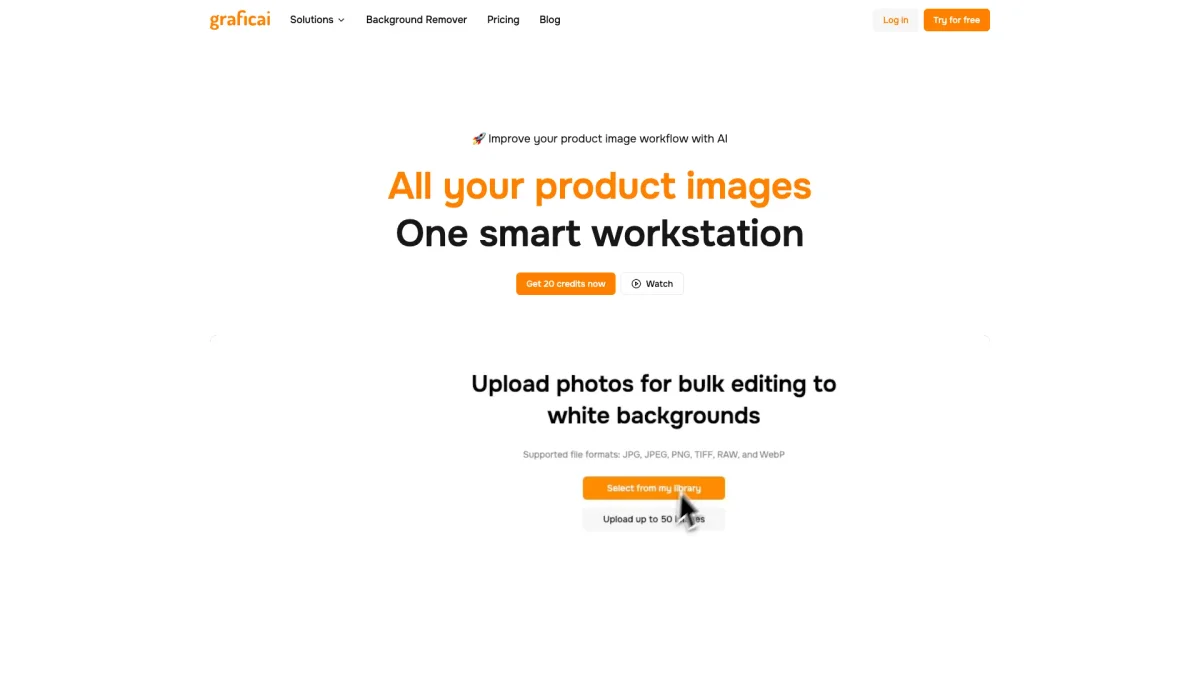
What is graficai?
graficai is an AI-powered image processing platform that specializes in enhancing product images for e-commerce. Its main purpose is to simplify the editing process, allowing users to efficiently remove backgrounds, generate white backgrounds, and resize images all in one platform. By automating these repetitive tasks, graficai helps sellers maintain a polished and professional appearance for their online listings while saving valuable time. The key benefits of graficai include the ability to edit up to 50 images in a single batch, ensuring compliance with marketplace standards like Amazon and Shopify. Users can also optimize images for SEO and automate spreadsheet updates with AI-generated ALT text. By utilizing graficai, e-commerce sellers can enhance their visual content, improve search rankings, and ultimately boost their sales conversion rates with minimal effort.
Key Features
- Bulk background removal
- White background generation
- AI image SEO optimization
- Automatic ALT text generation
- Secure cloud storage
- Spreadsheet automation for product updates
- Marketplace compliance for e-commerce
Who is it for?
- E-commerce sellers
- Shopify store owners
- Amazon FBA sellers
- Etsy shop owners
- AliExpress vendors
Use Cases
1. Bulk Editing for E-commerce Stores
E-commerce sellers can use graficai to bulk edit product images, removing backgrounds and optimizing visuals for platforms like Amazon and Shopify, ensuring compliance and professionalism in listings.
2. SEO Optimization of Product Images
graficai automatically generates ALT text and compresses images for web optimization, helping sellers improve their search engine rankings and site performance without any technical expertise.
3. Streamlining Image Management
With graficai, users can store and manage thousands of product photos securely in the cloud, allowing easy access to image links and automated updates to product spreadsheets.
Pricing Plans
Free: 20 credits, 100 MB of cloud storage, Image bulk editing; Pro: $5.99/month - 200 credits per month, 5GB of cloud storage, Auto populate products CSV; Enterprise: Custom pricing - Tailored solutions for larger needs.
Frequently Asked Questions
1. How do I start using graficai?
You can start using graficai by signing up for a free account on their website, where you will receive 20 free credits to begin editing your images.
2. What is the difference between the free and paid versions of graficai?
The free version provides 20 credits and basic features, while the paid Pro version offers 200 credits per month, additional storage, and advanced features like automated CSV updates.
3. Can I process images in bulk with graficai?
Yes, graficai allows you to edit up to 50 product images in a single batch, making it easy to manage large volumes of images quickly and efficiently.
4. Is my data secure with graficai?
Yes, graficai prioritizes data security and employs encryption to protect your images and personal information, ensuring a safe experience on their platform.
graficai Reviews & Ratings
Real user feedback and ratings for graficai. See what the community thinks about this AI tool.
No reviews yet
Be the first to share your experience with graficai