
Gradio
Build Machine Learning Apps Instantly
Create and share web interfaces for your machine learning models in just minutes with Gradio, enabling rapid development without frontend expertise.
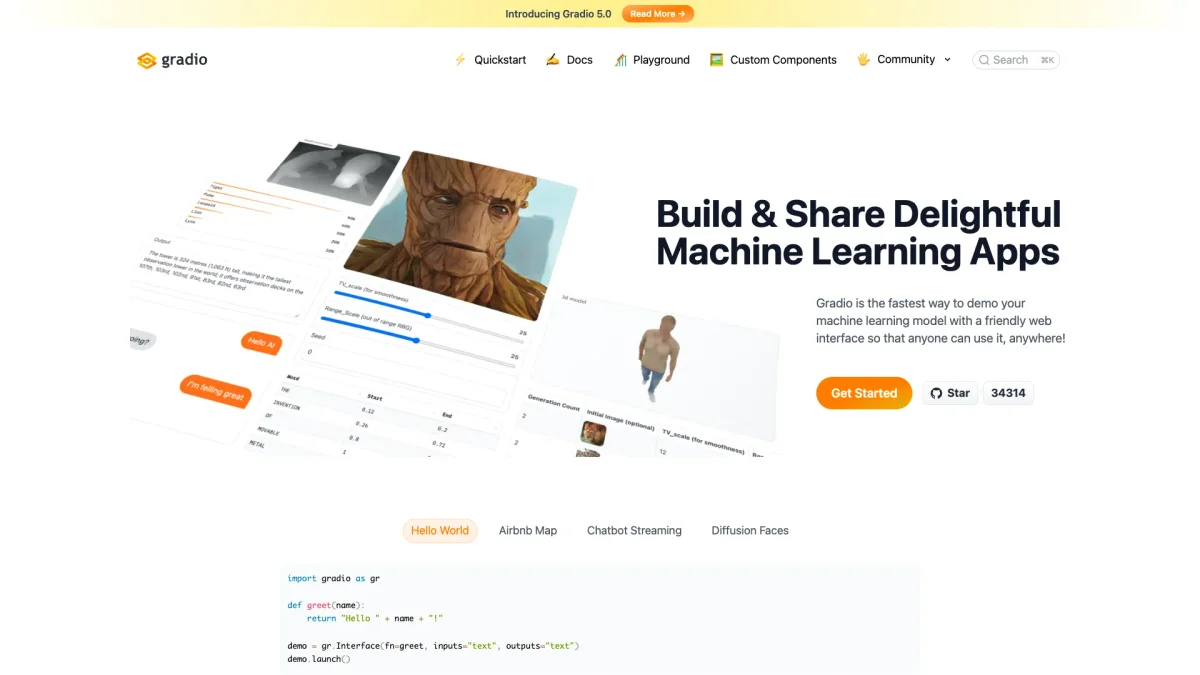
What is Gradio?
Gradio is a powerful tool designed for developers to create web interfaces for machine learning models with minimal effort and time. Its main purpose is to simplify the process of deploying machine learning applications, allowing users to focus on building their models rather than getting bogged down in frontend development. By providing a straightforward setup process, Gradio addresses the common challenges faced by developers in sharing their ML demos effectively. Gradio offers numerous benefits, such as a lightning-fast setup process, the ability to create interactive demos without any prior experience in JavaScript or CSS, and the option for permanent hosting through Hugging Face Spaces. This makes it ideal for professionals and teams looking to quickly showcase their work. Users can create shareable links to their demos instantly, enhancing collaboration and feedback opportunities, which ultimately accelerates the development lifecycle of machine learning applications.
Key Features
- Lightning Fast Setup with One Command
- 40+ Input and Output Components
- Permanent Hosting on Hugging Face Spaces
- Instant Shareable Links for Demos
- No Frontend Experience Required
- Supports Various Data Types
Who is it for?
- Machine Learning Developers
- Data Scientists
- AI Researchers
- Educators in AI
- Prototyping Teams
Use Cases
1. Interactive Model Demos
Develop interactive web applications to showcase machine learning models. Gradio allows users to demonstrate functionalities in real-time, making it easier to communicate results to stakeholders or clients.
2. Rapid Prototyping
Quickly prototype ideas and algorithms without needing extensive frontend development knowledge. Gradio's intuitive interface enables users to visualize and test models rapidly.
3. Educational Tools for Teaching AI
Create educational applications that allow students to interact with machine learning concepts. Gradio's user-friendly components help instructors demonstrate complex ideas effectively.
Pricing Plans
Pricing information not available on website. Please visit the official website for current pricing.
Frequently Asked Questions
1. How do I get started with Gradio?
To get started with Gradio, simply install it using the command 'pip install gradio' and follow the quick setup instructions on their website to launch your first app.
2. What types of data can Gradio handle?
Gradio supports a wide range of data types, including images, audio, video, 3D models, and dataframes, making it versatile for various machine learning applications.
3. Can I host my Gradio app permanently?
Yes, you can deploy your Gradio application to Hugging Face Spaces for free, ensuring that your app is always online, auto-scaling, and easily shareable via a simple URL.
4. Is Gradio suitable for beginners?
Absolutely! Gradio is designed to be user-friendly, requiring no prior knowledge of JavaScript or CSS, making it an excellent choice for beginners in machine learning and web development.
Gradio Reviews & Ratings
Real user feedback and ratings for Gradio. See what the community thinks about this AI tool.
No reviews yet
Be the first to share your experience with Gradio