
Gptplus
Your AI-powered ChatGPT Sidebar Assistant
Enhance your browsing experience with Gptplus, the ultimate Chrome and Edge extension for instant AI support and creative content generation.
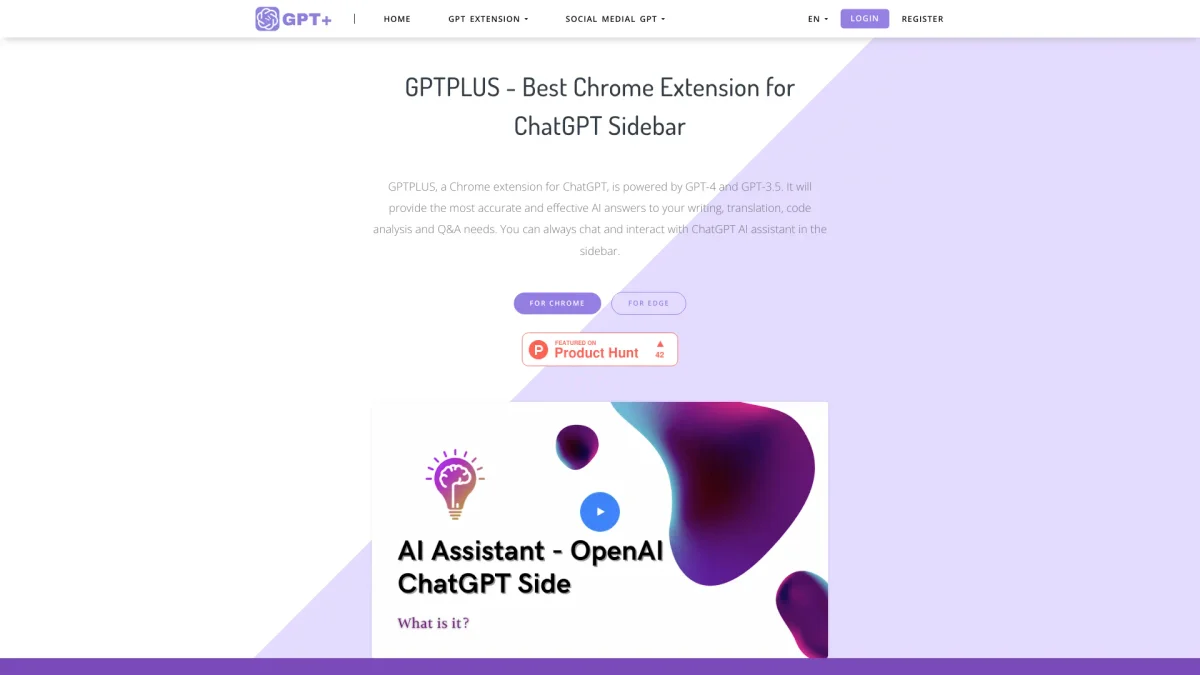
What is Gptplus?
Gptplus is a powerful Chrome and Edge extension that integrates OpenAI's ChatGPT, providing users with an AI assistant directly in their browser sidebar. Its main purpose is to streamline writing, translation, and Q&A tasks, making it easy to access accurate information while browsing. By using Gptplus, users can quickly overcome writing hurdles, access translations, and receive instant answers to queries without leaving their current web pages. The tool offers numerous benefits, including a library of prompts for tailored responses and a one-click text processing feature for optimization or translation. Gptplus supports user customization, allowing for a more personalized experience. With a free tier for basic use and premium plans for advanced features, it’s an ideal choice for anyone seeking to enhance productivity and creativity in their daily tasks, making information retrieval and content creation faster and more efficient.
Key Features
- Integrated sidebar for easy access
- Supports 20+ customizable prompts
- One-click text processing
- Accurate translation across languages
- Free daily use with premium options
- Optimizes writing for SEO and clarity
- Chat anytime with ChatGPT
Who is it for?
- Content creators and bloggers
- Digital marketers and SEO specialists
- Students and academic researchers
- Professionals needing quick translations
- Web developers and coders
Use Cases
1. Quick Translation Services
Easily translate text into your native language using Gptplus's AI capabilities. Simply select the text you need to translate, and with one click, receive accurate translations that maintain a natural tone.
2. SEO Optimization for Articles
Enhance your articles with Gptplus by utilizing its writing optimization features. The tool assists in creating SEO-friendly content by providing suggestions for headings, outlines, and effective keywords.
3. Creative Writing Support
Generate engaging stories or articles with Gptplus's writing assistant. The tool provides creative prompts and templates, helping writers overcome writer's block and improve their narrative flow.
4. Efficient Research Assistance
Utilize Gptplus for fast, reliable answers to research queries. The AI assistant helps users find information quickly, making it ideal for students and professionals needing swift insights on various topics.
5. Enhanced Email Communication
Draft and optimize emails effortlessly with Gptplus. Users can leverage AI to create clear, professional responses, improving communication efficiency and effectiveness in their correspondence.
Pricing Plans
Free: Basic features with limited daily uses, Pro: $X/month - Access to advanced features and increased usage limits, Enterprise: Custom pricing - Tailored solutions for larger organizations.
Frequently Asked Questions
1. Is Gptplus free to use?
Yes, Gptplus offers a free service that allows users to access basic features with a limited number of uses daily. A premium subscription is available for additional features.
2. Which browsers support Gptplus?
Gptplus is compatible with Chrome and Edge browsers. Users can easily install the extension from the respective web stores to enhance their browsing experience.
3. Can I customize prompts in Gptplus?
Absolutely! Gptplus allows users to explore a library of creative templates and customize their own prompts to receive tailored responses that meet their specific needs.
4. What type of tasks can Gptplus assist with?
Gptplus assists with a variety of tasks, including writing, translation, code analysis, and answering questions, making it a versatile tool for both personal and professional use.
Gptplus Reviews & Ratings
Real user feedback and ratings for Gptplus. See what the community thinks about this AI tool.
No reviews yet
Be the first to share your experience with Gptplus