
FlowmataAI
Create stunning AI images effortlessly
FlowmataAI offers quick, intuitive tools for generating AI images through Chrome and Google Workspace, enhancing your documents and presentations seamlessly.
What is FlowmataAI?
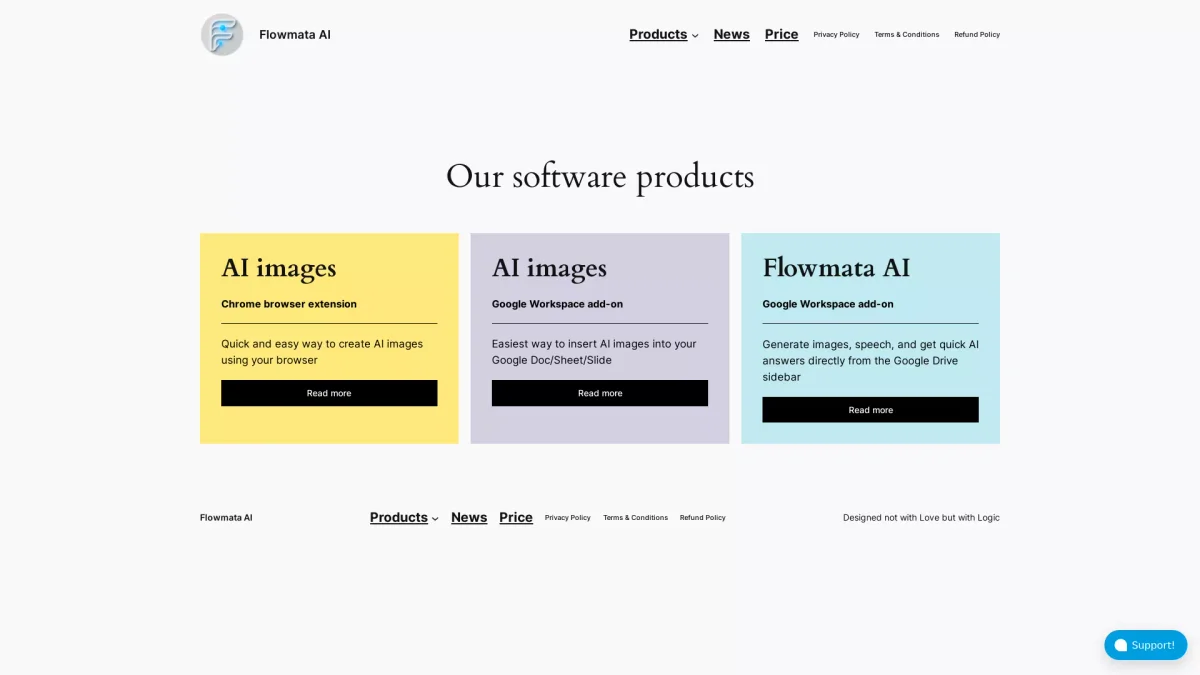
FlowmataAI is a versatile software tool designed to simplify the creation of AI-generated images. It serves as a Chrome browser extension and a Google Workspace add-on, enabling users to generate and insert images directly into their documents. This tool addresses the need for high-quality visual content without requiring advanced design skills, making image creation accessible to everyone. With FlowmataAI, users benefit from an easy-to-use interface that integrates seamlessly into popular applications like Google Docs, Sheets, and Slides. This integration allows for quick image generation and insertion, enhancing presentations and documents with minimal effort. By using FlowmataAI, users can save time and boost productivity while ensuring their content remains visually engaging and professional.
Key Features
- Chrome browser extension for quick access
- Google Workspace add-on for seamless integration
- Generate images directly in Google Docs
- Insert AI images into Sheets and Slides
- User-friendly interface for all skill levels
Who is it for?
- Students and educators
- Content creators and bloggers
- Business professionals
- Marketing teams
Use Cases
1. Enhancing Reports and Presentations
FlowmataAI enables users to generate relevant images that visually support their reports or presentations. By inserting AI-generated visuals directly into Google Slides, users can create engaging content that captures their audience's attention.
2. Content Creation for Social Media
Leverage FlowmataAI to produce unique images for social media posts. Users can quickly create eye-catching visuals that align with their branding, enhancing their online presence and engagement rates.
3. Streamlining Document Design
With FlowmataAI, users can easily generate and insert images into Google Docs, improving the overall aesthetic of their documents. This feature is especially useful for creating visually appealing reports or proposals.
Pricing Plans
Pricing information not available on website. Please visit the official website for current pricing.
Frequently Asked Questions
1. What platforms does FlowmataAI support?
FlowmataAI is available as a Chrome browser extension and a Google Workspace add-on, making it accessible for users across various platforms and applications.
2. How can I generate images using FlowmataAI?
You can generate images using FlowmataAI through its Chrome extension or Google Workspace add-on. Simply access the tool from your browser or Google application and follow the prompts to create and insert images.
3. Is FlowmataAI suitable for non-designers?
Yes, FlowmataAI is designed for users of all skill levels, making it easy for non-designers to create professional-quality images without any prior design experience.
4. Can I use FlowmataAI for commercial projects?
While the website does not specify, FlowmataAI's tools are generally suitable for various applications, including commercial projects, provided that users comply with any relevant usage policies.
FlowmataAI Reviews & Ratings
Real user feedback and ratings for FlowmataAI. See what the community thinks about this AI tool.
No reviews yet
Be the first to share your experience with FlowmataAI