Filmora
Edit Videos Like a Pro with AI
Filmora is a powerful video editing tool that enables users to create stunning videos quickly and effortlessly with its AI-driven features and user-friendly interface.
What is Filmora?
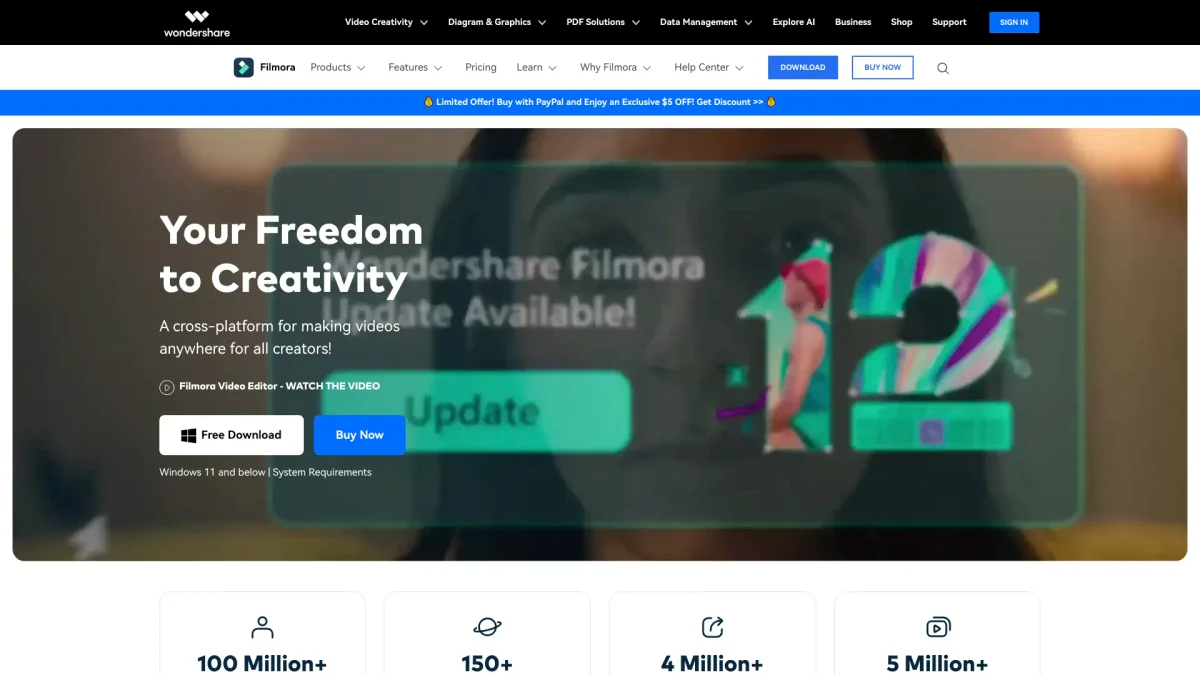
Filmora is a comprehensive video editing software designed to simplify the video creation process for users of all skill levels. Its primary purpose is to empower individuals and businesses to produce professional-quality videos without the need for extensive technical knowledge. By offering a range of intuitive editing tools and advanced features, Filmora addresses the common challenges of video editing, making it accessible and enjoyable for everyone. The platform boasts a variety of key benefits, including a user-friendly interface, extensive creative assets, and AI-powered functionalities that enhance editing efficiency. Users can leverage features such as auto beat sync, text animations, and audio enhancements to create engaging content. Whether you're a content creator, marketer, or educator, Filmora equips you with the tools needed to tell your story effectively, saving time while producing captivating videos that resonate with your audience.
Key Features
- AI-powered video editing capabilities
- Extensive library of creative assets
- User-friendly timeline editing interface
- Advanced audio and text effects
- AI audio enhancements and translations
- Social media content planning tools
- New AI-driven video object removal
Who is it for?
- Content creators and bloggers
- Digital marketing agencies
- Educators and trainers
- Freelance videographers
- Social media influencers
Use Cases
1. Creating Engaging Social Media Videos
Filmora allows users to create visually appealing videos tailored for social media platforms like Instagram and TikTok. With its easy-to-use templates and effects, you can quickly produce short-form content that captivates your audience.
2. Professional Video Presentations
Utilize Filmora to craft professional video presentations for business meetings or educational purposes. The software's text and animation features help in delivering clear and engaging messages to your audience.
3. Marketing Campaign Videos
Filmora is ideal for marketers looking to produce promotional videos. Its AI tools assist in streamlining the editing process, enabling users to focus on crafting compelling narratives that drive engagement and conversions.
4. Event Highlights and Recaps
Capture the essence of events with Filmora by editing highlight reels that showcase key moments. The intuitive editing features allow for quick assembly and sharing of memorable content with attendees and followers.
Pricing Plans
Pricing information not available on website. Please visit the official website for current pricing.
Frequently Asked Questions
1. Does Filmora offer a free trial?
Yes, Filmora provides a free version that includes basic video editing features, allowing users to explore the software's capabilities without any cost.
2. What platforms is Filmora available on?
Filmora is available for desktop users on both Mac and Windows, as well as mobile users on iOS and Android platforms, catering to a wide range of editing needs.
3. Can I use Filmora for commercial projects?
Absolutely. Filmora is designed for both personal and commercial usage, making it suitable for businesses and content creators looking to produce marketable videos.
4. What AI features does Filmora include?
Filmora includes several AI-driven features such as auto beat sync, audio enhancements, text animations, and smart object removal, making video editing faster and more efficient.
Filmora Reviews & Ratings
Real user feedback and ratings for Filmora. See what the community thinks about this AI tool.
No reviews yet
Be the first to share your experience with Filmora