

File To Prompt
Convert Files for LLMs Easily
Promptify your files with ease, transforming them into inputs suitable for large language models effortlessly and efficiently.
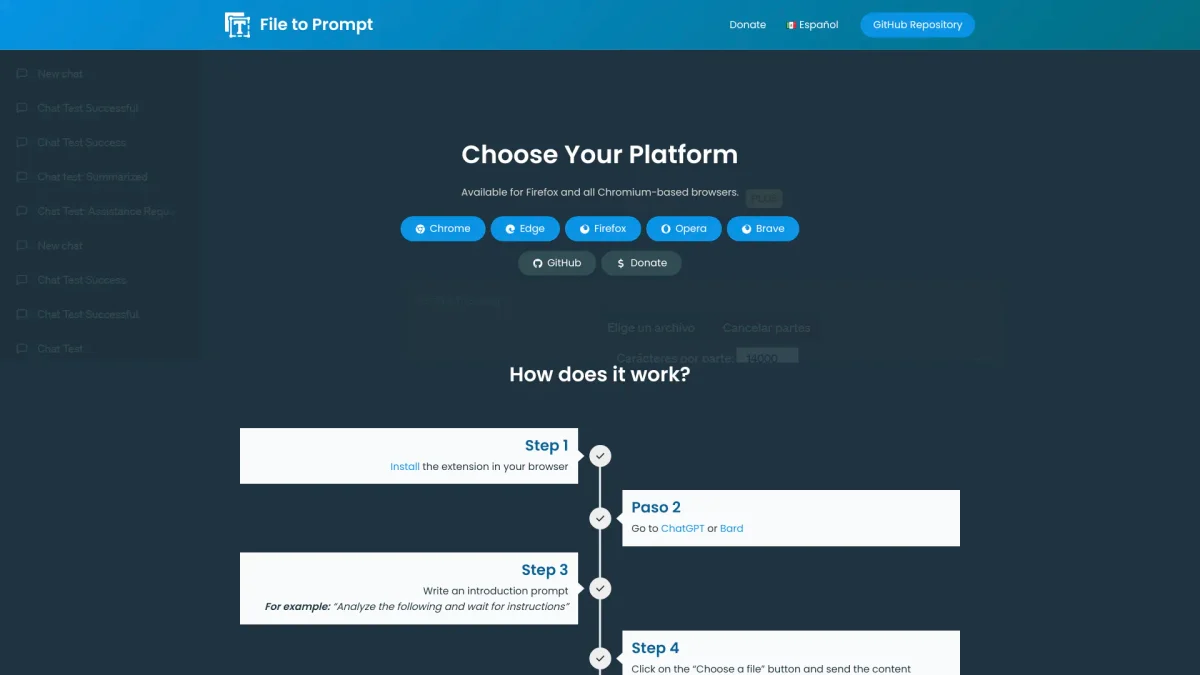
What is File To Prompt?
File To Prompt is a specialized tool designed to convert various file formats into inputs compatible with large language models (LLMs). Its main purpose is to simplify the process of preparing files for LLM usage, enabling users to efficiently leverage advanced AI technologies without the hassle of manual formatting. By automating file conversion, File To Prompt addresses the common challenge of ensuring compatibility with LLMs and streamlining workflows. The key benefits of File To Prompt include saving time and reducing complexity for users who need to prompt large language models with data from files. This tool aids researchers, developers, and content creators by providing a straightforward solution to transform files into usable inputs quickly. By utilizing File To Prompt, users can focus more on their projects and less on the technical aspects of file preparation, enhancing productivity and efficiency in their work.
Key Features
- Convert multiple file formats
- Easy integration with LLMs
- User-friendly interface
- Supports various file types
- Efficient data processing
- Quick turnaround time
Who is it for?
- Researchers and data scientists
- Developers and programmers
- Content creators and writers
- AI enthusiasts and hobbyists
Use Cases
1. Research Data Preparation
Researchers can use File To Prompt to convert their datasets into formats that LLMs can process. This allows for efficient analysis and model training, saving valuable time during the research process.
2. Content Development for AI Applications
Content creators can easily prompt LLMs with various textual data from their files. This streamlines the content generation process, enabling faster production of creative outputs tailored for AI applications.
3. Software Development Integration
Developers can integrate File To Prompt into their workflows to automatically convert documentation and other files into LLM-friendly formats, ensuring seamless interaction between their applications and AI models.
Pricing Plans
Pricing information not available on website. Please visit the official website for current pricing.
Frequently Asked Questions
1. What file formats does File To Prompt support?
File To Prompt supports various file formats, making it easy to convert them into inputs suitable for large language models. Check the website for a comprehensive list of supported formats.
2. Can I convert multiple files at once?
Yes, File To Prompt allows users to convert multiple files simultaneously, enhancing productivity and streamlining the process of preparing data for LLMs.
3. Is there a limit on file size for conversion?
File To Prompt does not explicitly mention a maximum file size for conversion on the website. Users are encouraged to visit the site for more detailed information regarding file size limitations.
4. Is File To Prompt suitable for commercial use?
Yes, File To Prompt is designed to cater to a variety of users, including those in commercial settings. It provides the necessary tools to efficiently convert files for professional applications.
File To Prompt Reviews & Ratings
Real user feedback and ratings for File To Prompt. See what the community thinks about this AI tool.
No reviews yet
Be the first to share your experience with File To Prompt







