
EraseVideo
Effortless Video Watermark Removal in Seconds
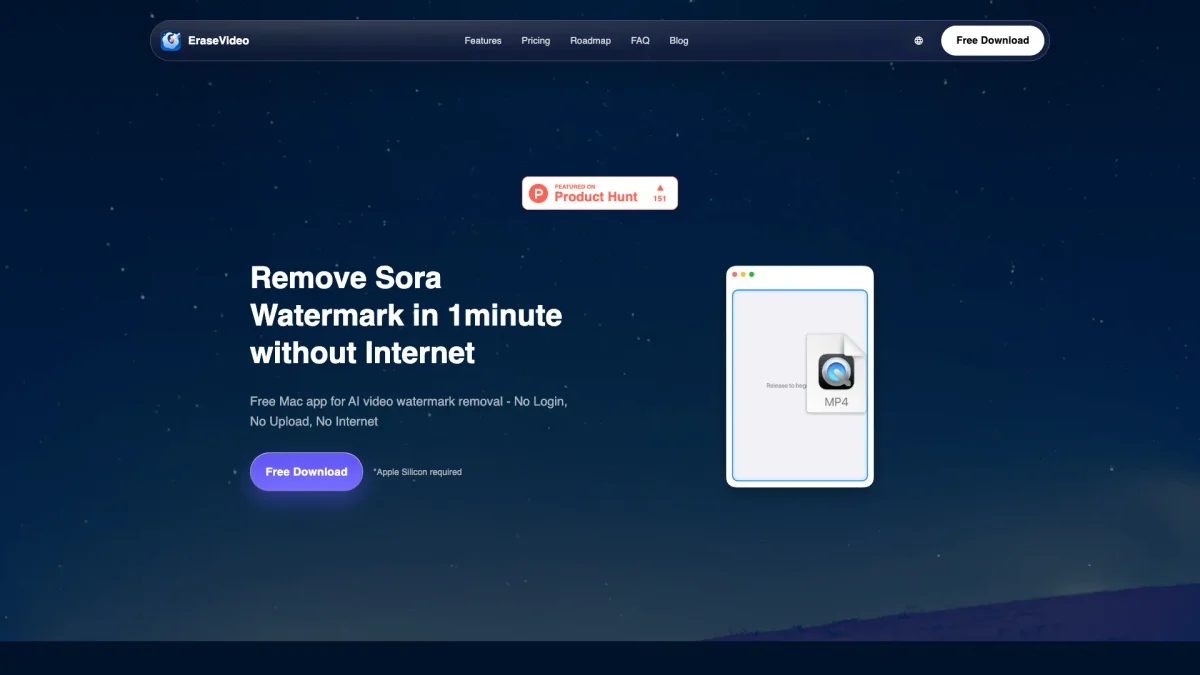
EraseVideo is a free Mac app that removes watermarks from videos quickly and efficiently, ensuring privacy and quality without the need for internet access.
What is EraseVideo?
EraseVideo is a powerful Mac application designed to remove watermarks from videos with advanced AI technology. Its main purpose is to help users eliminate unwanted watermarks from their video content, particularly those from popular platforms like Sora and TikTok, without compromising video quality. The app functions entirely offline, ensuring user privacy and data security by processing everything locally on the Mac. The key benefits of EraseVideo include its lightning-fast performance, which allows users to remove watermarks in just one minute for a 15-second video. The app’s smart automatic detection simplifies the removal process, requiring no manual selection. Users can enjoy a free version with limited daily usage or opt for affordable subscription plans for unlimited access. This makes EraseVideo an ideal solution for content creators looking to produce clean, professional videos effortlessly.
Key Features
- AI-powered smart watermark removal
- Processes videos entirely offline
- Lightning-fast performance on Mac
- Free usage with no login required
- Supports seven major AI video platforms
- Continuous AI model improvements
- No video quality loss during removal
Who is it for?
- Content creators and vloggers
- Digital marketers and advertisers
- Video editors and producers
- Social media managers
- Freelancers and small business owners
Use Cases
1. Professional Video Editing
Use EraseVideo to enhance your video projects by removing distracting watermarks. Perfect for video editors who want to ensure their final product is polished and professional without unwanted marks.
2. Social Media Content Creation
Create engaging social media videos without the hassle of watermarks. EraseVideo allows social media managers to produce clean content quickly, helping to maintain brand integrity and visual appeal.
3. Marketing and Advertising
Remove watermarks from promotional videos to create polished advertisements. With EraseVideo, marketers can present their products and services in the best light, increasing the effectiveness of their campaigns.
4. Personal Video Projects
Enhance your personal video projects by eliminating watermarks from videos you love. Whether it's for home videos or personal montages, EraseVideo ensures your memories are captured without distractions.
Pricing Plans
Free: 2 videos per day, supports 7 AI platforms, smart automatic detection; Annual Subscription: $19.9/year - Unlimited usage for 1 Mac, supports 7 AI platforms; Lifetime: $49.9 - Lifetime unlimited usage for 2 Macs, supports 7 AI platforms.
Frequently Asked Questions
1. How does EraseVideo ensure privacy during watermark removal?
EraseVideo processes all watermark removal locally on your Mac, meaning no videos are uploaded or stored on external servers. Your footage remains completely private and secure.
2. Can I use EraseVideo on Windows or Linux?
Currently, EraseVideo is only available as a Mac application. The developers are focused on delivering the best macOS experience before considering other platforms.
3. Is there a limit to how many videos I can process?
Yes, the free version allows you to remove watermarks from two videos per day. For unlimited access, you can subscribe to the annual or lifetime plans.
4. What AI video platforms does EraseVideo support?
EraseVideo supports watermark removal from seven major AI video platforms, including Sora, Veo, Runway, Pika, KlingAI, TikTok, and Wan, with more platforms planned for future updates.
EraseVideo Reviews & Ratings
Real user feedback and ratings for EraseVideo. See what the community thinks about this AI tool.
No reviews yet
Be the first to share your experience with EraseVideo