
Ebsynth
Transform videos by editing a single frame
EbSynth is a VFX software that allows users to creatively transform and retouch videos by editing just one frame, streamlining the video production process.
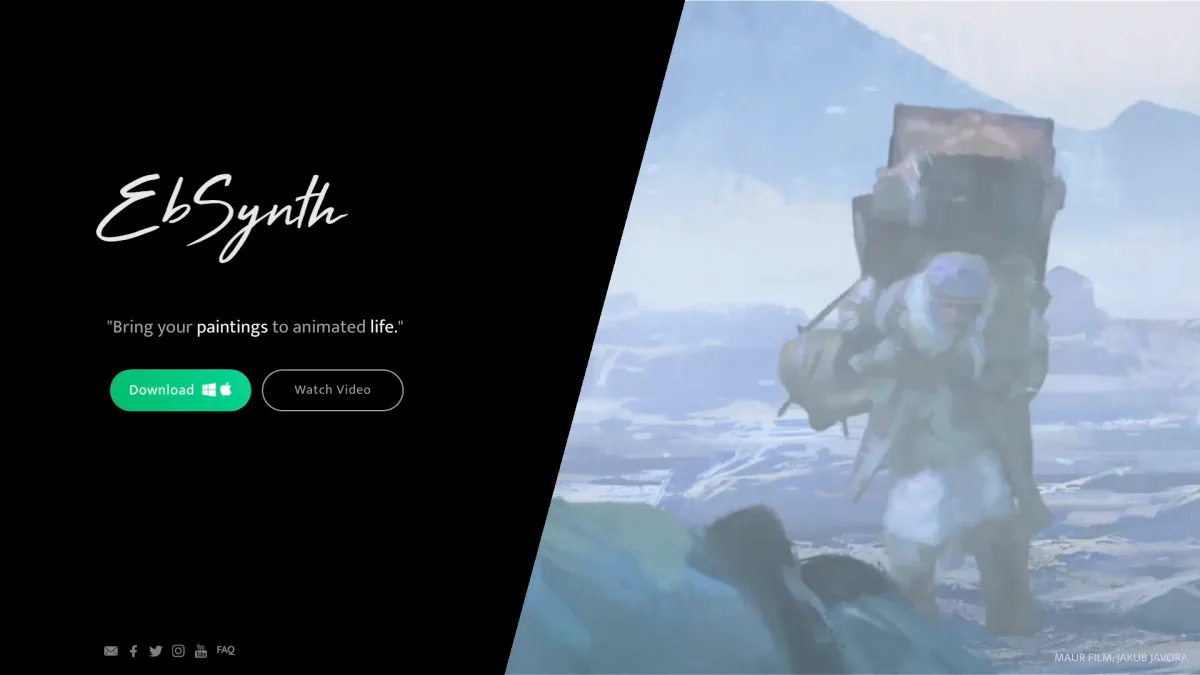
What is Ebsynth?
EbSynth is a powerful VFX software designed for creative video transformations, enabling users to achieve stunning visual effects by editing a single frame. Its main purpose is to simplify video editing tasks such as retouching and rotoscopy, helping artists and creators enhance their videos without the tedious manual tracking typically required in traditional video editing workflows. With EbSynth, users can rapidly bring their creative ideas to life, leveraging features like hand-drawn animation and effortless video touch-ups. The software allows for quick iterations, keeping users immersed in their creative flow while offering capabilities for high-quality video exports. It is particularly beneficial for artists, filmmakers, and content creators looking to elevate their storytelling through visually compelling transformations.
Key Features
- Transform videos with single frame edits
- Effortless hand-drawn animation creation
- Quick video touch-ups and digital makeup
- High-resolution video export options
- No manual tracking required
- Instantly bring ideas to life
- Runs entirely offline for data privacy
Who is it for?
- Filmmakers and video editors
- Visual effects artists
- Content creators and animators
- Digital artists and illustrators
Use Cases
1. Creating Hand-Drawn Animations
Artists can use EbSynth to create hand-drawn animations by painting over keyframes. The software synthesizes the animations across frames, transforming live-action footage into unique animated pieces effortlessly.
2. Video Retouching and Colorizing
EbSynth simplifies the video retouching process. Users can apply digital makeup and color corrections quickly, eliminating the need for manual tracking, thus saving valuable time in post-production.
3. Rapid Prototyping for Visual Effects
VFX artists can leverage EbSynth for rapid prototyping of visual effects. By editing a single frame, they can quickly visualize ideas, iterate on creative concepts, and enhance storytelling through compelling visuals.
4. Efficient Rotoscoping
EbSynth offers a streamlined approach to rotoscoping. By using keyframes, artists can focus on specific elements, making it easier to isolate and animate complex scenes without extensive manual work.
Pricing Plans
Free: All core functions with 720p HD video export in MP4 format, Pro: $20/month - Up to 4K video export, PNG sequence output, 100 generated images, and priority processing, Studio: Custom pricing - Runs entirely offline with complete data privacy and dedicated support.
Frequently Asked Questions
1. Is EbSynth an AI tool?
EbSynth uses a texture-synthesis algorithm to propagate keyframes across the timeline, not AI. However, it offers an optional AI feature to generate keyframes, enhancing the overall creative process.
2. What video formats does EbSynth support?
EbSynth supports MP4 format for video exports in its Free plan. The Pro plan allows for higher-quality exports including PNG sequences, catering to various production needs.
3. Can I use EbSynth for commercial projects?
Yes, EbSynth can be used for commercial projects. The software is designed to assist artists and creators in producing high-quality visual effects suitable for various commercial applications.
4. How does EbSynth ensure data privacy?
EbSynth ensures data privacy by running entirely offline for Studio plan users, and for others, it temporarily uploads projects for rendering before deleting them. They do not share or use your files for any internal purposes.
Ebsynth Reviews & Ratings
Real user feedback and ratings for Ebsynth. See what the community thinks about this AI tool.
No reviews yet
Be the first to share your experience with Ebsynth