
EasyVideo
Transform Your Videos with AI Precision
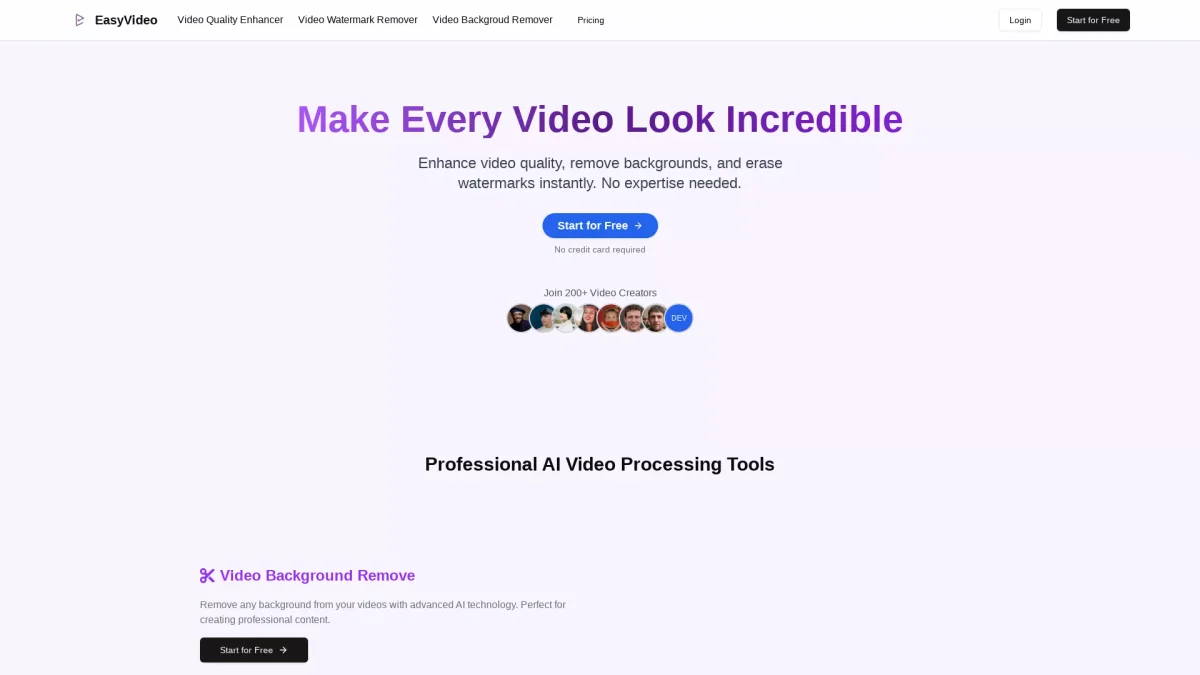
EasyVideo enhances video quality, removes backgrounds, and eliminates watermarks effortlessly, making every video look professional with just a few clicks.
What is EasyVideo?
EasyVideo is an AI-powered video editing tool designed to enhance video quality, remove unwanted backgrounds, and eliminate distracting watermarks. Its primary purpose is to simplify the video editing process, allowing users to produce professional-grade videos without complex software. By harnessing advanced AI technology, EasyVideo addresses common video editing challenges, making high-quality video production accessible to everyone. This tool offers significant benefits, including the ability to transform low-quality footage into HD or 4K content, remove watermarks seamlessly, and create transparent overlays with ease. EasyVideo is perfect for content creators, businesses, and individuals looking to elevate their video content quickly and effectively. With its user-friendly interface and powerful features, users can achieve stunning results without needing technical skills, saving time and enhancing productivity.
Key Features
- AI video quality enhancement
- One-click background removal
- Seamless watermark elimination
- User-friendly online interface
- Professional-grade video output
- HD, 1080P, and 4K transformation
Who is it for?
- Content creators and bloggers
- Digital marketing agencies
- Small business owners
- Social media managers
- Video editors and producers
Use Cases
1. Social Media Video Enhancement
Boost your social media presence by transforming low-quality videos into eye-catching HD content for platforms like Instagram and TikTok. Eliminate watermarks and backgrounds to create professional-looking posts that engage your audience.
2. Professional Video Production
Enhance corporate videos or promotional content with EasyVideo's AI tools. Remove distracting elements and improve video quality to ensure your brand is represented at its best, making a lasting impression on viewers.
3. Restoring Old Footage
Breathe new life into cherished memories by enhancing old videos. EasyVideo provides tools to upscale video quality and remove unwanted backgrounds, allowing you to relive moments in stunning clarity.
Pricing Plans
Pricing information not available on website. Please visit the official website for current pricing.
Frequently Asked Questions
1. What features are available in EasyVideo?
EasyVideo offers a video quality enhancer, watermark remover, and background remover. These features utilize advanced AI technology to provide professional results with minimal effort.
2. How user-friendly is the EasyVideo platform?
EasyVideo is designed with simplicity in mind. Its user-friendly interface allows anyone to enhance videos, remove backgrounds, and eliminate watermarks without any technical skills.
3. Can I use EasyVideo for commercial videos?
Yes, EasyVideo can be used for commercial purposes, making it ideal for businesses looking to enhance their promotional content or social media videos.
4. Is my video content secure with EasyVideo?
Absolutely. EasyVideo prioritizes user privacy and guarantees that all uploaded content remains confidential, ensuring that your data is secure and not shared with third parties.
EasyVideo Reviews & Ratings
Real user feedback and ratings for EasyVideo. See what the community thinks about this AI tool.
No reviews yet
Be the first to share your experience with EasyVideo