
Deckassistant
Your AI Assistant for Stream Deck
Streamline your workflow with DeckAssistant, the AI tool that enhances your Stream Deck experience by integrating powerful AI capabilities at your fingertips.
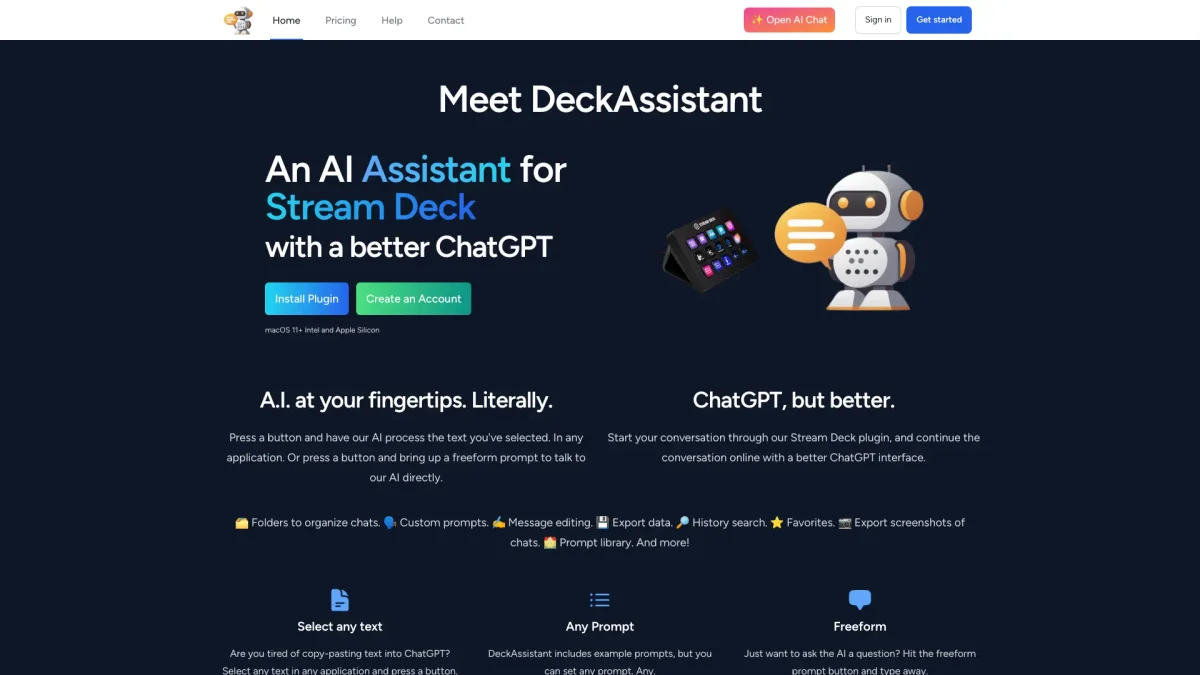
What is Deckassistant?
DeckAssistant is an innovative AI assistant designed specifically for Stream Deck users, providing seamless integration with ChatGPT functionalities. The tool allows users to quickly process text from any application with just a button press, solving the problem of cumbersome copy-pasting into AI interfaces. It enhances productivity by making AI assistance more accessible and efficient, catering to various user needs in a single platform. With features like custom prompts, chat organization, and message editing, DeckAssistant empowers users to engage with AI more effectively. It offers a better ChatGPT interface that includes tools for exporting data, creating stunning images, and accessing a library of prompts. This versatility makes it an essential tool for anyone looking to maximize their workflow and creativity with AI assistance, whether for personal projects or professional tasks.
Key Features
- Text processing from any application
- Customizable prompts and folders
- Message editing and history search
- Export data and screenshots
- Integrated prompt library
- Direct interactions through Stream Deck
Who is it for?
- Stream Deck users
- Content creators
- Digital marketers
- Professionals seeking efficiency
- Graphic designers
Use Cases
1. Text Editing and Correction
Quickly select text from any application and use DeckAssistant to correct spelling and grammar. This feature enhances communication clarity and professionalism in documents and emails.
2. Creative Image Generation
Leverage DeckAssistant’s AI capabilities to generate stunning images for presentations or social media. The tool allows for easy integration of visual content into your workflow.
3. Organizing AI Conversations
Utilize folders to organize various chat conversations. This feature helps users keep track of different projects or topics, making it easy to revisit past discussions and insights.
4. Efficient Prompt Management
Set up custom prompts for specific tasks, allowing you to streamline your interactions with AI. This feature is ideal for repetitive tasks, enhancing productivity and saving time.
5. Data Export and Sharing
Easily export chat histories or screenshots for sharing with team members or for future reference. This feature aids collaboration and ensures important insights are not lost.
Pricing Plans
Pricing information not available on website. Please visit the official website for current pricing.
Frequently Asked Questions
1. What platforms does DeckAssistant support?
DeckAssistant is compatible with macOS 11 and above, supporting both Intel and Apple Silicon architectures, ensuring a wide range of users can benefit from its features.
2. Can I customize prompts in DeckAssistant?
Yes, DeckAssistant allows users to create and customize prompts for various tasks. You can also select from a library of example prompts to enhance your experience.
3. Is there a discount available for DeckAssistant?
Currently, DeckAssistant is offering a 50% discount with the code BLACKFRIDAY23 during checkout. This promotional offer makes it an ideal time to explore its features.
4. How does DeckAssistant improve my workflow?
DeckAssistant streamlines your workflow by enabling quick text processing, customizable prompts, and organized chat management, allowing you to focus more on creativity and less on repetitive tasks.
Deckassistant Reviews & Ratings
Real user feedback and ratings for Deckassistant. See what the community thinks about this AI tool.
No reviews yet
Be the first to share your experience with Deckassistant